-32-
No.DOC1048575-1
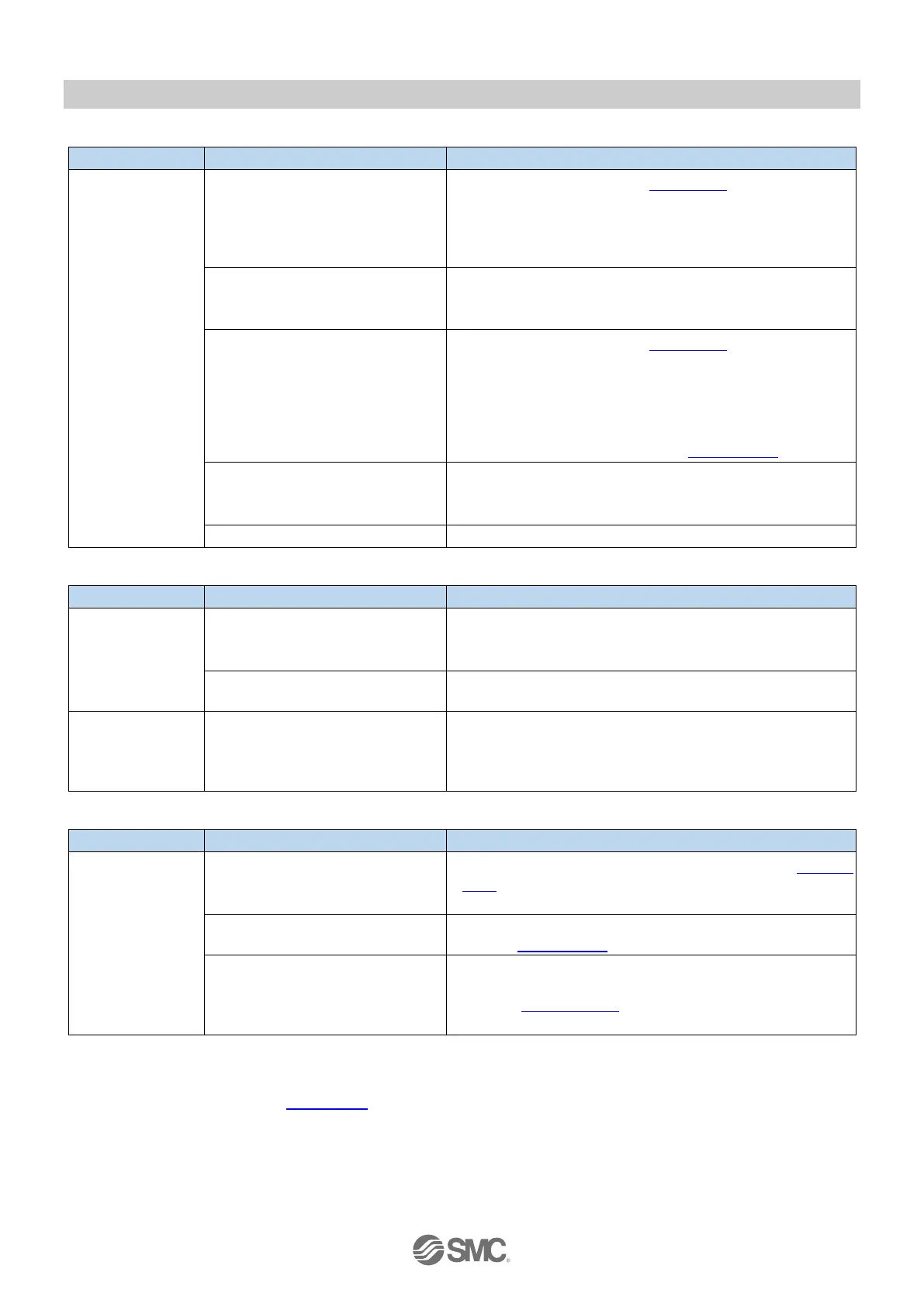
Table 10-5. Troubleshooting "SF LED is red ON"
Checking methods and measures
Valve has a short circuit.
Refer to Diagnosis history (Section 7.2) to identify which
CH(s) have a short circuit.
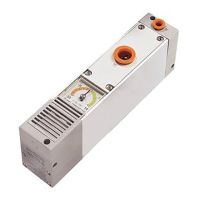
Refer to the manual for vacuum manifold to check the
relevant ejector(s) connections and replace the
ejector(s) if necessary.
Pressure sensor has a short
circuit.
Refer to the manual for vacuum manifold to check all
ejectors connections and replace the ejector(s) if
necessary.
Pressure sensor has a
failure/disconnection.
Refer to Diagnosis history (Section 7.2) to identify which
CH(s) have a failure/disconnection.
Refer to the manual for vacuum manifold to check the
relevant ejector(s) connections and replace the
ejector(s) if necessary.
If the vacuum manifold includes a blanking plate, check
the pressure sensor use setting (Section 5.1.7).
No connection or a disconnection
between the SI Unit and the
vacuum manifold.
Check the connections between the SI Unit and the
vacuum manifold and restart the SI Unit power supply.
A firmware error is occurring.
Download the latest firmware and update the firmware.
Table 10-6. Troubleshooting "Valve is not working"
Checking methods and measures
Valve is not
working even
though the LED
on the valve is
ON.
Incorrect connection at the valve
or the wiring of the valve is
broken.
Refer to the manual for vacuum manifold and
check/replace the valve.
There is a problem other than
electrical matter.
Refer to the manual for vacuum manifold and carry out
maintenance.
The LED on valve
is OFF even
though the output
instruction is ON.
Incorrect programming of process
data setting.
Check the program and output address settings for the
problem area.
Table 10-7. Troubleshooting "SF LED is green flashing"
Checking methods and measures
SF LED is green
flashing.(0.5Hz)
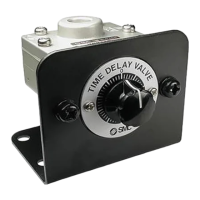
The setting of the supply valve
type has a mismatch.
Check and correct the supply valve type setting (Section
5.1.8) for the relevant CH, then carry out a vacuum
instruction.
The setting of the pressure
threshold/hysteresis has a failure.
Check and correct the pressure threshold/hysteresis
setting (Section 5.1.1 onwards) for the relevant CH.
Valve protection function is
operating.
(Significant vacuum pressure drop
during vacuum pressure holding.)
Check and if necessary replace the vacuum pad or air
tubing etc. on the relevant CH(s).
Refer to Section 5.1.11 and consider changing the
number of times.
NOTE
The Diagnostic history (Section 7.2) allows to identify the CH that has the issues.


 To Next Page