EasyManua.ls Logo

SMC Networks EtherCAT EX260-VEC1 - Troubleshooting; Troubleshooting Chart

SMC Networks EtherCAT EX260-VEC1
33 pages
Print Icon
To Next Page IconTo Next Page
To Previous Page IconTo Previous Page
Loading...
-30-
No.DOC1048575-1
10. Troubleshooting
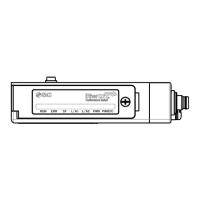
The state of the SI Unit is indicated by the LED indication.
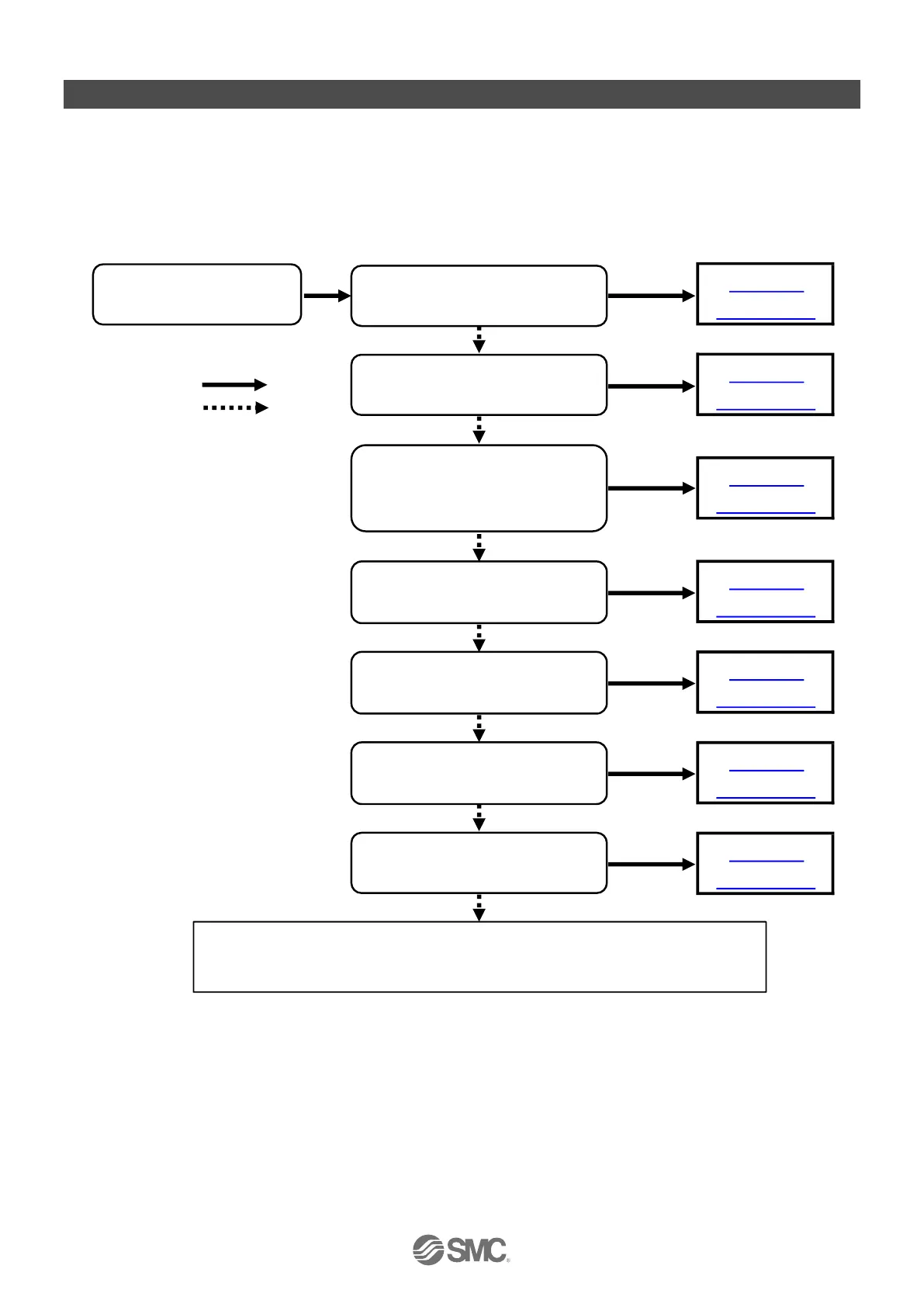
If a problem occurs on the SI Unit, you can use the following chart to troubleshoot.
Also refer to the online diagnostics via the EtherCAT
®
controller software to help identify the problem.
10.1. Troubleshooting chart
Fig 10-1. Troubleshooting chart

Refer to
Table 10-6
Refer to
Table 10-7
Refer to
Table 10-3
Refer to
Table 10-1
   Yes
Refer to
Table 10-2
   No
Refer to
Table 10-4
Refer to
Table 10-5
The system does not
work correctly
PWR LED is OFF
or flashing
PWR(V) LED is OFF
L/A1 LEDs are OFF
ERR LED is double
flashing
RUN LED is not green ON
ERR LED is blinking
SF LED is red ON
The valve is not working
SF
LED
is green flashing
If the problem persists after restarting the SI Unit power supply,
or if the problem cannot be identified by referring to the diagnostics,
please contact your SMC sales representative.

Related product manuals