EasyManua.ls Logo

Smeg SW262 - 6.1.4 Cloc menu

Smeg SW262
37 pages
Print Icon
To Next Page IconTo Next Page
To Previous Page IconTo Previous Page
Loading...
27
SET 3
Value
°f
°d
0
0
5
3
10
6
15
8
20
11
25
14
30
17
35
20
40
(default)
22.5
45
25
45
28
50
31
55
34
60
37
6.1.4 Cloc menu
The display reads Cloc.
The “Cloc” menu (an abbreviation ofCLOCK”) is used to set the current date and time.
The parameter can be set with a user password as well.
Proceed as follows:
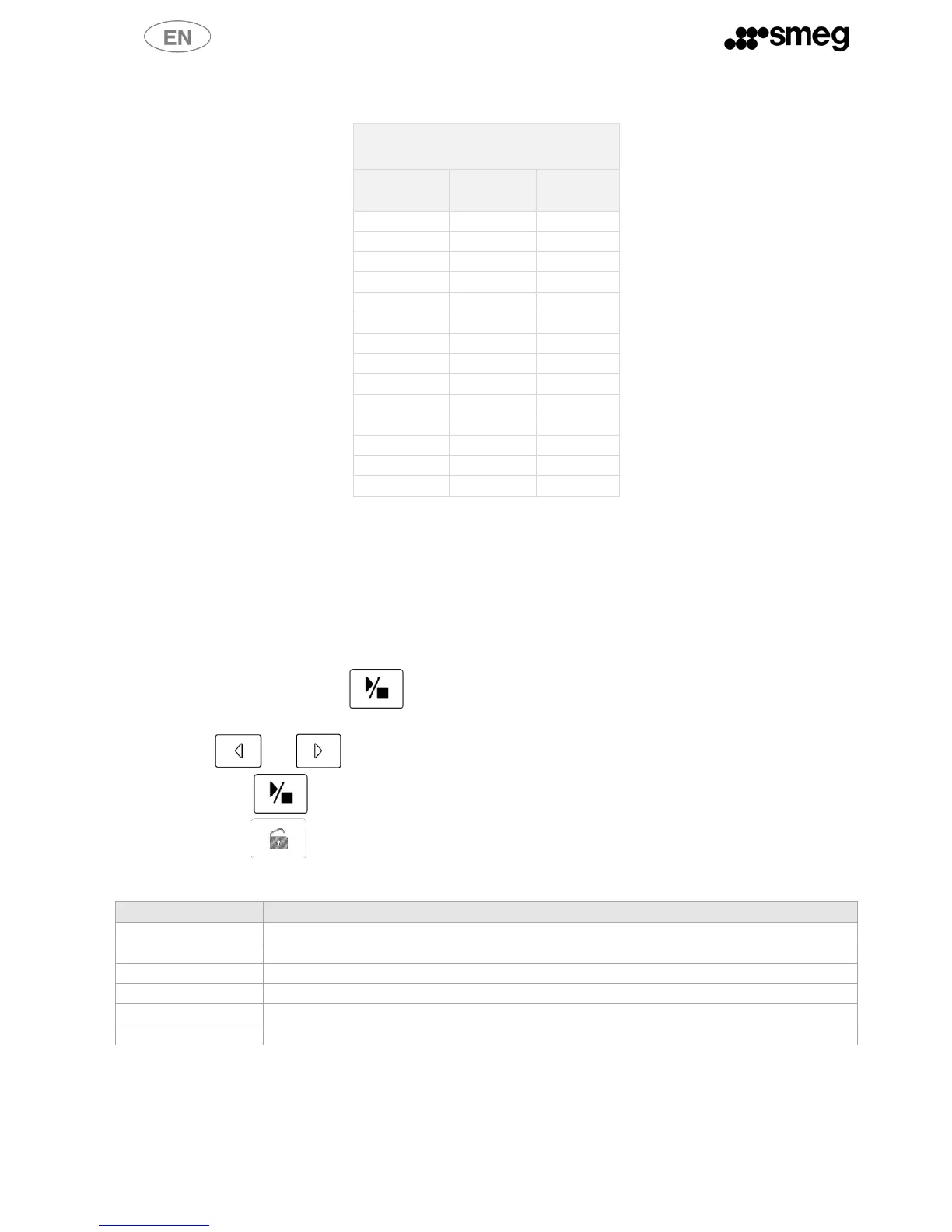
a. To select Cloc, hold down when the display reads “Cloc”.
b. Press A and B to move from one setting to the next.
c. Press and to modify the settings.
d. Hold down to confirm.
e. Hold down to quit the current parameter or the Cloc menu itself.
The parameter flashes while it is being set.

CLOC PARAMETER
DESCRIPTION
C1
Year, last two digits (00-99), e.g. for “2012” enter “12”
C2
Month (1-12)
C3
Day (1-31)
C4
Hour (1-24)
C5
Minutes (0-59)
C6
Seconds (0-59)
6.1.5 Coun menu
The display reads Coun.
This menu displays the total number of cycles run with the dishwasher.

Table of Contents

Other manuals for Smeg SW262

Related product manuals