Mx37y_Technical_Description_ENG_v2.00.doc
20
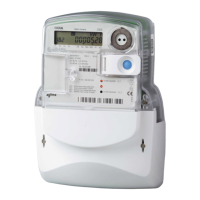
─ Single- and three-phase electronic meters with built-in DLC
modem, GSM/GPRS modem or RS485 comm. interface
- Displayed data list
- Switching to the meter test operation mode
DURATION OF PRESSING ON
THE PUSH-BUTTON TP [S]
COMMAND
0.2 < Tp < 2 SCROLL
2 < Tp < 5 ENTER
5 < Tp ESC
Normal type
Normal type means normal common data display of
internal objects counted in object 0-0:21.0.1. After
power up, display is in normal type mode and shows
values counted in object 0-0:21.0.1, every 12s
consecutive.
Reduce type
Reduce type means data display of internal objects
counted in object 0-0:21.0.2. We can enter this mode
by appropriate pressing the SCROLL push-button.
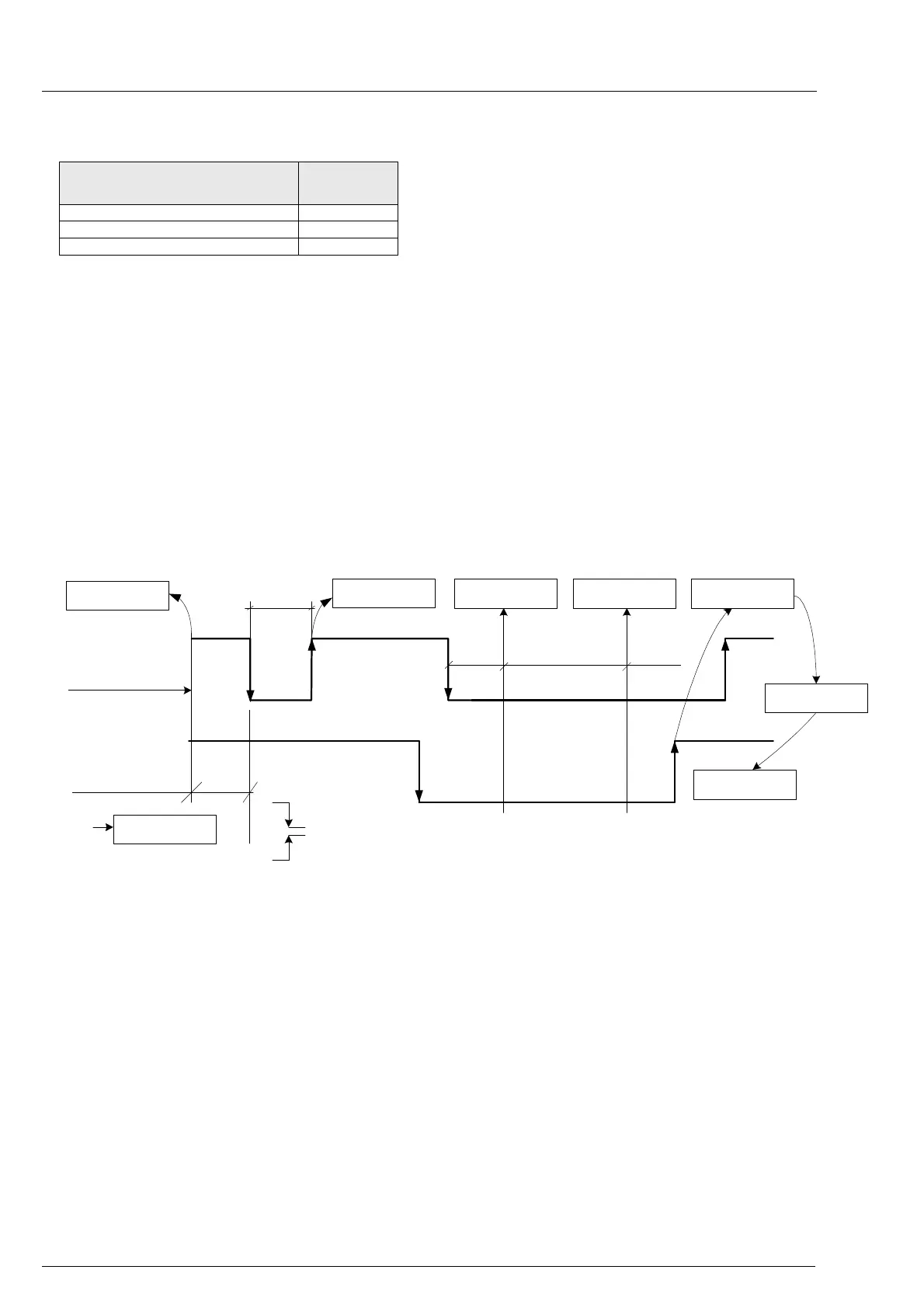
Meter reset
The Reset (orange) and Scroll (blue) push-buttons
are used for resetting the meter by pressing
appropriate push-buttons, following predefined time
sequencies with Param lock switch off. The push-
buttons pressing are tracked by messages on a
display ( Fig. 25: Normal reset type)
Menu navigation
After power up, a meter is in autoscroll mode.
Predefined menu is available by appropriate push-
button pressing ( Fig. 26 and 27)
BLUE Key
O
RANGE Key
test
Display
Display
Display test
Meter power up
tb
tb < 5s
tb > 5s
Auto scroll
Display
Display test
tbd > 3s
wait wait
Enter ESC Reset
Display test
Auto scroll
Display Display Display
Display
Display
Press BLUE or ORANGE key
Release BLUE or ORANGE key
Fig. 25: Normal reset type



 To Next Page