snom 3x0 VoIP Phones User Manual English
12 • Getting Started
© snom technology AG 2007
English
Phone Initialization
After your phone has been powered up, the system boots up and performs the
following steps:
(1) Hardware Self-Test
A phone
hardware self-test
is run, all LEDs light up.
(2) TFTP Update Screen
The
TFTP Update Screen
allows you to update the firmware along with setting the
phone back to factory values.
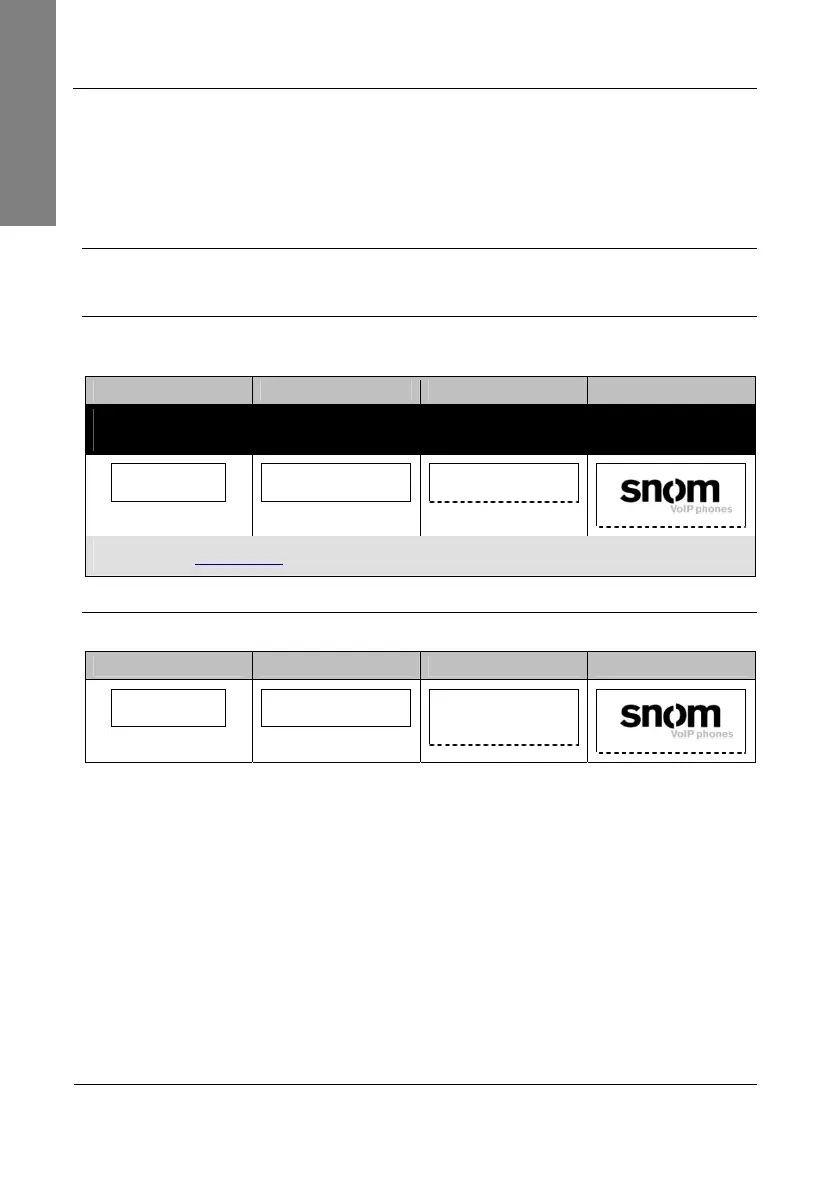
snom 300 snom 320 snom 360 snom 370
Warning: Use this option only when the phone is malfunctioning on reboot. All
settings will be lost and the phone is set back to factory values!
For TFTP update:
Press any key: 3
For TFTP update:
Press any key: 3
For TFTP update:
Press any key: 3
For TFTP update. Press any key:
© 2000-2007 snom technology …
Read the instructions
5
provided in our online knowledge database
(3A) Automatic Phone Initialization
The phone continues the initialization process by loading the last saved configuration.
snom 300 snom 320 snom 360 snom 370
System booting.
Please wait…
System is booting up.
Please wait…
System is booting up.
Please wait…
System is booting up. Please wait
© 2000-2007 snom technology …



 To Next Page