snom 3x0 VoIP Phones User Manual English
22 • User Interfaces
© snom technology AG 2007
English
User Interfaces
Phone User Interface
Menu Structure
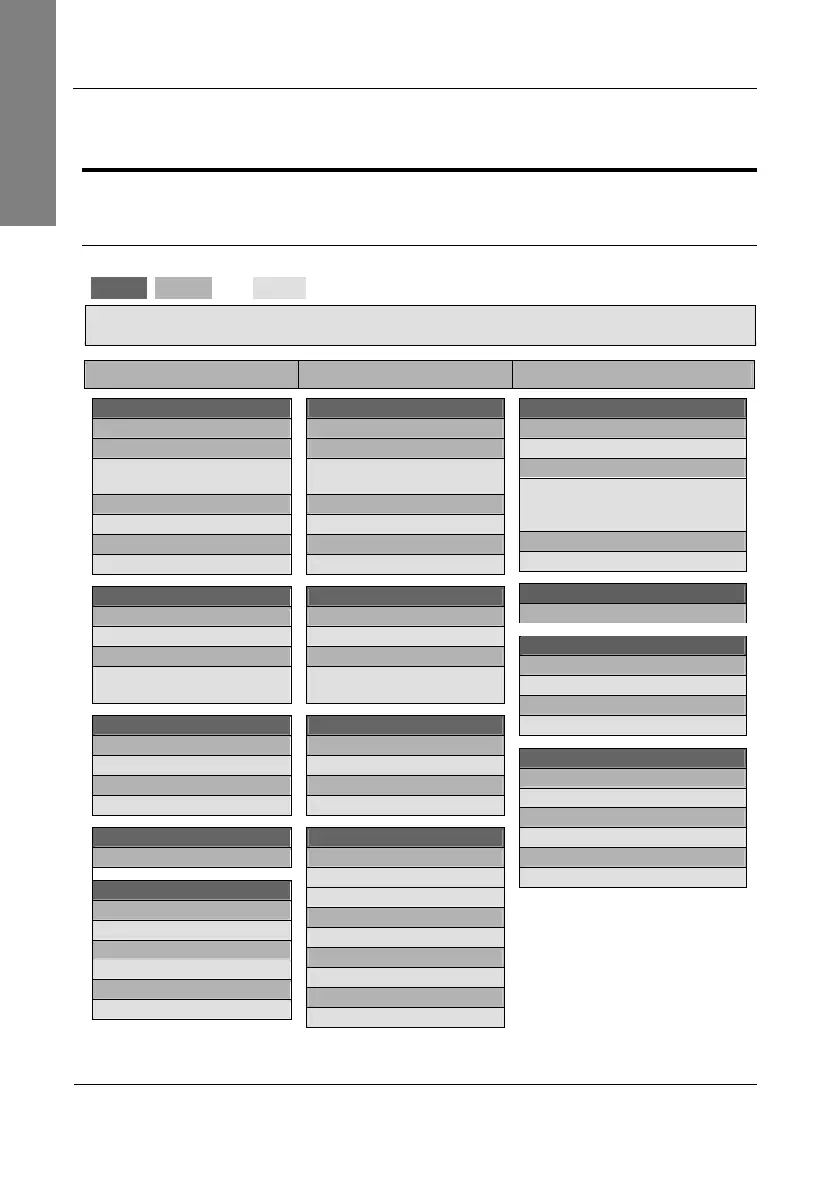
The phone user interface provides access to the following three-level menu structure
(
Level 1
,
Level 2
, and
Level 3
) in order to perform changes to the phone configuration.
L Note: This menu structure
only
refers to
firmware release 7
!
snom 300 snom 320 snom 360 - snom 370
Call Forwarding
Off
Time
Timeout Target / Call Fwd
Time
Always
Enter Always Target
Busy
Enter Busy Target
Phone Behavior
CWI
On / Off
FKeys
Select Function Key / Key
Type / Number
General Settings
Contrast
Select Contrast
Lang
Change Language
Headset Device
Off / On
Volume Settings
Hand
Change Volume
Head
Change Volume
Speaker
Change Volume
Call Forwarding
S1 Off
S2 Time
Timeout Target / Call Fwd
Time
S3 Always
Enter Always Target
S4 Busy
Enter Busy Target
Phone Behavior
S1 CWI
On / Off
S4 FKeys
Select Function Key / Key
Type / Number
General Settings
S1 Contrast
Select Contrast
S4 Lang
Change Language
Configuration
S1 Reg
Presence
Ringer
S2 Reset
Resets the phone
S3 Reboot
Reboots the phone
S4 DHCP
DHCP Setup
1 Display
1 Contrast
Change Contrast
2 Display Method
Only Name / Only Number /
Name + Number / Number +
Name / Show Full Contact
3 Backlight
On / Off / Always
2 Ring Tone
1 Choose Reg / Ring Tone
3 Audio
1 Headset Device
Off / On
2 MWI Notification
Beep / Reminder /Silent
4 Preferences
1 Language
Select Language
2 Time Zone
Select Time Zone
3 Tone Scheme
Select Tone Scheme by country



 To Next Page