snom 3x0 VoIP Phones User Manual English
34 • Phone Configuration
© snom technology AG 2007
English
Headset Use
Physically connect your headset (see page 11) and activate/deactivate it for use.
If you are using a wireless headset and the snom wireless headset adapter
17
, the
wireless mode is automatically activated.
Activation
Action: Activate the headset mode before making or answering a call
snom 300 snom 320 snom 360 snom 370
Setup Preferences General Information Use Headset Device: <On>
or
Enter the
settings menu (see
page 25) and
navigate through
the menu (see
page 22):
Press
Headset Device
On
Headset
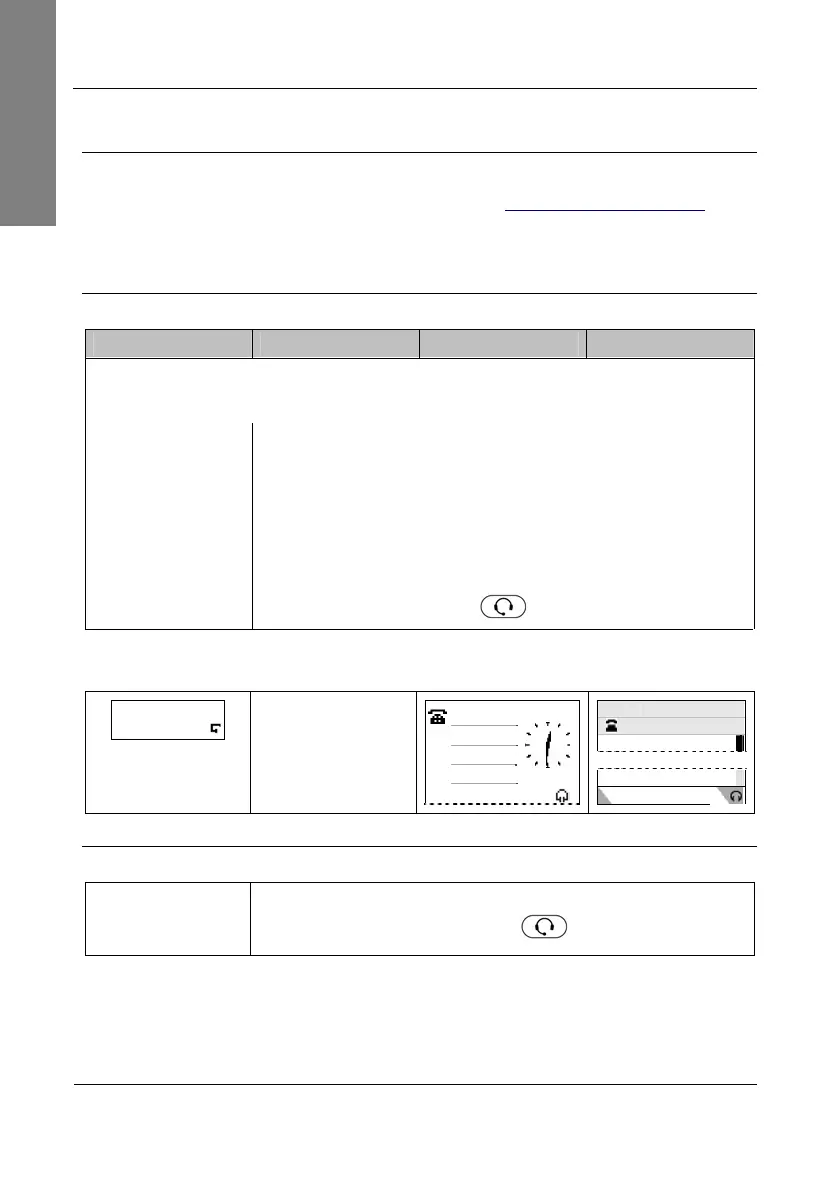
Result: Headset mode has been activated. This is indicated on the display as
follows:
ext1 time
Headset symbol is
displayed during a
call only
ext1
date
date time
ext1
Deactivation
Action: Deactivate headset mode
Headset Device
On
Press
again
Headset
Result: Headset mode has been deactivated.



 To Next Page