snom 3x0 VoIP Phones User Manual English
64 • Basic Call Functions
© snom technology AG 2007
English
Accepting Incoming Calls
Action: Accept an incoming call
snom 300 snom 320 snom 360 snom 370
Pick up the handset ( enable
handset mode
)
or
press
( enable
handsfree mode
)
or
press
( enable
handsfree
or
headset mode
, if used)
Result: The incoming call has been accepted.
Call Waiting
This call feature allows your phone to accept other incoming calls to an extension (SIP
identity)
extB
already in an active call.
L Note: The default setting has to be configured in advance:
Setup Advanced Audio
Call Waiting Indication
:
<ON>: A recurring knocking sound will be heard in the background of the ongoing call
to signal further incoming calls.
<VISUAL> Further incoming calls are indicated only on the display.
One free function “Line” key per call is required (see page 41).
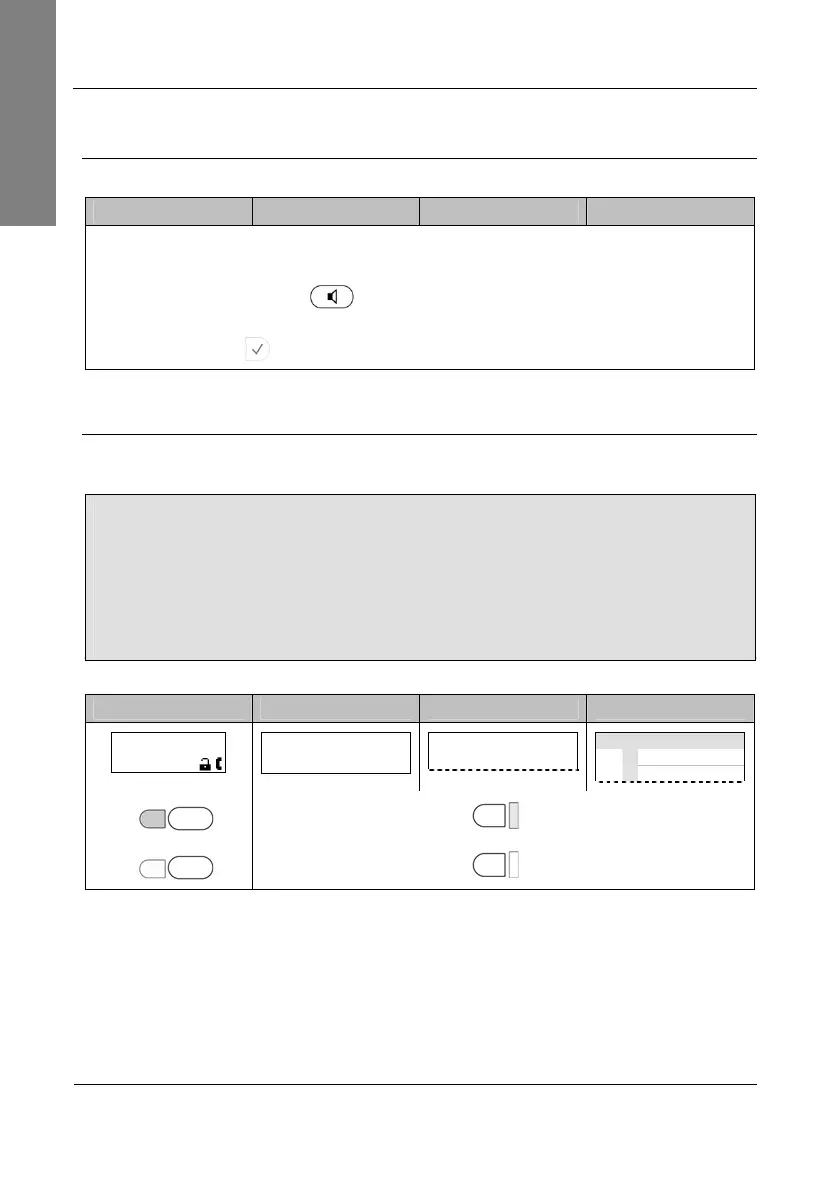
Example: There is one active call from
extA
indicated by the permanently lit LED1.
snom 300 snom 320 snom 360 snom 370
extA 1:10
extA
1:10
…………
—— Connected ——
extA
Connected time
extA
extB
LED1 P1
P1
LED1
LED2 P2
P2
LED2



 To Next Page