snom 3x0 VoIP Phones User Manual English
© snom technology AG 2007
Basic Call Functions
• 65
English
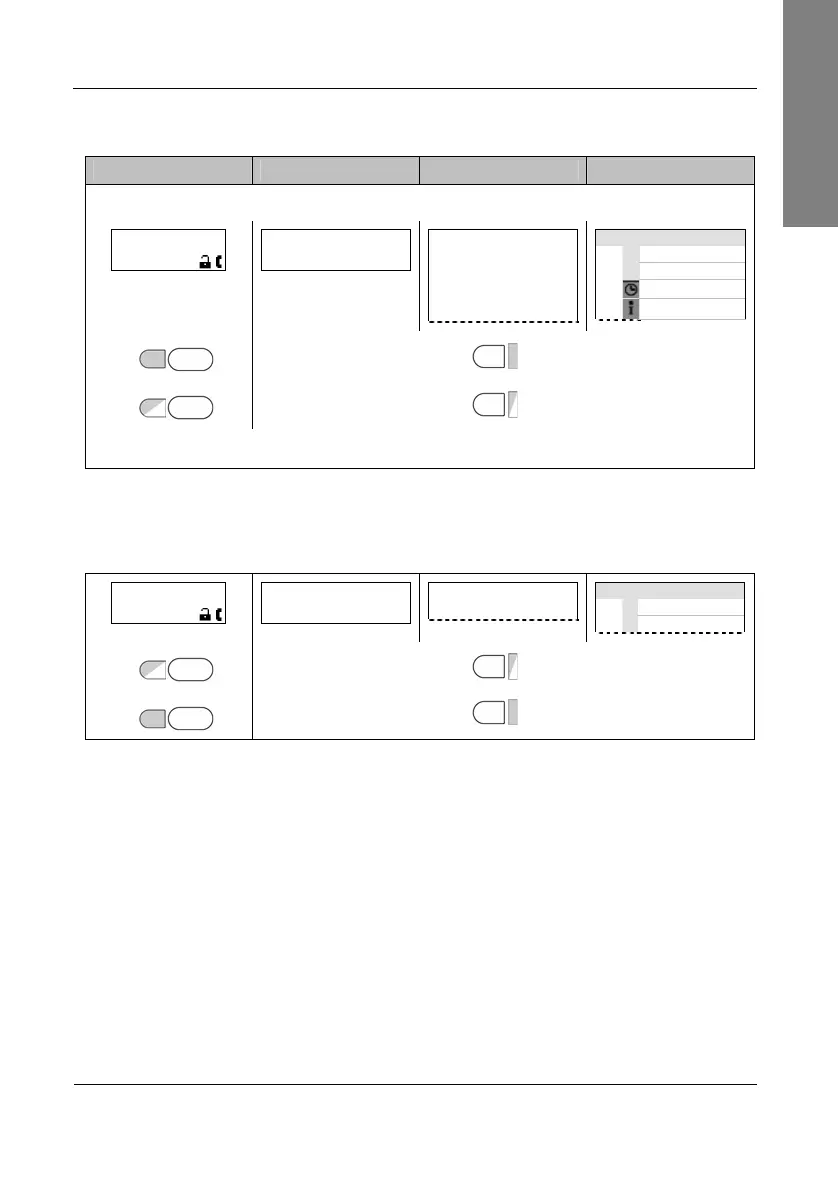
Action: Receive another incoming call at
extC
while in an active call at
extA
.
snom 300 snom 320 snom 360 snom 370
Another incoming call is signalized on the display and by the blinking LED2.
extA 1:10
extC
extA
1:10
extC
………
—— Connected ——
extA
extC
Connected time
extA
extB
1:10
extC
LED1 P1
P1
LED1
LED2 P2
P2
LED2
Answer the call by pressing the free function “Line” key next to the blinking LED2.
Result: The first active call on the free function “Line” key P1 is placed on hold and
the 2
nd
incoming call on the free function “Line” key P2 is accepted. This is indicated
by a slowly blinking LED1 and a permanent lit LED2. Additionally a tone sequence
can be played to remind you of the waiting call.
extC 1:10
…
extC
1:10
………
…
—— Connected ——
extC
Connected time
extC
extB
LED1 P1
P1
LED1
LED2 P2
P2
LED2



 To Next Page