snom 3x0 VoIP Phones User Manual English
70 • Basic Call Functions
© snom technology AG 2007
English
Timeout
Action: Activate call forwarding event “on timeout” (to
extC
)
snom 300 snom 320 snom 360 snom 370
Setup Preferences Call Forwarding Timeout Target: <extC>
Setup Preferences Call Forwarding Timeout Timeout (sec): <time in sec>
Setup Preferences Call Forwarding Event: <After Timeout>
Save by clicking on Save
or
Call Forwarding Time
Press
Enter “Timeout target” <extC>
Press
Enter <time in sec>
Press
7 Call Forwarding 5 Timeout Target
Enter <extC> and press
2 Call Forwarding Time
Enter <time in sec>and press
1 Call Forwarding Event
Choose “On Timeout” and press
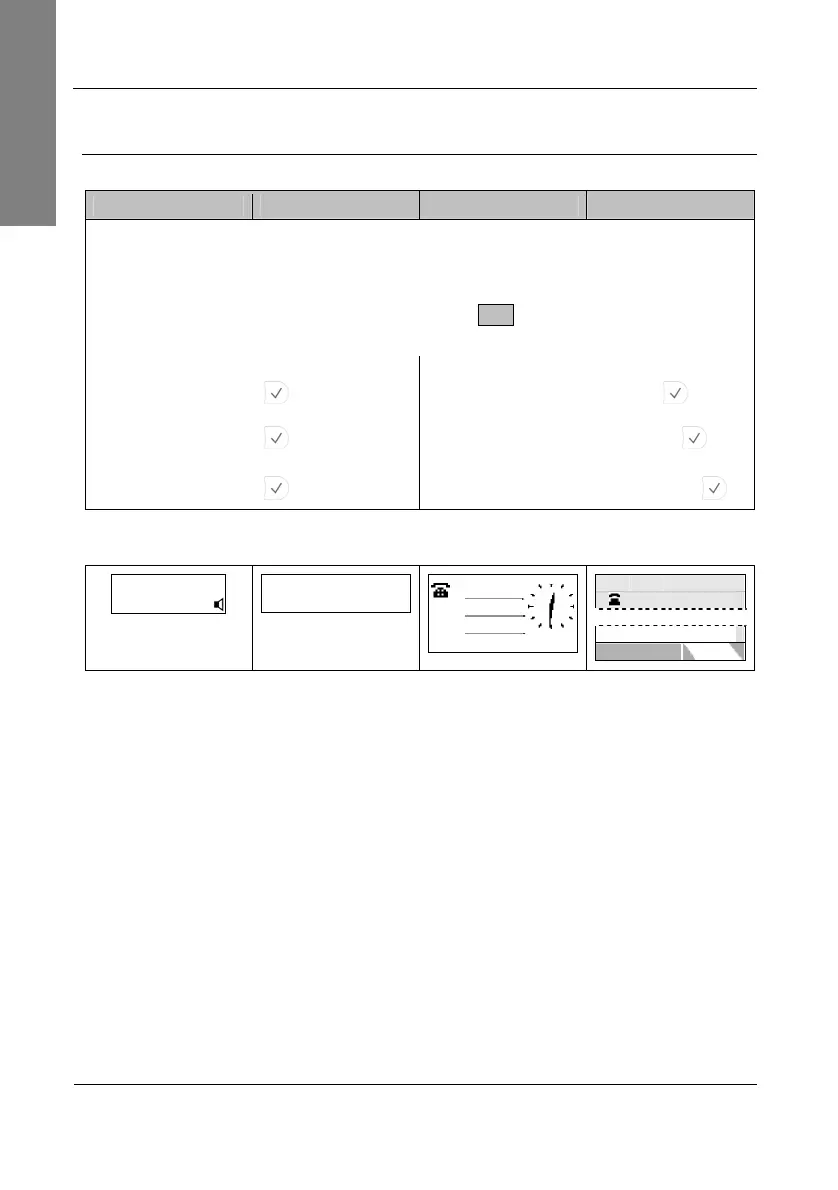
Result: Call forwarding is activated. Incoming calls are forwarded to
extC
when the
time (in seconds) entered has passed without the call having been answered.
ext1 time
CFwd: extC
date
CFwd: extC
time
… … … …
ext1
CFwd: extC
date
date time
ext1
CFwd: extC



 To Next Page