Tap to show the phone's IP address and the web address of snom's help
pages. For more information on how to open the phone's web interface, see
"The Phone’s Web Interface" on page 26.
Settings menu
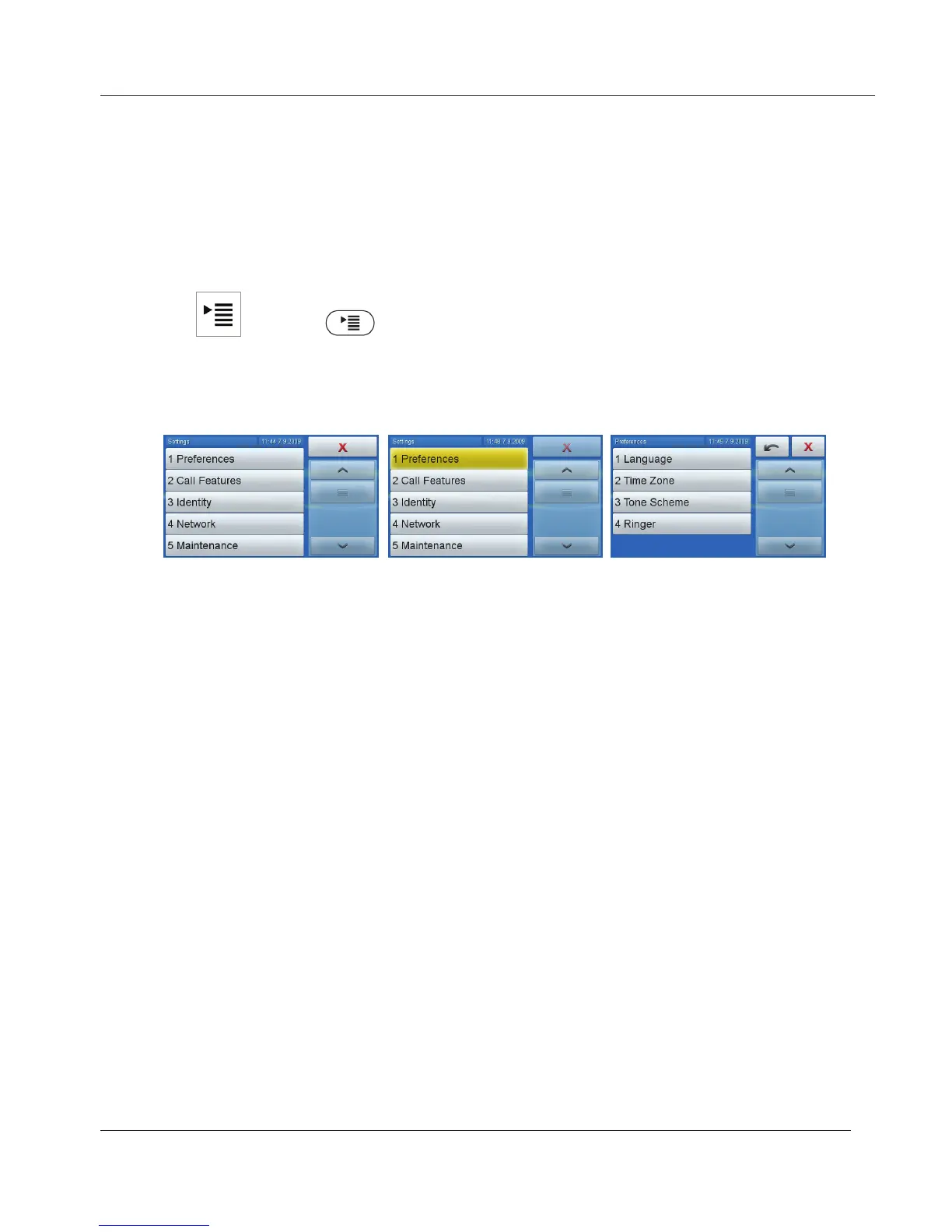
Tap or press to open the settings menu. To open a lower-level
menu or setting, tap its button (selected button turns yellow) or press the
item‘s number on the alphanumeric keypad.
1 2
3
www.InternetVoipPhone.co.uk | sales@internetvoipphone.co.uk | 0800 088 48 46



 To Next Page