EasyManua.ls Logo

Snom 870 - Page 26

Snom 870
79 pages
Print Icon
To Next Page IconTo Next Page
To Previous Page IconTo Previous Page
Loading...
© 2009 snom technology AG
man_snom870_v101_en
26
snom 870 User Manual
Getting to Know Your Phone
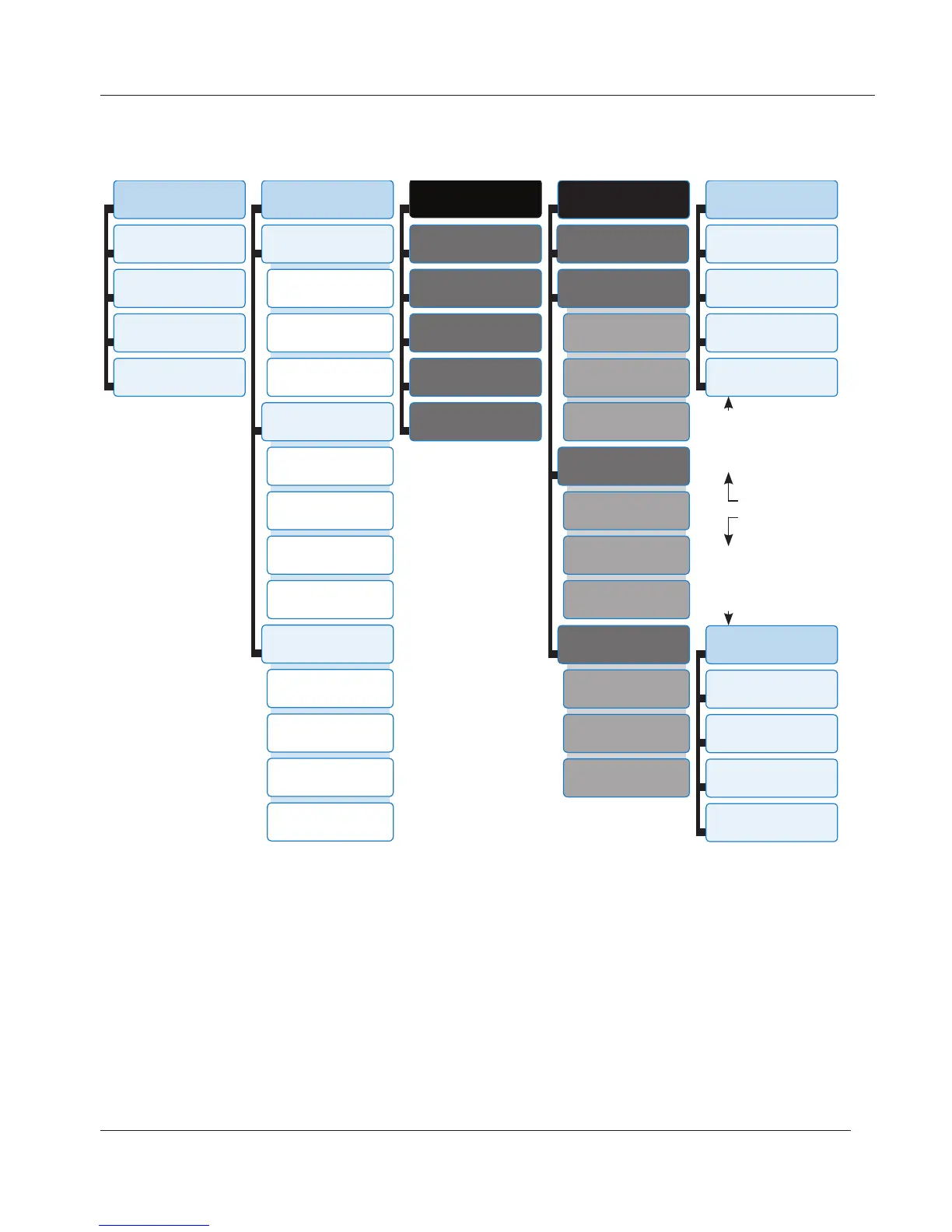
settings menu tree
1
Preferences
1
Language
2
Timezone
3
Tone Scheme
4
Ringer
2
Call Features
1
Call Forward
1
Forward all
2
Forward on busy
3
Fwd after timeout
2
Outgoing Calls
1
Auto Dial
2
Number Guessing
3
Call Completion
4
Hide own ID
3
Incoming Calls
1
Call Waiting
2
Reject anonymous
3
Auto Answer Indic.
4
Auto Answer Type
3 *
Identity
1
Outgoing Identity
2
Reregister
3
Edit
4
Logoff
5
Logoff all
4 *
Network
1
IP Setting
2
Webserver
1
Webserver Type
2
HTTP Admin Server
3
HTTP Password
3
Reset VLAN
3
VLAN
1
VLAN ID (0-4095)
2
VLAN Priority (0-7)
3
Switch off WLAN
4
WLAN
1
802.11b/g/n
2
802.11b/g
5 *
Maintenance
1
System Info
2
User Mode
3
Reboot
4
Reset Values
3 *
Maintenance
1
System Info
2
Administrator Mode
3
Reboot
4
Reset Values
In administrator mode.
Touching button 2 will
switch phone to user
mode!
In user mode.
Administrator password
required to switch to
admin mode!
Maintenance
menu
* The identity and network menus cannot be accessed when the phone is running in
user mode; the maintenance menu will move to no. 3 on the top-level menu. For
more information on user/administrator mode, see "User Mode/Administrator Mode"
on page 29.
www.InternetVoipPhone.co.uk | sales@internetvoipphone.co.uk | 0800 088 48 46

Other manuals for Snom 870

Related product manuals