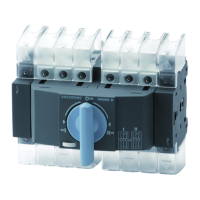
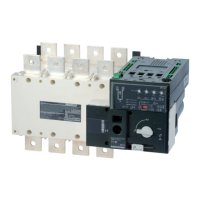
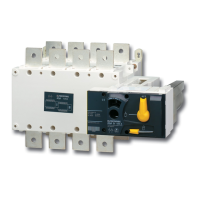
mA N U A l SW I T C H ON pR O C E D U R E S6. 1.
First Switch on from Source 1
Check that all switches are OFF – .
Input the mains for source 1. –
Wait a few seconds until the logic is enabled and the LEDs on the display are –
switched ON.
Priority LED PS1 or PS2 depending on the default setting. •
LED S1 •
LED SW1 •
Input the mains for source 2. –
The following LEDs are illuminated: –
Priority LED PS1 or PS2 depending on the default setting. •
LED S1 •
LED S2 •
LED SW1 or SW2 according to the primary source •
First Switch on from Source 2
Check that all switches are OFF. –
Input the mains for source 2. –
Wait a few seconds until the logic is enabled and the LEDs on the display are –
switched ON.
Priority LED PS1 or PS2 depending on the default setting. •
LED S2 •
LED SW2 •
Input the mains for source 1. –
The following LEDs are illuminated: –
Priority LED PS1 or PS2 depending on the default setting. •
LED S1 •
LED S2 •
LED SW1 or SW2 according to the primary source •


 To Next Page
 Loading...