Paramount MX User Guide
124 | Page
named MKS 5000 Driver.inf, is located in TheSkyX Professional Edition’s installation folder (by
default, the location of this folder is
C:\Program Files\Software Bisque\TheSkyX
Professional Edition
). This driver is distributed as part of TheSkyX Professional Edition
Latest Update version 10.1.11 and later. After navigating to and selecting the appropriate
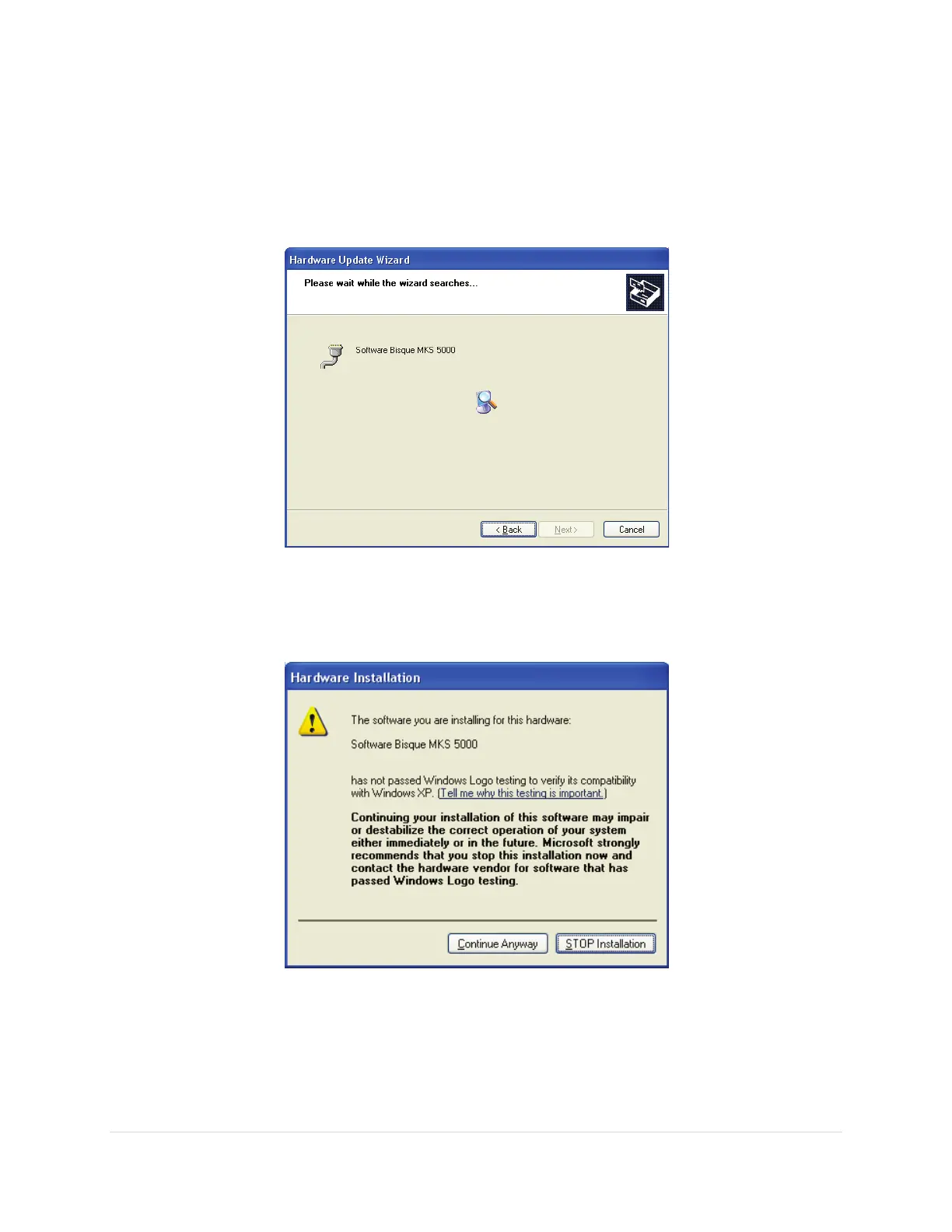
folder, click the Next button. Windows XP begins searching for the driver.
Figure 68: Windows XP searching for the MKS 5000 driver.
7. When the driver has been found, you are prompted to verify installation of the driver. Click the
Continue Anyway button to proceed.
7. The following window appears once the driver installation is complete (driver installation usually
takes about one minute or so). Click the Finish button to proceed.



 To Next Page