Paramount MX User Guide
97 | Page
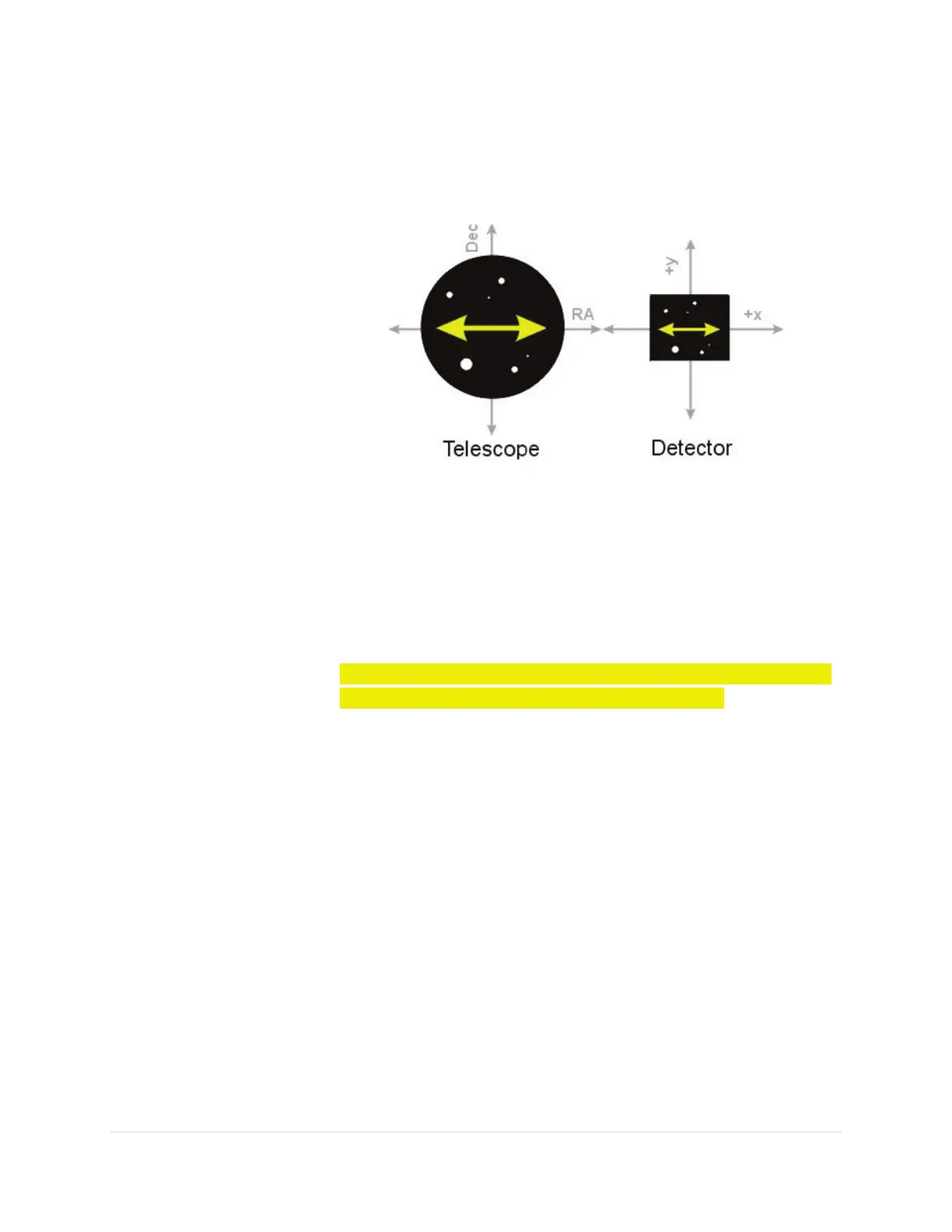
detector (see diagram below). If the detector is not oriented
properly, then the maximum magnitude of the periodic error
is not recorded. Note that precise orientation is not crucial;
the detector should be within 5 degrees of North (or South).
Figure 43: The telescope’s orientation versus CCD detector orientation.
• Make sure to delete the existing Imager.log files (located in
the CCDSoft folder) before collecting tracking data.
Otherwise, new tracking data is appended to the existing log.
Periodic Error Tracking Data Collection Requirements
AUTOGUIDING CORRECTIONS MUST BE DISABLED IN BOTH AXES
BEFORE ACQUIRING A TRACKING LOG WITH CCDSOFT.
• The guide star must be a relative bright star on the west side
of the meridian, near 0 degrees declination and near the
meridian (within a few degrees).
• Track the star for at least 10 minutes (that is, at least four
periods of the worm).
• Make sure to compute and record the image scale for your
imaging system. It is required for the next step.
Step 2 Generate the PEC Curve
After the position of the guide star has been logged for at least 10 minutes (four periods of
the worm), you are ready to generate the PEC curve and save it to the Paramount “PEC table”.
1. From TheSkyX Professional Edition, connect to the Paramount by clicking the Connect
command on the Telescope menu.
2. Open the Bisque TCS window (see page 75).
3. Click the Periodic Error Correction tab.



 To Next Page