October 21
st
, 2021 28
Start Monitoring The Data
IP Address Setup Instructions (PC or Smart Phone)
Please Note that this method only achieves internet connectivity, for registration and
account management please use the app and/or www.mysol-ark.com
Connect to the Dongle Network
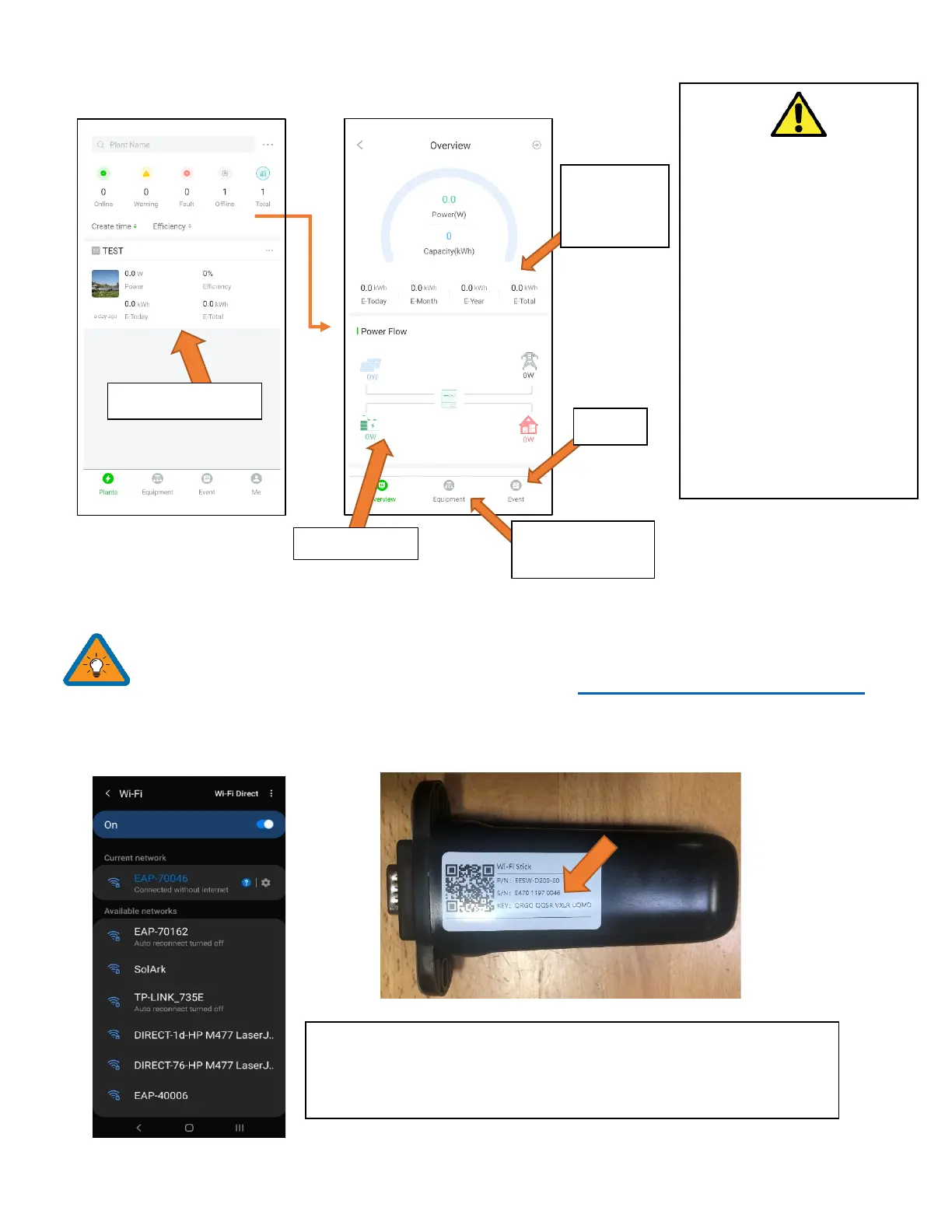
A. Settings → Wi-Fi → Select the Network with EAP- ##### (The last 5 digits of your SN number)
Attention
If you are installing parallel
systems, DO NOT create a
plant for each inverter.
Create one plant for the
Master unit and then use the
browser version of PowerView
(mysol-ark.com).
Click on the “…” for the
MASTER’s plant and hit “Add
Gateway” then put the S/N
and Key of the SLAVE’s
dongle.
Password: 12345678
*Disclaimer*: The Wi-Fi dongle does not have internet; You still need to
be connected to the dongle for this process.
System info and
programming
This screen
is the real
time view



 To Next Page