29
en
6.4.2.4 Statistics
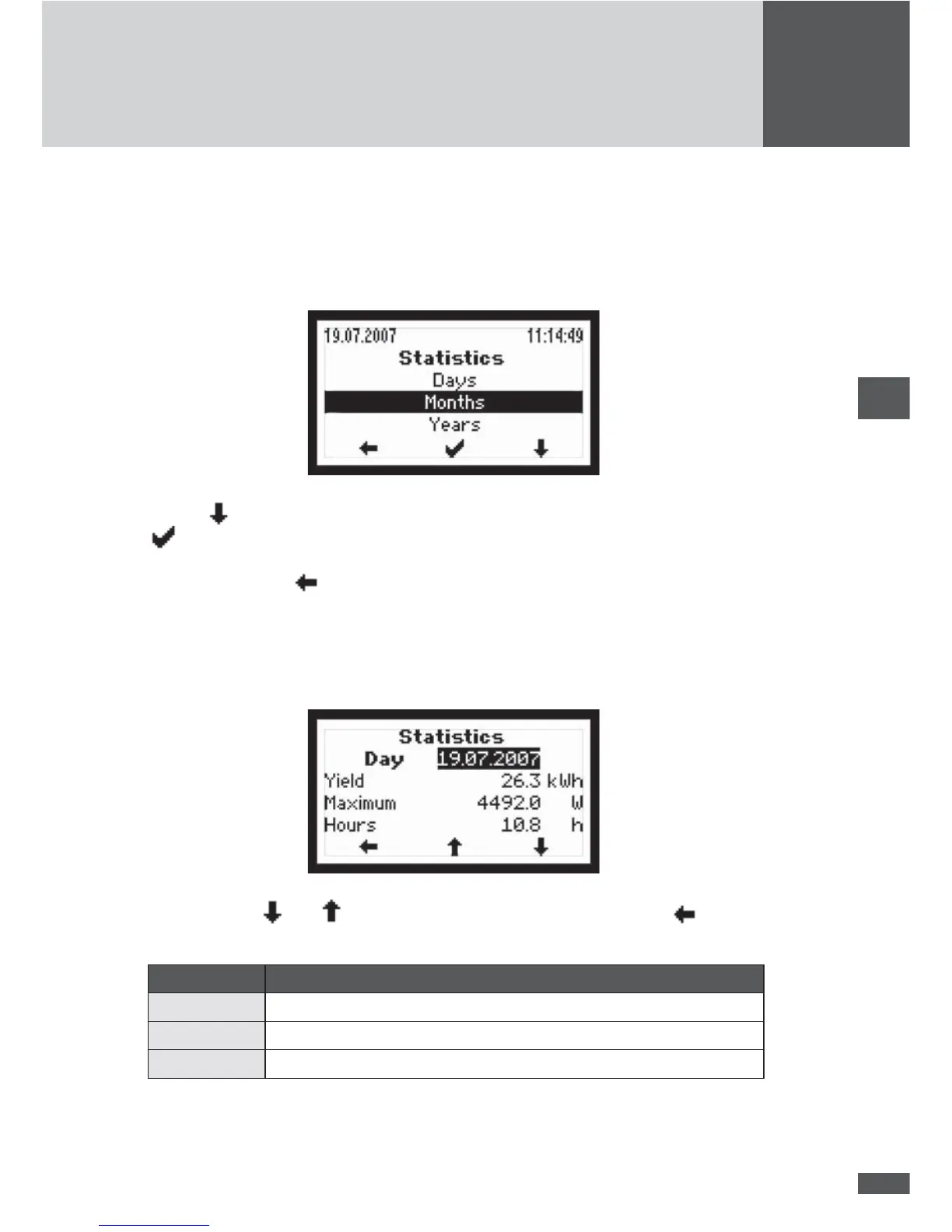
In the Statistics menu you can access the inverter’s internal data logger. The accessible
statistics are for the most recent 31 days, 12 months or 10 years. The “Total” sub-menu
contains the accumulated yield and operating data since initial start-up of the inverter.
Use the button to highlight a statistic category. Select a category by pressing the
button.
Press the left button
to return to the Main menu.
Daily statistics
This menu provides access to the data from the most recent 31 days.
Use the buttons and to select a daily statistic. Press the left button to return
to the Statistics menu.
Parameter Description
Yield Daily yield
Maximum Peak value of the output fed into the mains
Hours Total operating hours during device status “mains operation”



 To Next Page