Solarwise SWF850 QuickStart/Troubleshooting Manual 14 / 73
3. Panel Function
3.1 Keys Operation
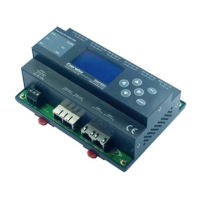
SWF850 has six membrane keys: “↑”, “↓”, “←”, “→”, “Enter”, “Esc”.
“↑”, “↓”, “←”, “→”: Used for selecting menu, the selected menu will be highlighted; they also can
be used to change the value of parameters.
“Enter”: For enter the sub-menu or for confirm the current modification parameter values.
“Esc”: For back to the previous menu or exit the parameters setting status.
3.2 LCD Display
3.2.1 Main Menu
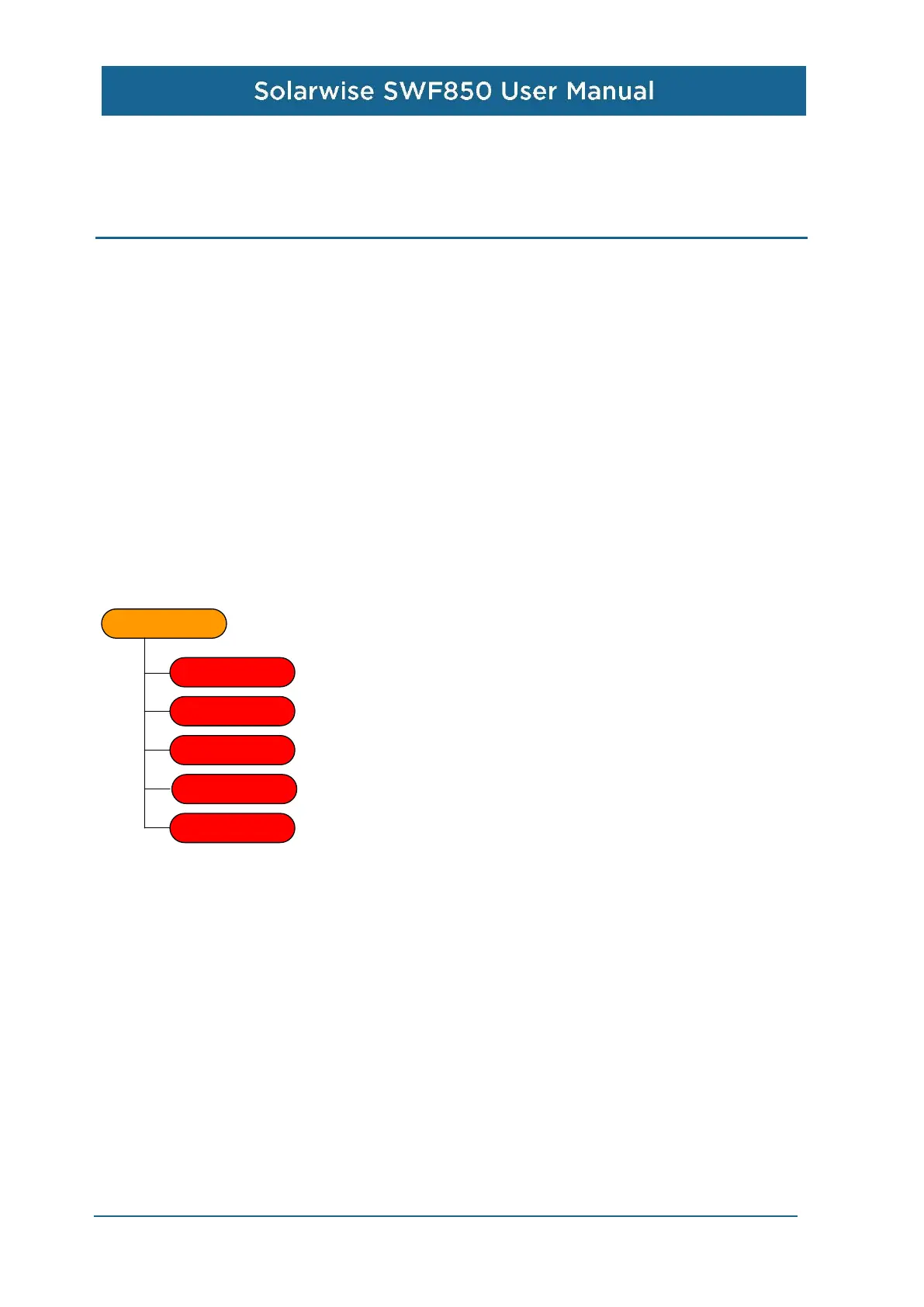
There are five sub menus under the main menu: Measurements, Setting, Maintenance, Device Info,
and Factory Reset.
Main menu
Measurements
Setting
Maintenance
Device Info
Factory Reset


 To Next Page