Solarwise SWF850 QuickStart/Troubleshooting Manual 16 / 73
3.2.3 Setting
When the device is working, user can select the “Setting” menu to set parameters by inputting the
right password, and the initial password is “000000”. There are four sub menus: Ethernet setup,
Cloud setup, AI setup, Kt setup.
3.2.3.1 Ethernet Setup
1. Ethernet1/Ethnet2
DHCP: Set DHCP server Enable/Disable.
IP: Set fixed IP address when DHCP = Disable.
Gateway: Set gateway address when DHCP = Disable.
Subnet mask: Set fixed subnet mask when DHCP = Disable.
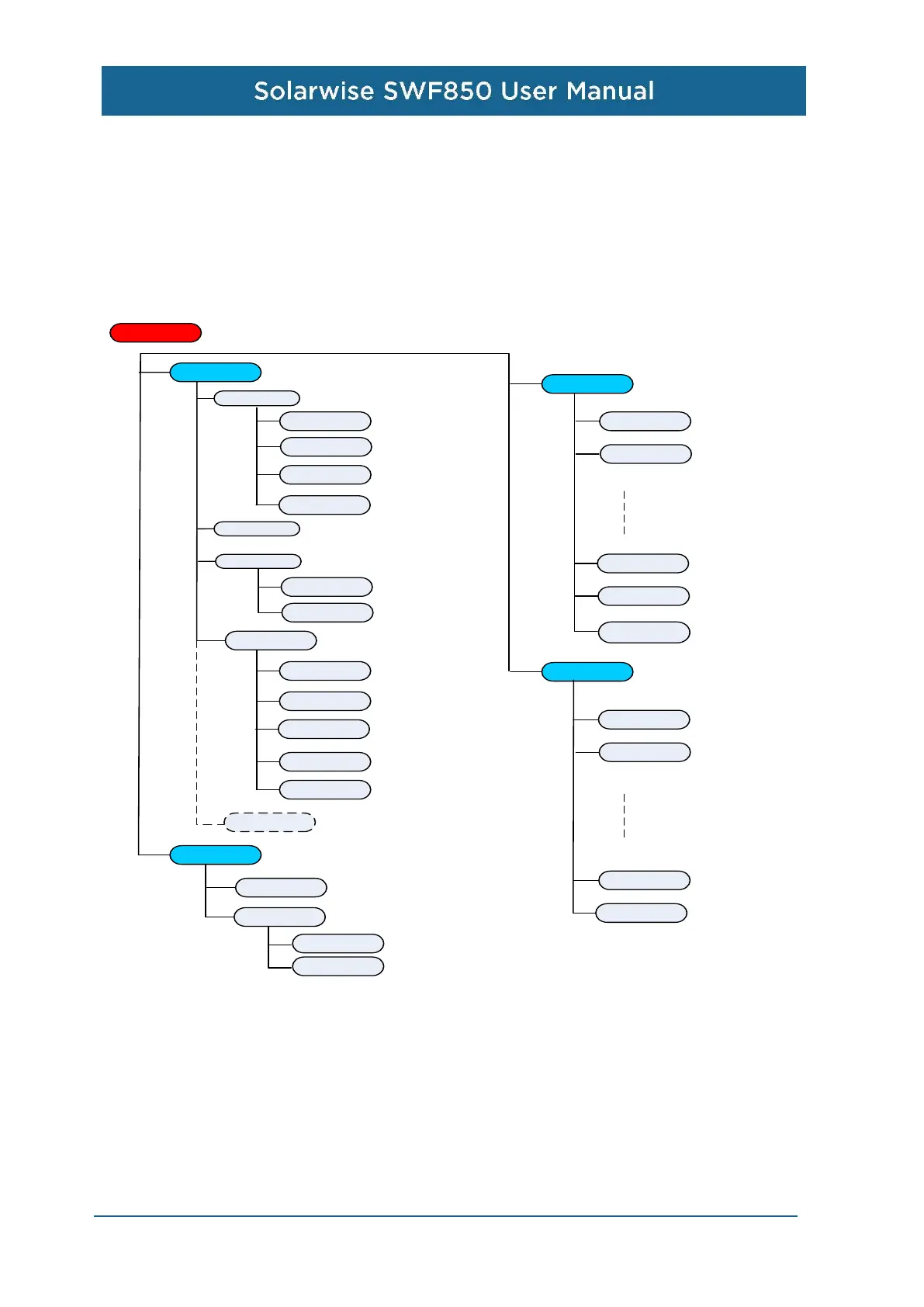
Settting
Ethernet setup
Ethernet2
Cloud setup
Cloud enable
Kt setup
DI1 Direction
DI1 Kt
DI6 Direction
DI6 Kt
AI setup
AI1 scale
AI1 zero
AI6 scale
AI6 zero
Irradiance
source
Cloud server
IP
Port
DNS
Backup DNS
Preferred DNS
SMTP server
Address
Port
Account
Password
Ethernet1
IP
Subnet mask
Gateway
DHCP
Default GW
Authentication


 To Next Page