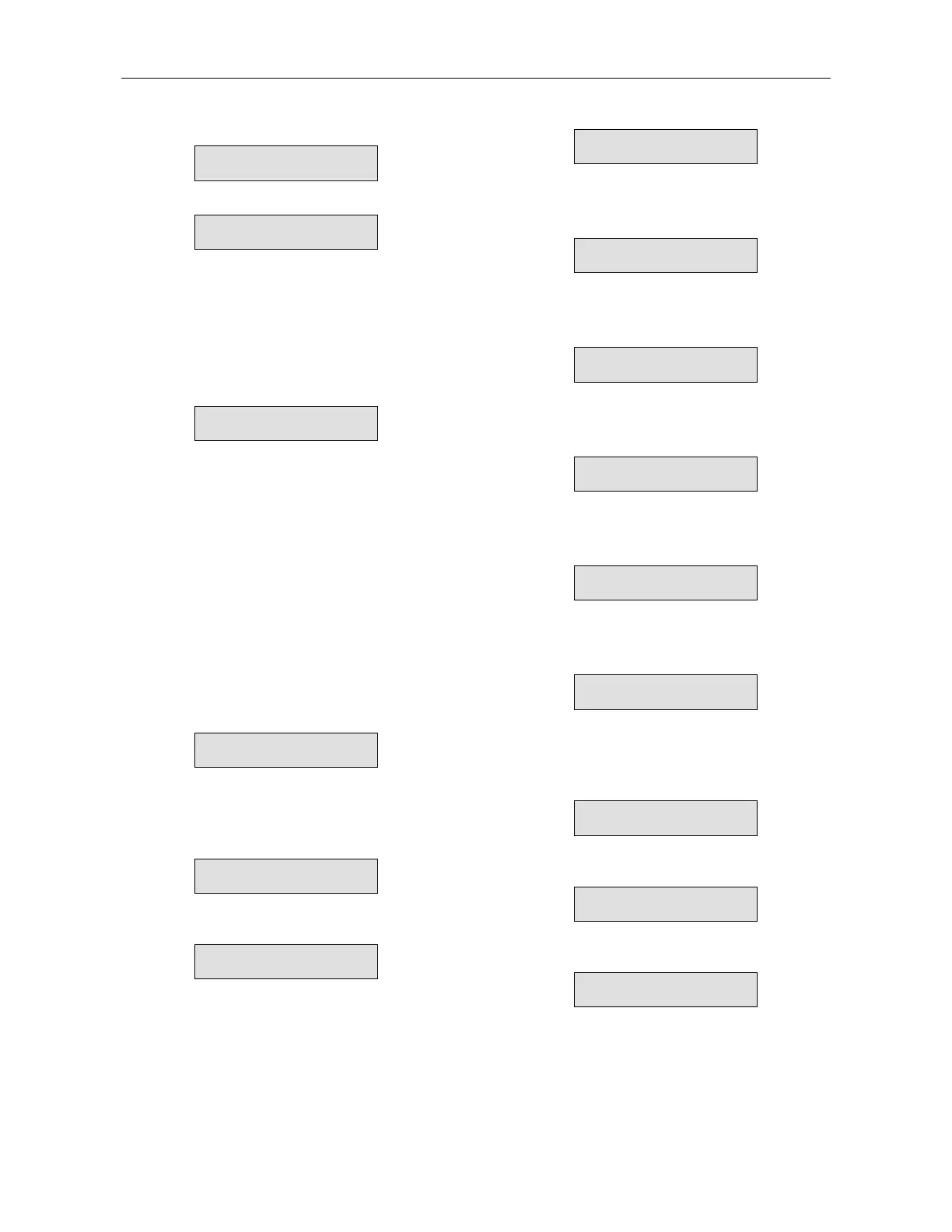
Parameter Settings
26
Press Mode
To Advance to:
START PARAMETERS
Press Select
SOFT START CURVE
0 (STANDARD)
Then press
keys to set Soft Start Curve:
0 (Standard) = Standard Curve
1!! = Pump Control Curve # 1
2!! = Pump Control Curve # 2
3!! = Pump Control Curve # 3
4 (Torque) = Torque Control Pump Curve # 4
When setting Dip sw. # 2 On for Tacho Mode
Press
, following Curve #4 message changes to:
START TACHO. GAIN
0 (MIN. GAIN)
Then press
keys to set Tacho gain:
0 = Minimum gain tacho, control
1!! = Second level tacho gain
2!! = Third level tacho gain
3!! = Fourth level tacho gain
4!! = Fifth level tacho gain
5!! = Sixth level tacho gain
Note: Tacho Feedback is operational in its basic
form. Additional curves except for the
basic linear curve are optional. Consult
factory for correct tacho selection and
mechanical installation.
Press Select,
Press
keys to set Pulse Start Time.
Range: 0-1 sec. (Pulse level at 80% Un)
PULSE TIME
0 SEC.
Press Select,
Press
keys to set Initial Voltage.
Range: 10-50% of Un.
INITIAL VOLTAGE
30%
When Up Arrow key is pressed at 50% Initial Voltage,
the display will change to the current curve and show:
INITIAL CURRENT
100%
At this point, the choice of current will determine the
Initial Current at the beginning of the starting curve.
Range: 100-400% of Motor FLA
Press Select,
Press
keys to set Current Limit
Range: 100-400% of motor FLA.
CURRENT LIMIT
400% OF FLA
Press Select
Press
keys to set Acceleration Time
Range: 1-30 sec.
ACC. TIME
10 SEC.
Press Select
Press
keys to set Maximum Start Time
Range: 1-30 sec.
MAX. START TIME
30 SEC.
Press Select
Press
keys to set Number of Starts permitted
(During STARTS PERIOD below). Range: 1-10, Off.
NUMBER OF STARTS
10
Press Select
Press
keys to set Number of Starts Time Period
Range: 1-60 min.
STARTS PERIOD
30 MIN.
Press Select
Press
keys to set Start Inhibit Period
Range: 1-60 min.
STARTS INHIBIT
15 MIN.
Press Select
Press
keys to set Time Delay for End of
Acceleration Contact.
Range: 0-120 sec.
RUN CONTACT DEL.
5 SEC.
Press Select
To store selected parameters, press Store key
STORE ENABLE
START PARAMETERS
When parameters have been correctly stored, the LCD
reads:
DATA SAVED O.K.
This concludes START PARAMETERS setting.


 To Next Page