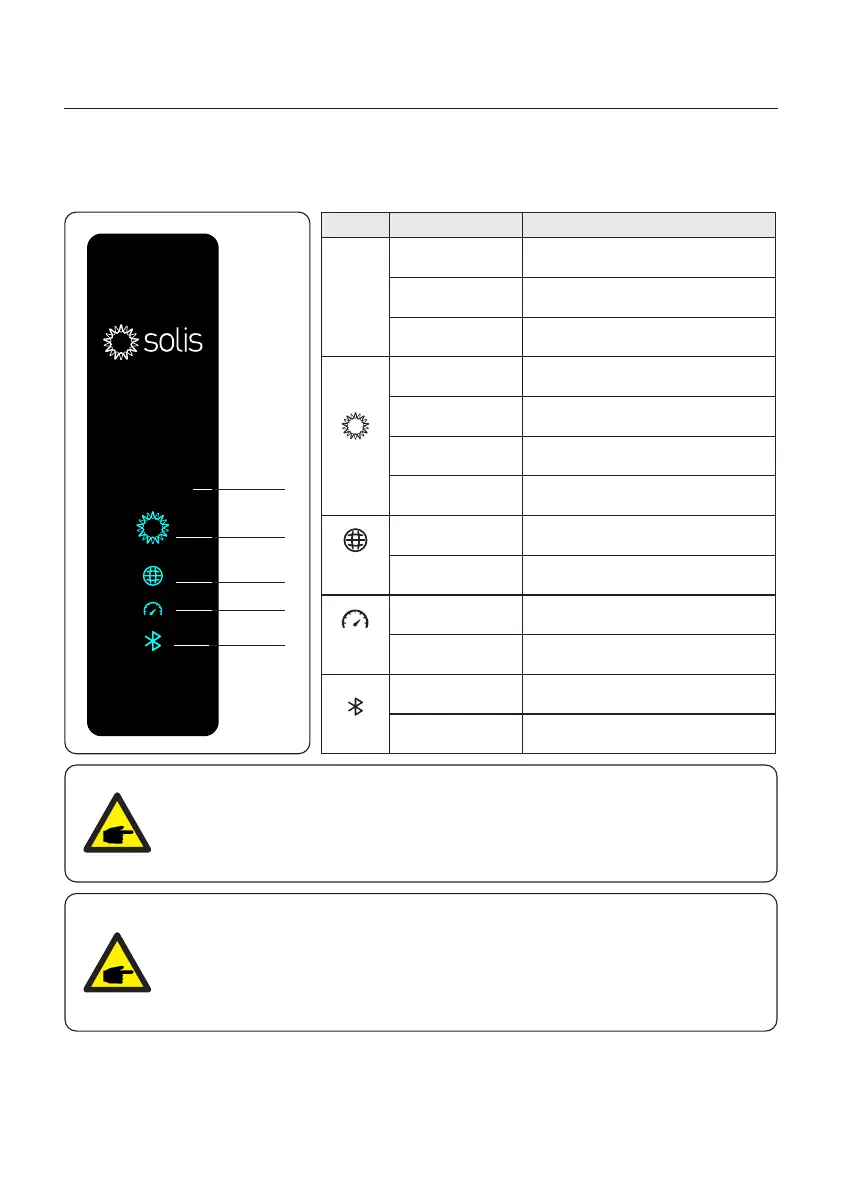
3.1 Front Panel Display
Light Status Description
Today's energy yield.
Current AC power.
The error code.
Blue
Solid ON
Yellow
Solid ON
Red
Solid ON
OFF
OFF
OFF
The inverter is initializing.
Warning.
Alarm.
COM Port is using.
CT/Meter Port is using.
Bluetooth Port is using.
COM Port is not used.
CT/Meter Port is not used.
Bluetooth Port is not used.
Blue
Solid ON
Blue
Solid ON
Blue
Solid ON
COM
CT/Meter
Bluetooth
Display
screen
Today/kWh
Power/kW
XXXX
8888
kW
.
kWhToday
Power
Power
Blue
Flashing
Normally Operating.
8888
kW
.
kWhToday
Power
8888
kW
.
kWhToday
Powe r
Display
screen
Power
COM
Bluetooth
CT/Meter
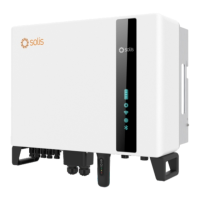
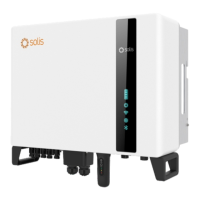
There are four indicators on the Solis S6-GR1P(2.5-6)K-S Series Inverter(Power, COM,
CT/Meter and Bluetooth) which indicate the working status of the inverter.
3. Overview
User Manual
9
NOTE:
COM/CT/Meter/Bluetooth indicators will automatically turn off after 2 minutes.
The Power indicator will remain on with lower brightness.
Shortpress the Power indicator can wake up all indicators.
NOTE:
Long press the Power button for 5 seconds to reset the bluetooth connection
passwords. If the reset is successful, the Power button will be flashing in Blue
color and in 0.5s interval for 3s. If the reset is failed, the Power button will be
flashing in Yellow color and in 0.5s interval for 3s.





 To Next Page