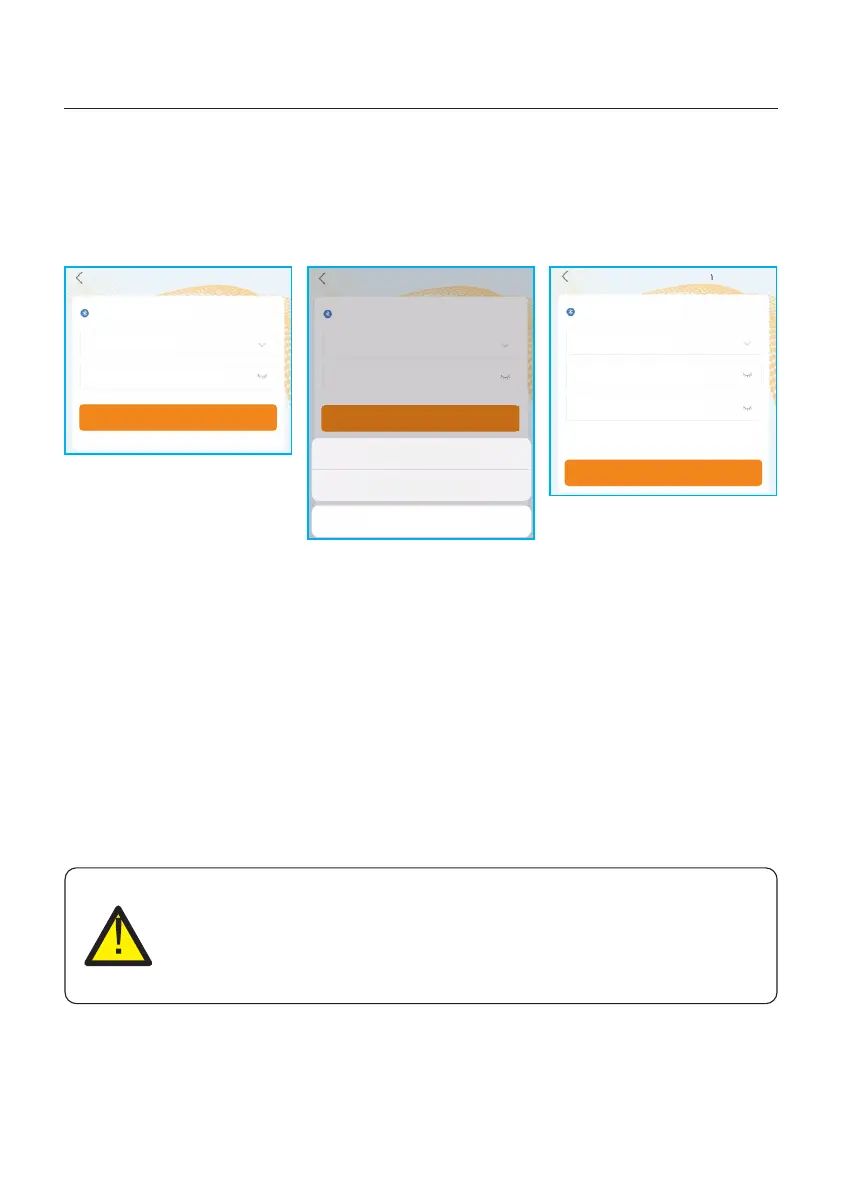
CAUTION
Although the inverter DC disconnect switch is in the OFF position and all
the LED's are OFF, operators must wait five (5) minutes after the DC power
source has been disconnected before opening the inverter cabinet. DC
side capacitors can take up to five (5) minutes to dissipate all stored energy.
5. Commissioning
User Manual
5.4 Stop the Inverter
To stop the inverter, it is mandatory that the steps below are followed in the exact order outlined.
1. Select "Power OFF" in the APP.
2. Turn off the AC Switch between Solis inverter and Grid.
3. Wait approximately 30 seconds (during this time, the AC side capacitors are dissipating
energy). If the inverter has DC voltage above the start-up threshold, the red POWER
LED will be lit. Switch the DC switch OFF.
4. Confirm all LED's switch OFF (~one (1) minute).
29
Step 3: Login account.
If you are the installer, please select the account type as Installer. If you are the plant owner,
please select the account type as owner. Then set your own initial password for control
verification. (The first log-in must be finished by installer in order to do the initial set up)
INV-xxxxxxxxxxx
Control Verification
Select account type
Enter password (6-characters)
Verify
Installer
Owner
Cancel
<
INV-xxxxxxxxxxx
Control Verification
Select account type
Enter password (6-characters)
Verify
<
INV-xxxxxxxxxxx
Control Verification
Installer
Enter password (6-characters)
Enter password again
Please set the password of the installer’s account
before continuing
Set Enable
<
Step 4: Perform the setting configuration for Grid CodeSetting, etc.
Step 5: Switch on the AC breaker, wait till the inverter start generating.







 To Next Page