MIC-5010, MIC-5005 – USER MANUAL
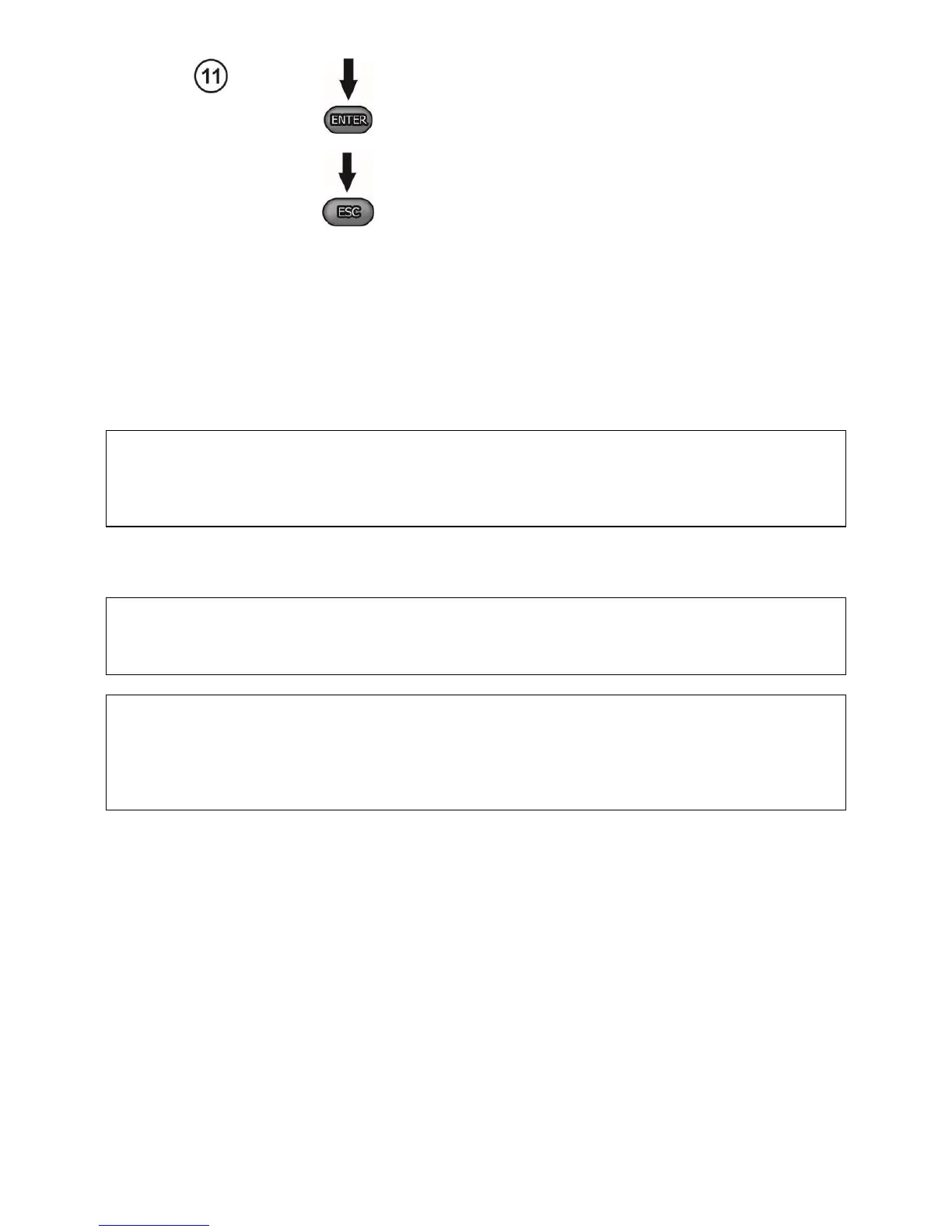
Press ENTER to confirm and go to the meas-
urement screen.
Press ESC to go to the measurement screen
without approving the changes.
3 Measurements
Notes:
- The result of the latest measurement is remembered by the meter until a next measurement is started
or the measuring function is changed by means of the rotary switch. It is displayed for 20 s. Then it may
be recalled by pressing ENTER, also after the meter is turned off and turned back on again.
WARNING:
During a measurement, switching of the range switch is forbidden because it may damage
the meter and pose a threat to the user.
3.1 Measurement of insulation resistance
WARNING:
The tested object must not be live.
Note:
During measurement, especially of high resistances, make sure that test leads do not touch
each other and probes (crocodile clips), because such a contact may cause the flow of sur-
face currents resulting in additional error in measurement results.
The converter output current is limited at a level of 1.2 mA or 3 mA. Activation of current restriction
is indicated with a continuous audible signal. The measurement result is then correct, but the test voltage
on the terminals is lower than the voltage selected before the test. Current limitation can happen in the
first stage of a measurement due to the object’s capacitance becoming charged.



 To Next Page