MIC-5010, MIC-5005 – USER MANUAL
7 Power supply of the meter
7.1 Monitoring the power supply voltage
ATTENTION!
To display the correct battery discharge status, it is necessary to completely discharge and
then fully charge the battery, before starting the regular use of the meter.
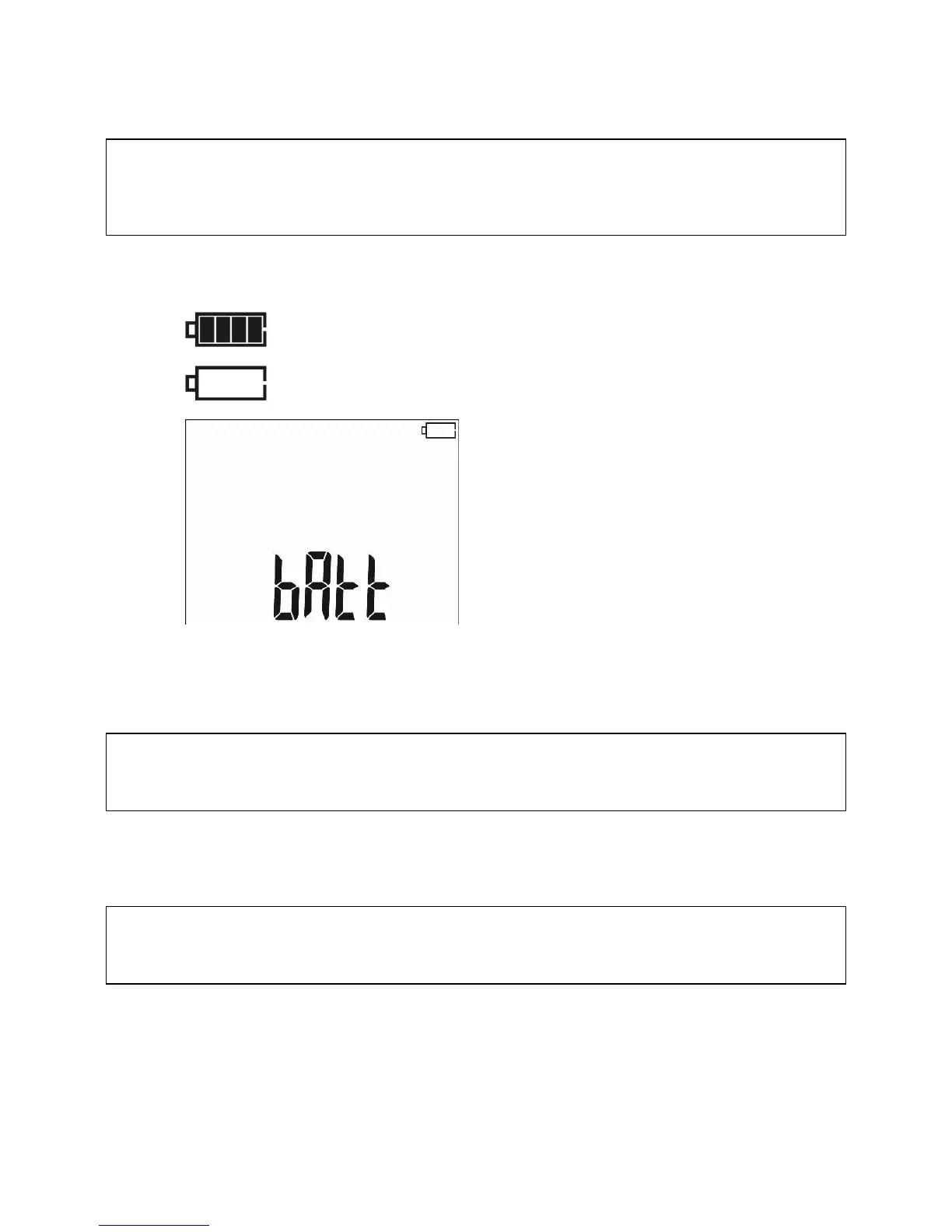
The charge level of rechargeable battery is indicated by the symbol in the right upper corner of the
display on a current basis:
Battery fully discharged, all measure-
ments are blocked.
The meter switches off automatically af-
ter 5 s.
7.2 Battery power
The MIC-5010 meter is powered with a Li-Ion battery which may only be replaced in a repair shop.
NOTE:
In MIC-5010 up to SN: B20319 and MIC-5005 up to SN: B10644 gel batteries are used.
The charger is installed inside the meter and works only with the manufacturer’s rechargeable bat-
tery. The charger is powered from the 230 V mains. It is also possible to power the unit from a car lighter
using an optional 12 V / 230 VAC converter.
ATTENTION!
Do not power the meter from sources other than those listed in this manual.
7.3 Charging rechargeable battery
Charging commences once the power supply has been connected to the meter regardless of the
fact whether the meter is on or off. Charging is indicated by changing status of battery charge. The
rechargeable battery is charged in accordance with the "quick charge” algorithm – this process reduces



 To Next Page