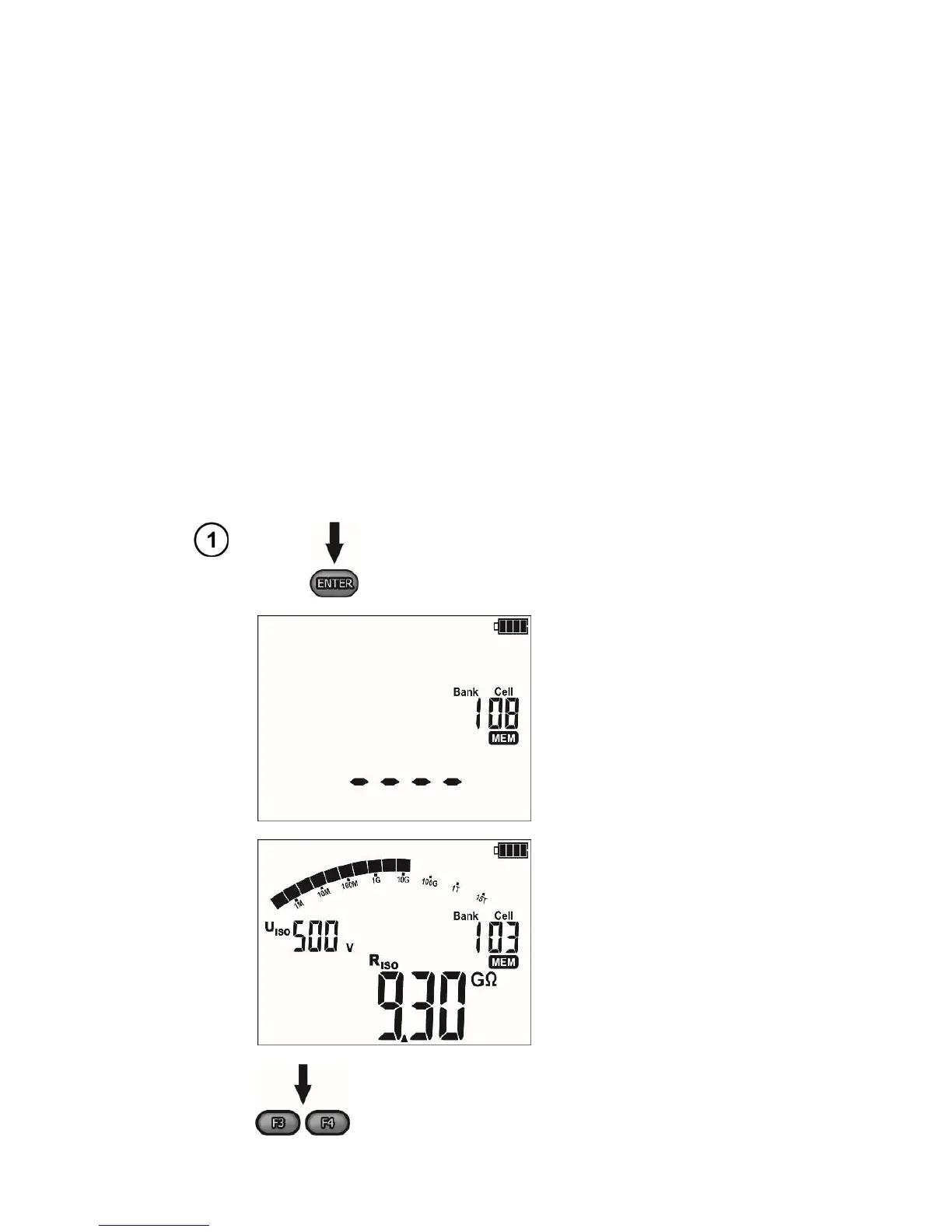
4 Memory of measurement results
The MIC-5010 and MIC-5005 meters are equipped with a memory capable of storing 11880 single
test results (990 cells, each may contain a set of measurements of: R
ISO
and R
CONT
). The whole memory
is divided into 10 memory banks each of them containing 99 memory cells. Thanks to dynamic memory
allocation, each of the memory cells can contain different quantity of single measurement results, de-
pending on the needs. Optimal use of the memory can be ensured in this way. Each measurement result
can be stored in a memory cell marked with a selected number and in a selected memory bank. Thanks
to this, the user of the meter can, at his/her option, assign memory cell numbers to individual measure-
ment points and the memory bank numbers to individual facilities. The user may also perform measure-
ments in any chosen sequence and repeat them without losing other data.
Memory of measurement results is not deleted when the meter is switched off. Thanks to this, the
data can be later read or sent to a computer. The number of a current memory cell or memory bank is
not changed either.
Note:
- A single cell may contain either a R
ISO
2(3)p measurement result, a R
ISO
SV, or DD.
- After entering the measurement result, the ID number of the cell is automatically increased.
- It is recommended to delete the memory after reading the data or before performing a new series of
measurements that may be stored into the same memory cells as the previous ones.
4.1 Storing the measurement results in the memory



 To Next Page