MIC-5010, MIC-5005 – USER MANUAL
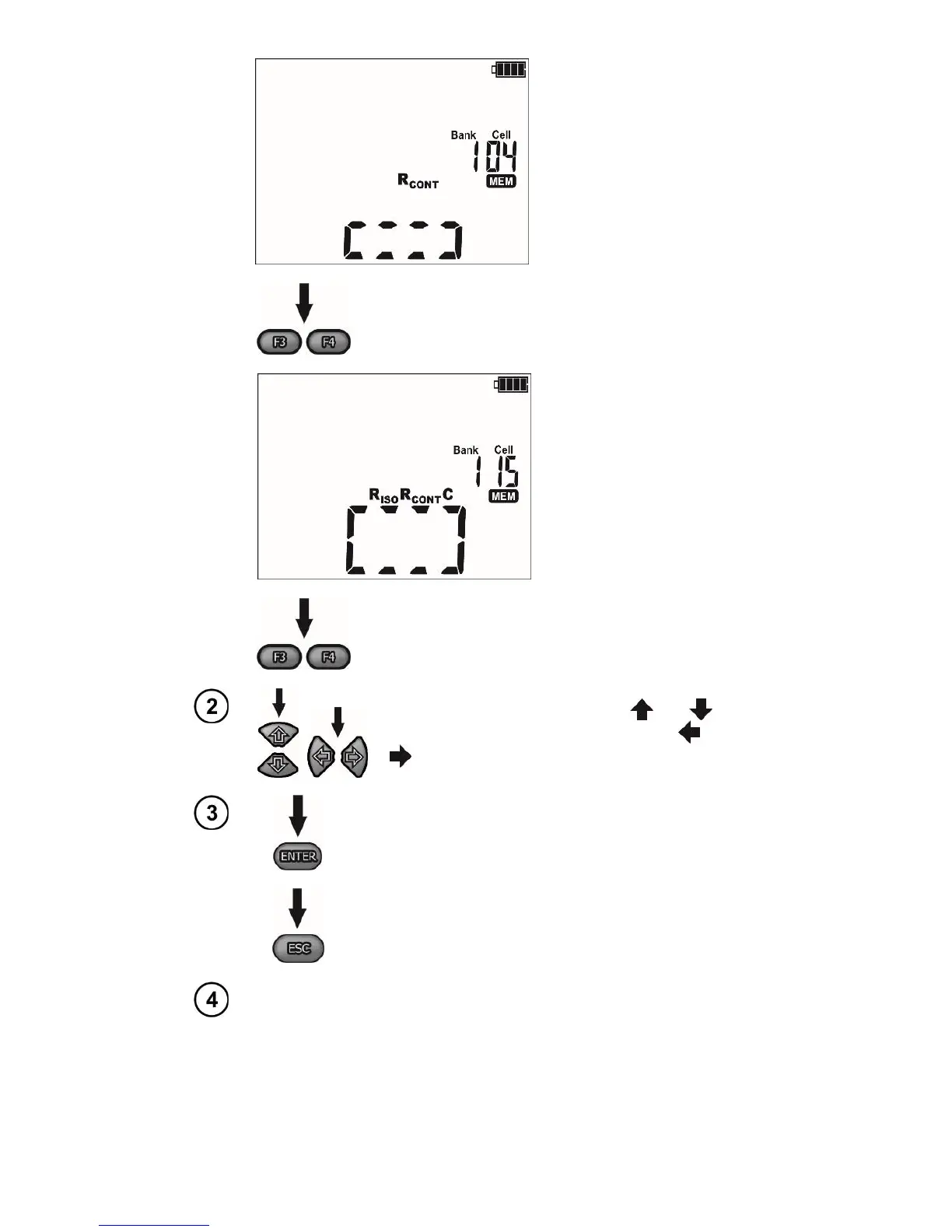
The cell is occupied by a re-
sult of a different type than
the current result.
Use the F3 and F4 buttons (SCREEN) to see indi-
vidual components of the result.
The cell is fully occupied.
Use the F3 and F4 buttons (SCREEN) to see indi-
vidual components of the result.
The cell ID is changed using the and
while the bank ID is changed using the and
.
Press ENTER, to save the result in the memory. Sav-
ing is indicated by a triple beep and by a rectangle
displayed on the main display field.
Press ESC to return to displayed result without sav-
ing.
If you try to store data in an occupied memory cell, the following warn-
ing message will appear:



 To Next Page