MIC-5010, MIC-5005 – USER MANUAL
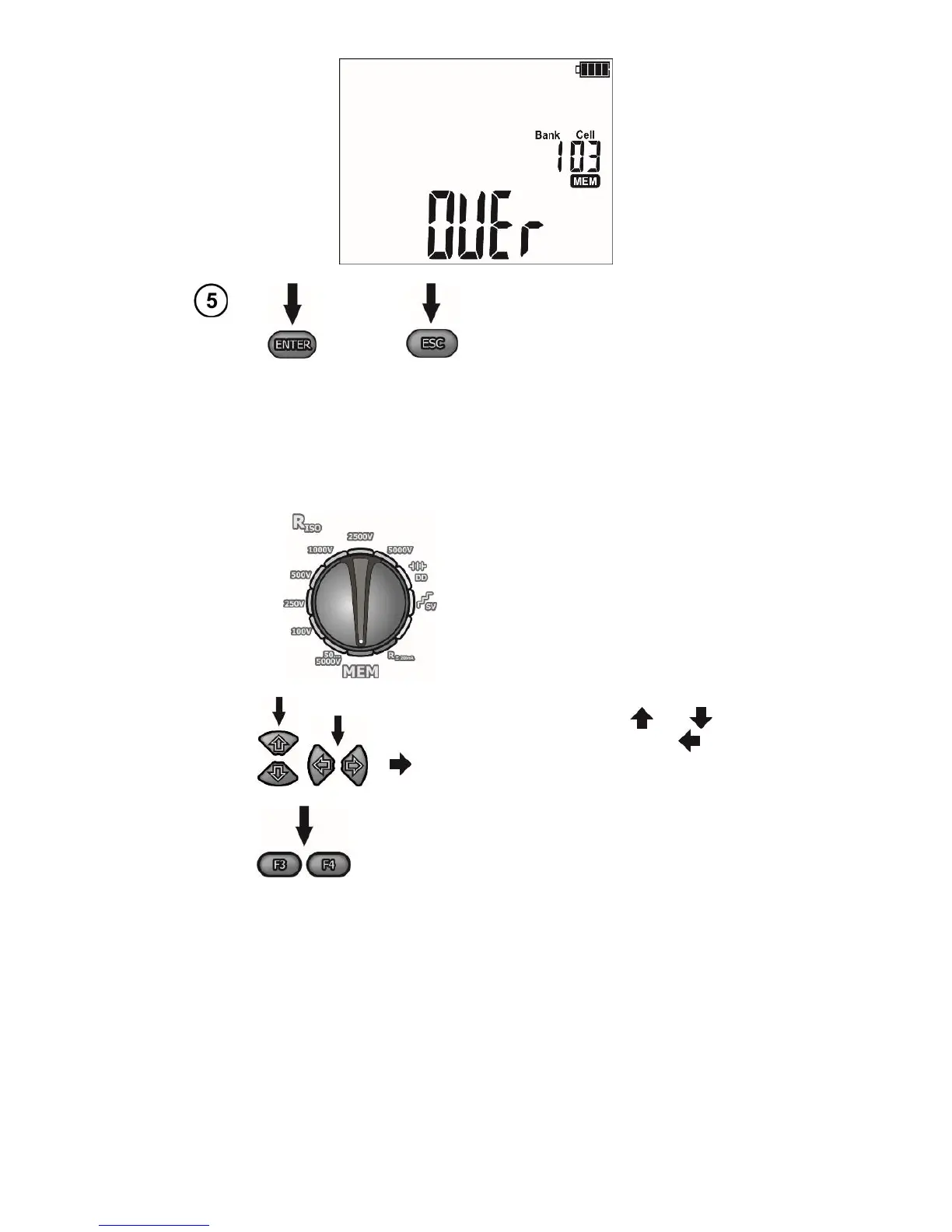
Press ENTER, to overwrite the re-
sult or ESC, to cancel saving.
Note:
- Complete set of results (main result and supplementary results) for a given measuring function and
preset measurement settings are stored in the memory.
4.2 Viewing memory data
Set the rotary switch of function se-
lection at MEMposition.
The cell ID is changed using the and
while the bank ID is changed using the and
.
Use the F3 and F4 buttons (SCREEN) to see indi-
vidual components of the result.
Note:
- While viewing R
ISO
results, the field of timer / memory displays alternately bank and cell numbers and
the time in which the result was entered into memory. This applies to all R
ISO
measurements.
4.3 Deleting memory data
You can delete the entire memory or its individual banks.



 To Next Page