5 Data transmission
Remarks:
- Data transmission is not possible during the charging of accumulators.
5.1 Set of accessories to connect the meter to a PC
In order to ensure the communication of the meter with a computer an USB cable is required or
Bluetooth wireless module with an additional software (Sonel Reader - supplied or available for down-
load from the website, Sonel PE5). If the required software has not been purchased with the meter, it
may be obtained form the manufacturer or form an authorised distributor.
This software may be used for many devices manufactured by SONEL S.A. which are equipped
with USB interface and /or OR-1 module
Detailed information is available from the manufacturer and distributors.
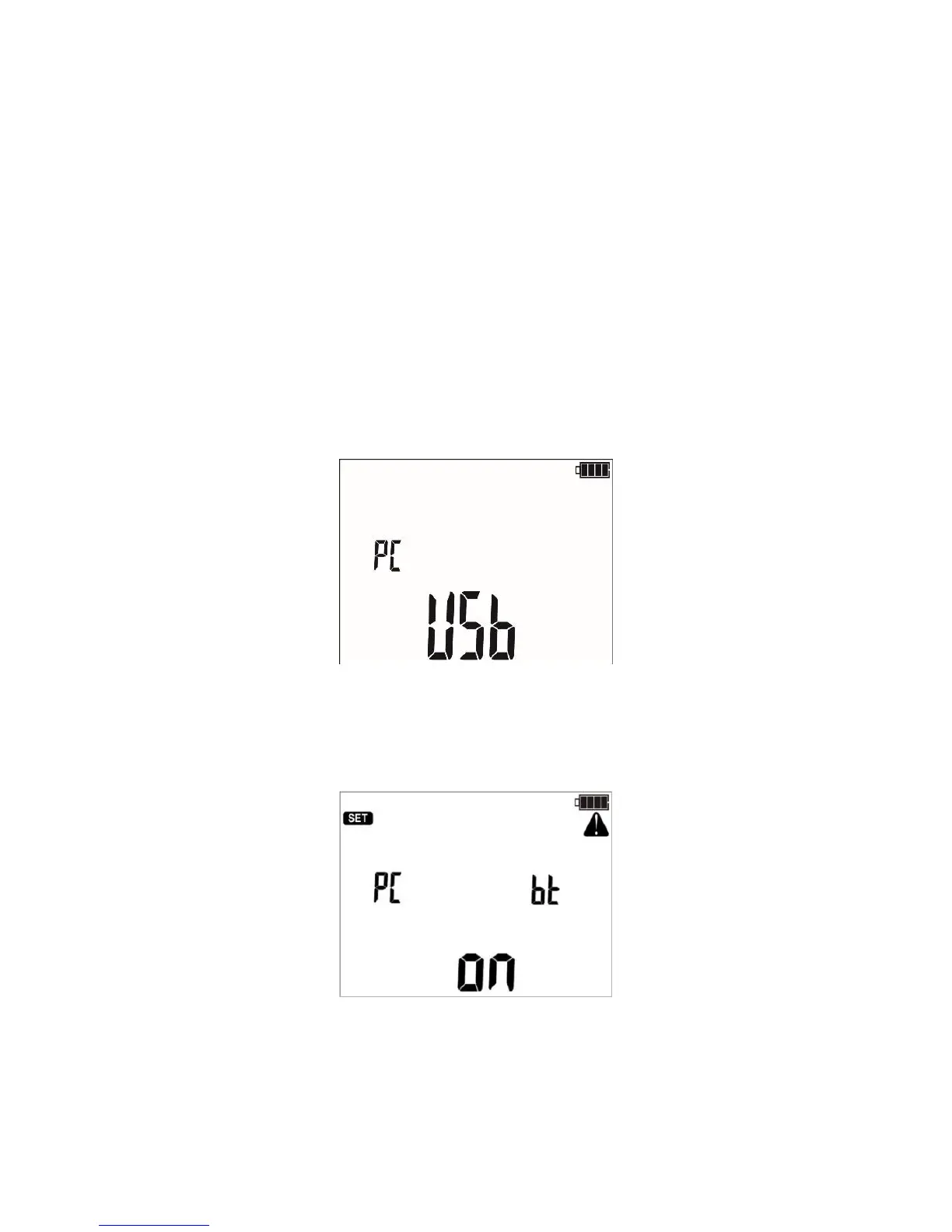
5.2 Data transmission through USB port
1. Set the rotational function selector at MEM.
2. Connect the cable to the USB port of the computer and the USB socket of the meter.
3. Start the programme.
5.3 Data transmission with Bluetooth 4.2 module
1. Set the rotary switch to MEM, press the MENU button.
2. Press ENTER to start the transmission.



 To Next Page