Product
documentation
For installation, setup, and user information, see the product documentation available on the
Sonnoc Digital Systems USA Inc. website at www.sonnoc.com/us/ Read all instructions before
using or servicing this product.
1. Access the documentation from the Sonnoc website:
•
Go to this URL: https://bit.ly/3fXJcI3 or
www.sonnoc.com/us/
2. On the product page, select the model and switch to the Downloads tab.
•
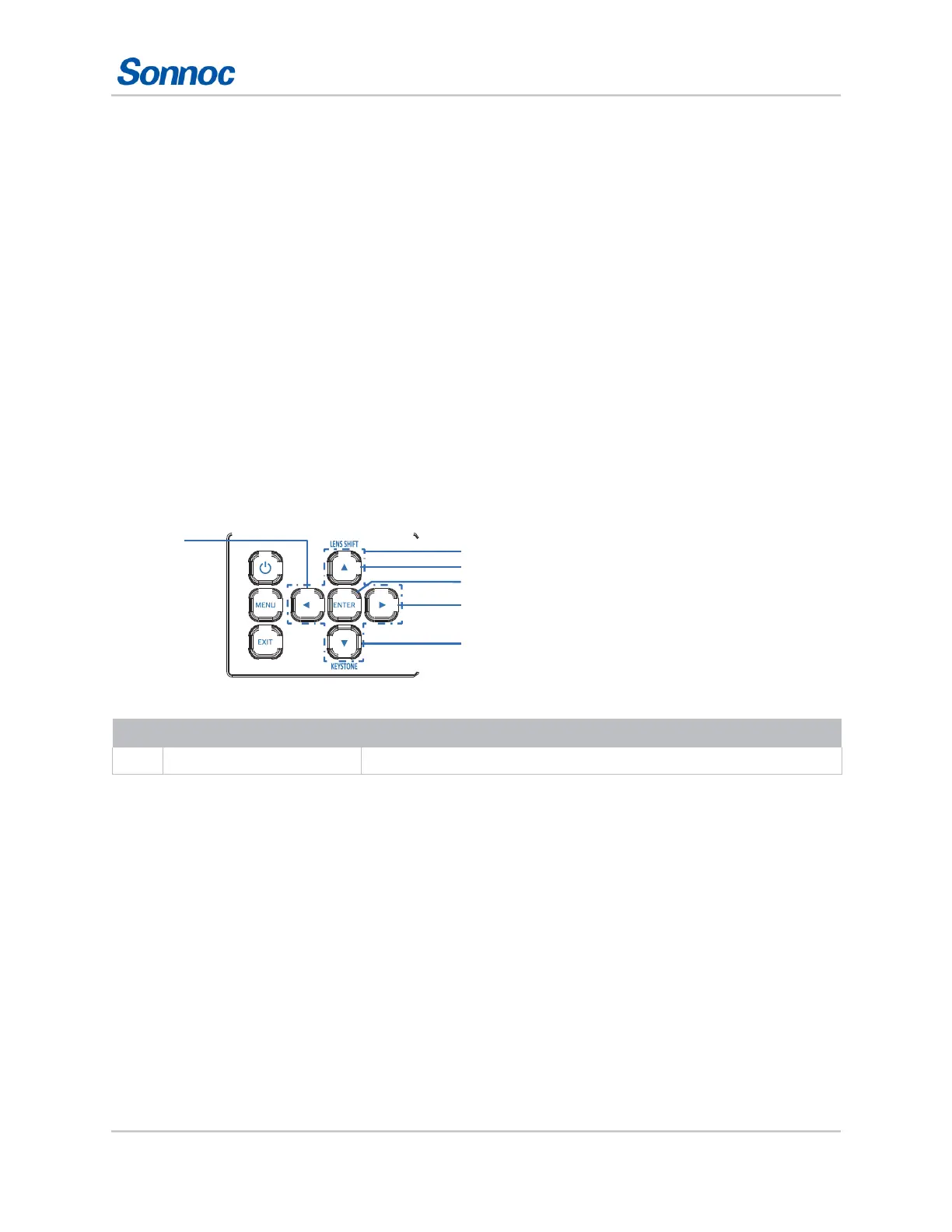
Built-in keypad
The built-in keypad controls the projector.
9
1
8
2
3
7
4
6
5
Four Directional Select Keys
Use
to select items or make adjustments to your selection.



 To Next Page