Adjusting the image size and position
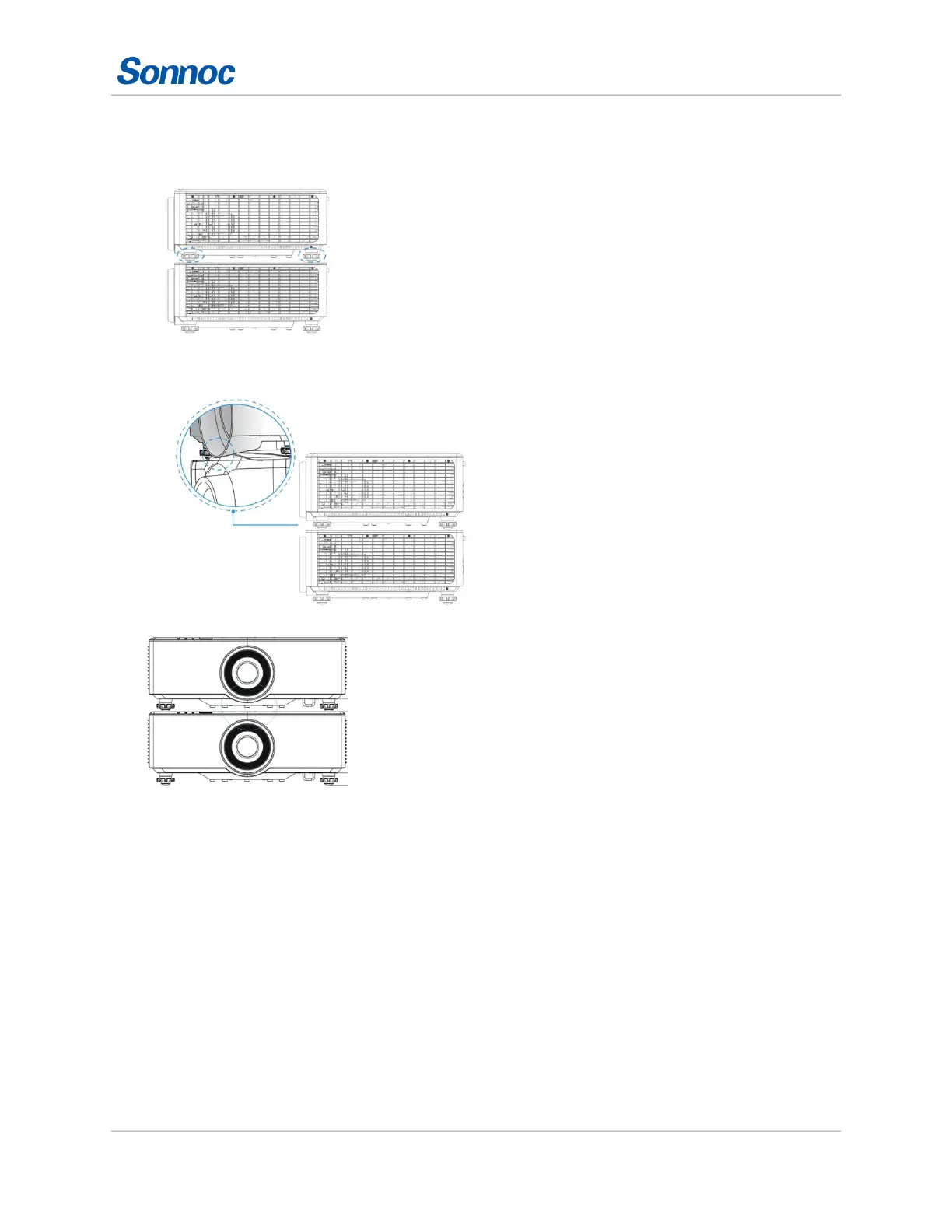
Adjust the rubber feet to avoid
interference.
Interference between two
projectors.
The maximum adjustable range
of the rubber foot is 13 mm (0.5 inches).
Setting the image size preset
Set the image size preset to display the image in its native resolution or to resize by maximizing the
height, width, both height and width, or to the maximum size while keeping the original aspect
ratio.



 To Next Page