7Installation guide | Supercal 5
EN
Remarks on the correct installation:
Conditions to comply with the directive
2014/32/EU (MID)
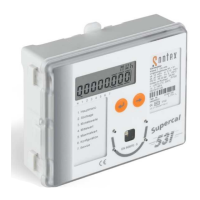
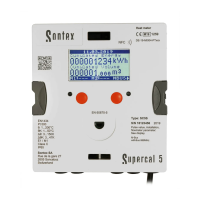
The calculator is delivered as a heat meter as standard. If it is to be used as
a cooling meter or as a combined cooling/heat meter, this must be specied
when ordering. Other metrological parameters such as installation position
or pulse value (Supercal 5 I only) as well as non-metrological parameters
such as M-Bus address can be parameterised with the Superprog software
before sealing. Please note that metrological parameters can no longer be
changed after the calculator has been sealed.
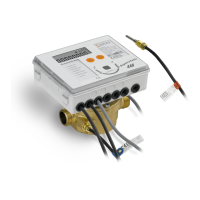
The cable between the ow sensor and the calculator cannot be extended.
All wiring must be installed with a minimum distance of 300 mm from heavy
voltage and high frequency cables.
Radiated heat and interfering electrical elds close to the calculator must
be avoided.
In general, the calculator should be installed away from the cooling pipes.
It has to be ensured that no condensed water can run along the wires into
the calculator.
If the danger of vibrations in the piping system exists, the calculator should
be installed separately on the wall.
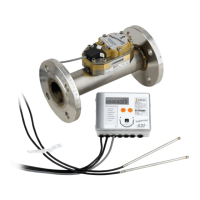
For temperatures over 90°C the calculator must be installed apart from
the ow unit.
The ow sensor should be installed between two shut-off valves.
The ow sensor must be mounted with the measuring head to the side
The ow direction of the ow sensor must be respected (arrow on the
ow sensor).
Flush the pipe system before installing the ow sensors. To guarantee that
no foreign particles remain in the pipe.
The ow sensor should be mounted BEFORE any control valve to exclude
any potential parasitic inuences.


 To Next Page