K850
1203-2528 rev. 1
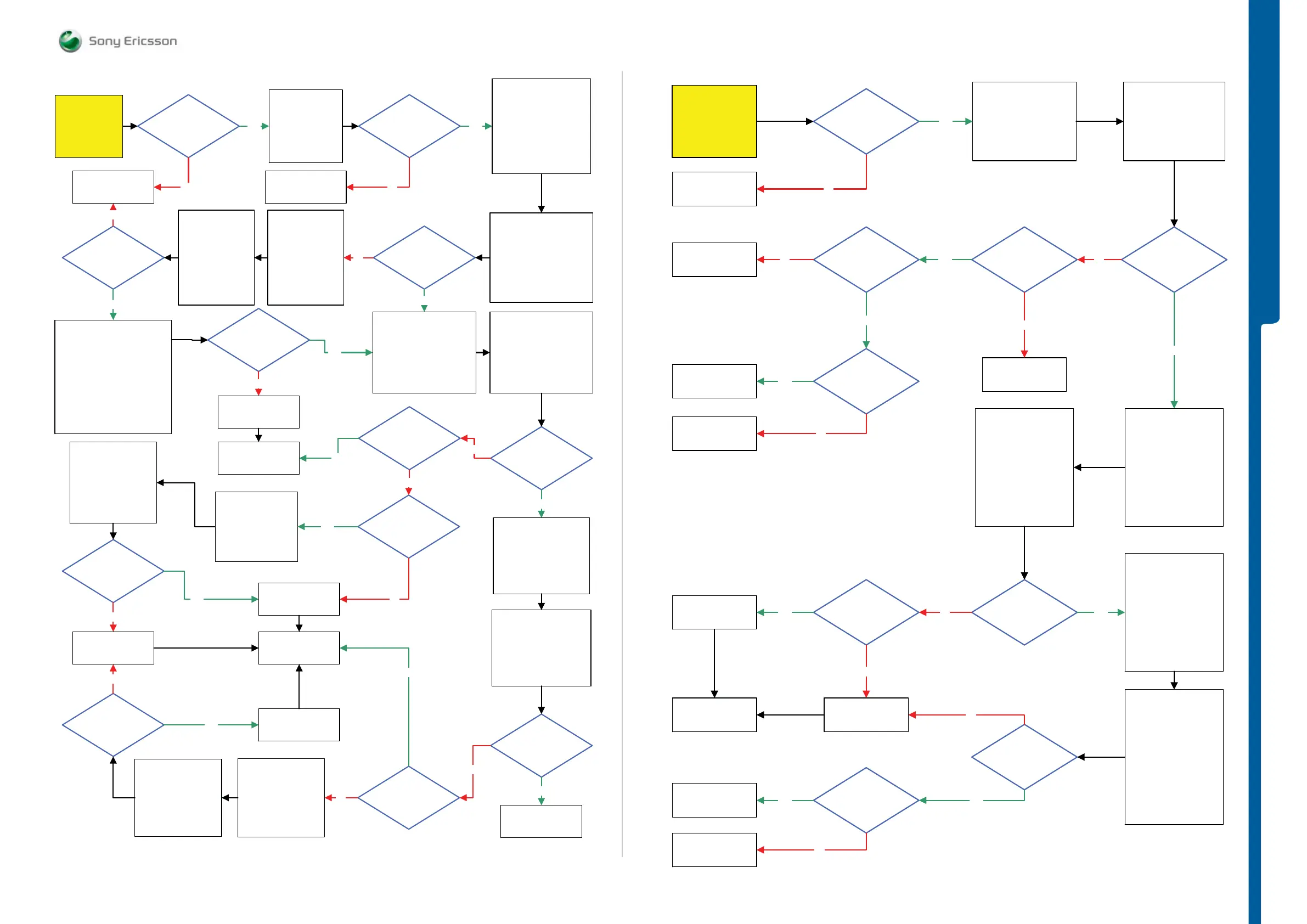
TROUBLESHOOTING GSM Network Problems
TROUBLESHOOTING
Yes
Load the ITP SW
into the phone.
Use TRS Fixture
Connect VBATT
and DCIO/SEPI
Use
Fault Trace SW
2.8 Volt DC at
MP 12 (ST2215
VccA)
0 Ohm
Between
MP 73 (R1201) and
MP 72 (L1200)
Connect Mobile Phone
Tester
Instrument Settings:
System Mode:
TX/RX Tester Mode (GSM)
GSM BAND: GSM850
RF Power ON: -60dBm
Measurement Mode:
Repeat, CW
Correction: 1.6dB
Fault Trace SW
TX and RX GSM
GSM Mode Settings:
RX Switched
GSM Radio Settings:
Select Band: GSM 850
Channel: 128
GSM RSSI Measurements:
Start RSSI Test
SL 5 Replace
N2000
SL 4 Scrap
NoNo
Replace
X1200
RSSI Test
Passed
No
Is
Max Pwr 23dBm
Ok
(±3dBm)
No
Perform RSSI Test at
GSM 900, 1800 and 1900 Band
Instrumet Settings
System Mode:
TX/RX Tester Mode (GSM)
GSM BAND:
E-GSM 900, Channel 124
E-GSM 900, Channel 975
DCS 1800, Channel 512
PCS 1900, Channel 512
Measurement Mode:
RF Power -60dBm, Repeat, CW
Yes
All Bands
Passed
RSSI Test
Replace
N1200 Thor
Fault Trace SW
TX and RX GSM
GSM Mode Settings:
TX Switched
GSM Radio Settings:
Select Band : GSM 850
Channel : 128
Power Level: 5
Is
measured value
33dBm
(±3dBm)
Is
measured value
±
5dBm
Go to
SERP Calibration
Instrument Settings:
System Mode:
TX/RX Tester Mode
(GSM)
GSM BAND: DCS1800
Measurement Mode:
Repeat, Burst
Fault Trace SW
TX and RX GSM
GSM Mode Settings:
TX Switched
GSM Radio Settings:
Select Band : GSM 1800
Channel : 512
Power Level: 0
1.4V-1.6V Pk-Pk
Pulses at
MP 133 (R1000
VAPC)
No
Replace
N1200 Thor
No
No
No
Yes
Yes
Instrument Settings:
System Mode:
TX/RX Tester Mode (GSM)
GSM BAND: GSM850
Measurment Mode:
Repeat, Burst
Correction: 1.6dB
Instrument
Settings:
System Mode:
TX/RX Tester Mode
(WCDMA)
Downlink Channel:
10562
Measurement
Mode:
Repeat, Burst
Yes
Is
measured value
30dBm
(±3dBm)
Yes
Go to
WCDMA Network
problems
Use
Spectrum Analyzer
Instrument settings:
TX Freq: 824.2MHz
Span: 300KHz,
Amplitude: -5dBm
Measure with
RF Probe
Is
measured value
±
5dBm
No
Yes
Fault Trace SW
Switch GSM Mode
Settings to:
TX Static
Yes
Signal at
MP 130 (Z1001)
-12dBm (±
5dBm)
Yes
Replace
N1002
(Inside GSM module)
Fault Trace SW
Switch GSM Mode
Settings to:
TX Static
Use
Spectrum Analyzer
Instrument settings:
TX Freq: 1710.2MHz
Span: 300KHZ,
Amplitude: -5dBm
Measure with
RF Probe
Signal at
MP 129 (L1006)
-20dBm
(±15dBm)
No
No
No
Replace
N1200 Thor
Go to
SERP Calibration
Yes
Fault Trace SW
TX and RX WCDMA
Radio Settings:
Select Band:
BAND I
Fast Select
Channels:
Ch LOW
Modes: Max Pwr
23dBm
Yes
START
Yes
GSM Network problems
No
Load ITP SW
into the phone.
Use TRS Fixture
Connect:
VBATT: 3.8V, Limiter 3A
DCIO/SEPI: 5V, Limiter 2A
Use Fault Trace SW
START
Before TRS WCDMA
the GSM TRS guide
must be done!
0 Ohm
between
MP 73 (R1201) and
MP 72 (L1200)
Replace
X1200
Fault Trace SW
TX and RX WCDMA
Radio Settings:
Select Band:
BAND I
Fast Select Channels:
Ch LOW
Modes: Max Pwr 23dBm
3.4V-3.8V DC at
MP 84 (L2207
VCC_WPA)
3.4V-3.8V DC at
MP 80 (L2210
VBATI)
No
1.8Volt DC at
MP 81 (R2220
DCDC_EN)
Yes
SL 5 Replace
D2000
SL 4 Scrap
No
Instrument Settings:
System Mode:
TX/RX Tester Mode
WCDMA
Downlink Channel:
BAND I: 10562
BAND II: 9662
BAND V: 4375
Measurement Mode:
Repeat
Correction: 1.6dB
SL 5 Replace
L2210
SL 4 Scrap
No
1.3V-1.8V DC at
MP 83 (R2221
WPAVCC)
Yes
SL 5 Replace
N2000
SL 4 Scrap
No
Replace
N2205
Yes
Max Pwr.
23dBm (±3dBm)
all bands
Ok
Yes
Current
consumption
between
500 – 800 mA
No
Replace
N1200
Yes
Go to
SERP
Calibration
Replace
N1210
No
Instrument Settings:
System Mode:
TX/RX Tester Mode
WCDMA
Downlink Channel:
BAND I: 10562
BAND II: 9662
BAND V: 4375
Measurement Mode:
Repeat
RF Power: ON (-60dBm)
Correction: 1.6dB
Fault Trace SW
TX and RX WCDMA
Radio Settings:
Select Band :
BAND I, II, V
Fast select channels:
Ch LOW
Modes: Read RSSI
RX On:
Read Measurement
Test Read RSSI
for each WCDMA Band
Only one WCDMA Band
at the time
Yes
Phone reports
correct values
At all bands
(±3dBm)
No
Go to
GO-NOGO
Test
Yes
Are any of
X1201,
X1202 or X1203
damaged
Yes
Replace
Faulty Component
No
Yes
Fault Trace SW
TX and RX WCDMA
Radio Settings:
Select Band:
BAND I, II and V
Fast Select Channels:
Ch LOW
Modes: Max Pwr 23dBm
Test Max Pwr 23dBm
for each WCDMA Band
Only one WCDMA Band
at the time
WCDMA Network problems
/ WCDMA Network Problems
SEMC Troubleshooting Manual
18 (101)













 To Next Page