Help Guide
Interchangeable Lens Digital Camera
ILCE-7CM2 α7CII
Focus Map
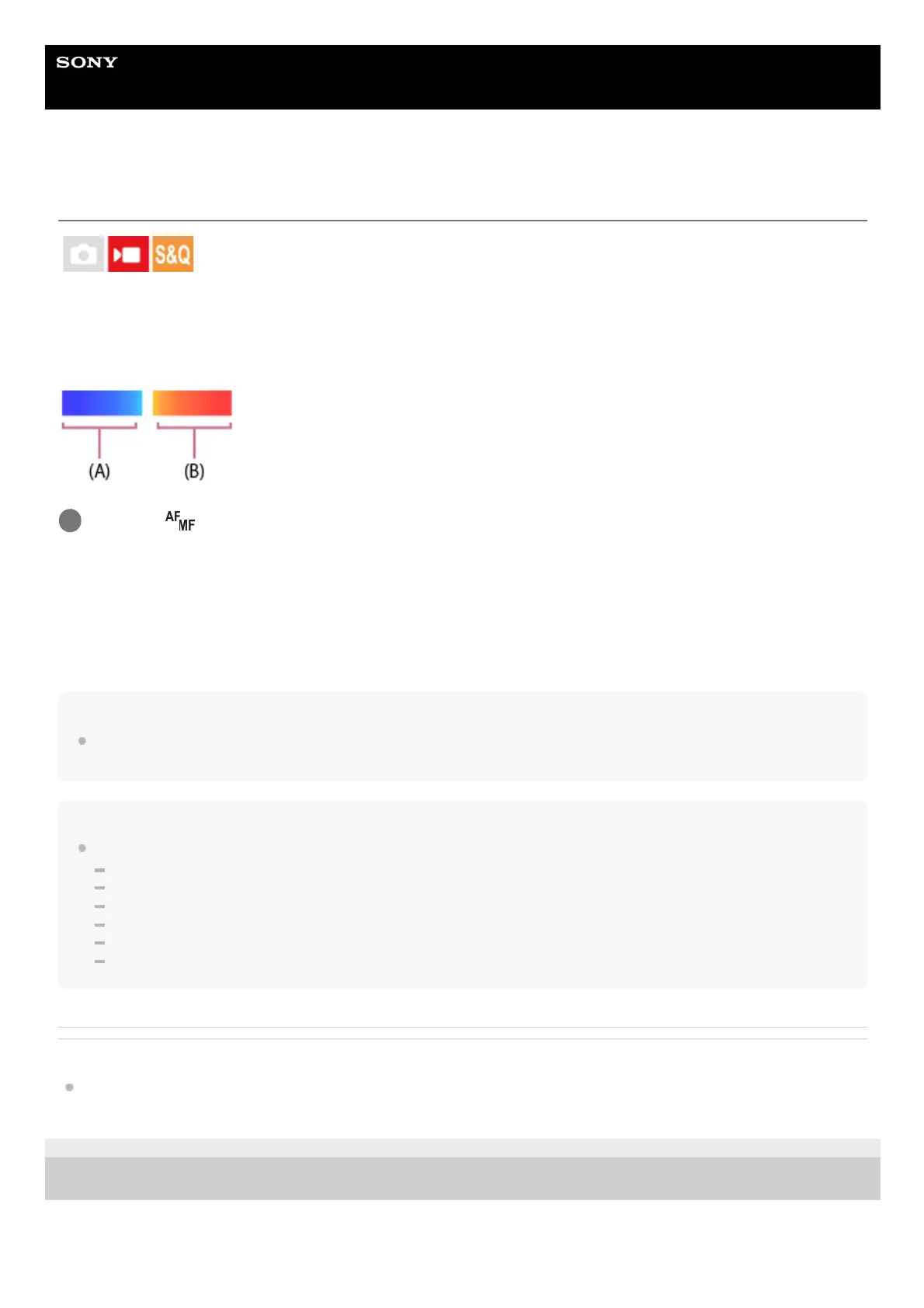
When shooting a movie, areas that are in focus and areas that are out of focus are displayed so that you can visually
distinguish them. Areas behind the in-focus region are indicated by dots in a cool color (A) and those in front of the in-
focus region are indicated by dots in a warm color (B). Dots are not displayed in the in-focus range. Dots are not
recorded in the actual movie.
Menu item details
On:
Displays the focus map.
Off:
Does not display the focus map.
Hint
The focus map can also be output to an external monitor. To output the focus map to an external monitor, set [HDMI Info. Display]
to [On].
Note
[Focus Map] is unavailable in the following situations:
When [Focus Magnifier] is activated
While using the digital zoom function
While streaming
When using a lens that does not support phase detection AF
When a Mount Adaptor is attached
When the lens is not attached to the camera
Related Topic
HDMI Info. Display
TP1001170331
5-054-865-11(1) Copyright 2023 Sony Corporation
MENU →
(Focus) → [Focus Assistant] → [Focus Map] → desired setting.
1


 To Next Page
 Loading...









