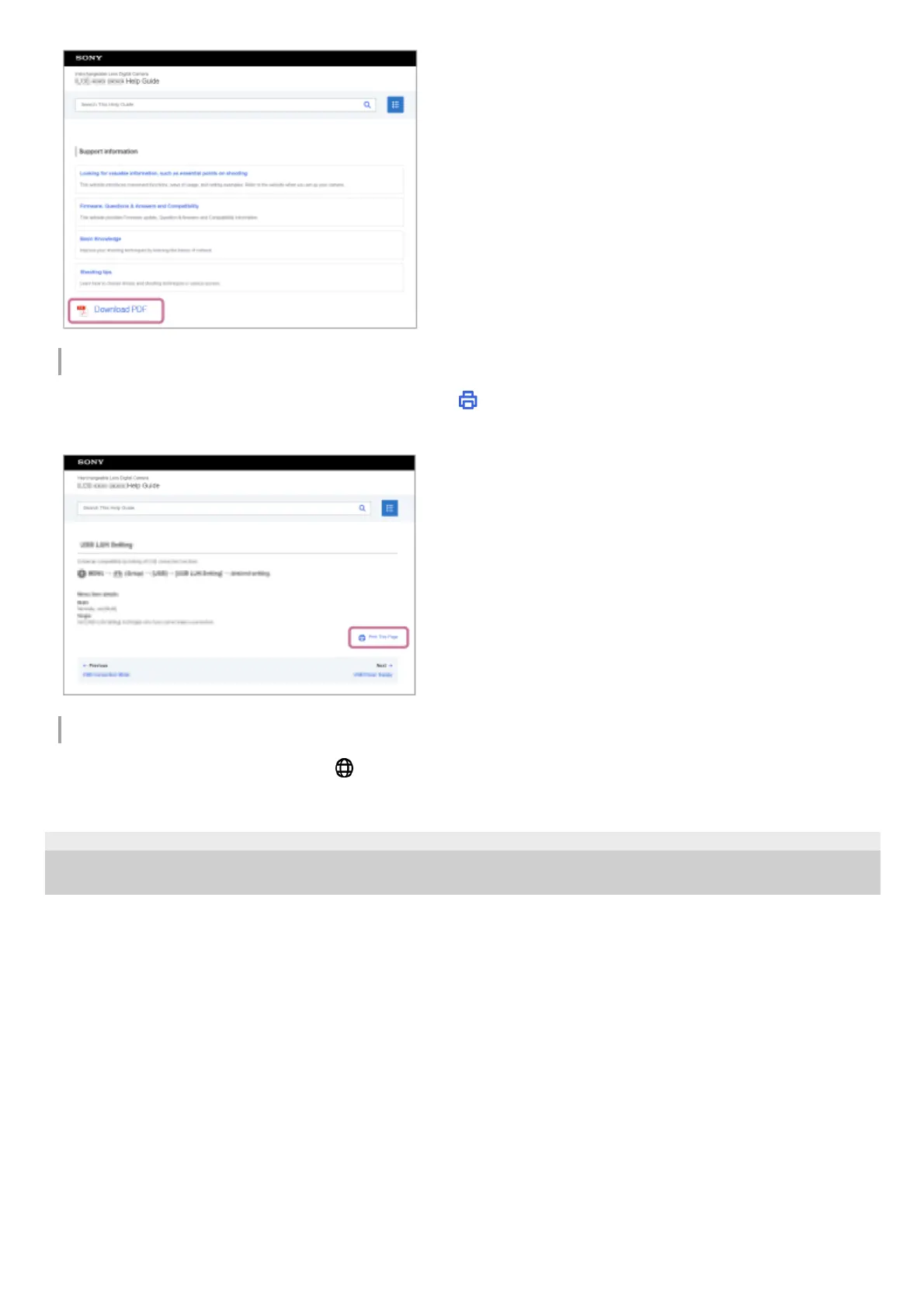
Printing only the currently displayed page (only on a computer)
To print only the page currently being displayed, select the [
Print This Page] button at the bottom of the page. When
the printing screen appears, specify your printer.
Changing the display language
Go to the language selection page from [
Language Selection Page] at the bottom of the page and select a language.
TP1001167429
5-054-865-11(1) Copyright 2023 Sony Corporation



 To Next Page
 Loading...








