Help Guide
Interchangeable Lens Digital Camera
ILCE-7CM2 α7CII
Exposure Comp. (still image/movie)
Normally, exposure is set automatically (auto exposure). Based on the exposure value set by auto exposure, you can
make the entire image brighter or darker if you adjust [
Exposure Comp.] to the plus side or minus side, respectively
(exposure compensation).
Hint
Only a value between -3.0 EV and +3.0 EV with the equivalent image brightness appears on the screen when shooting. If you set
an exposure compensation value outside this range, the image brightness on the screen will not be affected, but the value will be
reflected in the recorded image.
MENU → (Exposure/Color) → [Exposure Comp.] → [ Exposure Comp.] → desired setting.
+ (over) side:
Images become brighter.
- (under) side:
Images become darker.
When [Touch Operation] is set to [On] and [Footer Icon Touch] is set to [On], you can change the exposure
compensation values using touch operations.
[
Exposure Comp.] is assigned to the rear dial R in the default settings.
You can adjust the exposure compensation value within the range of -5.0 EV to +5.0 EV.
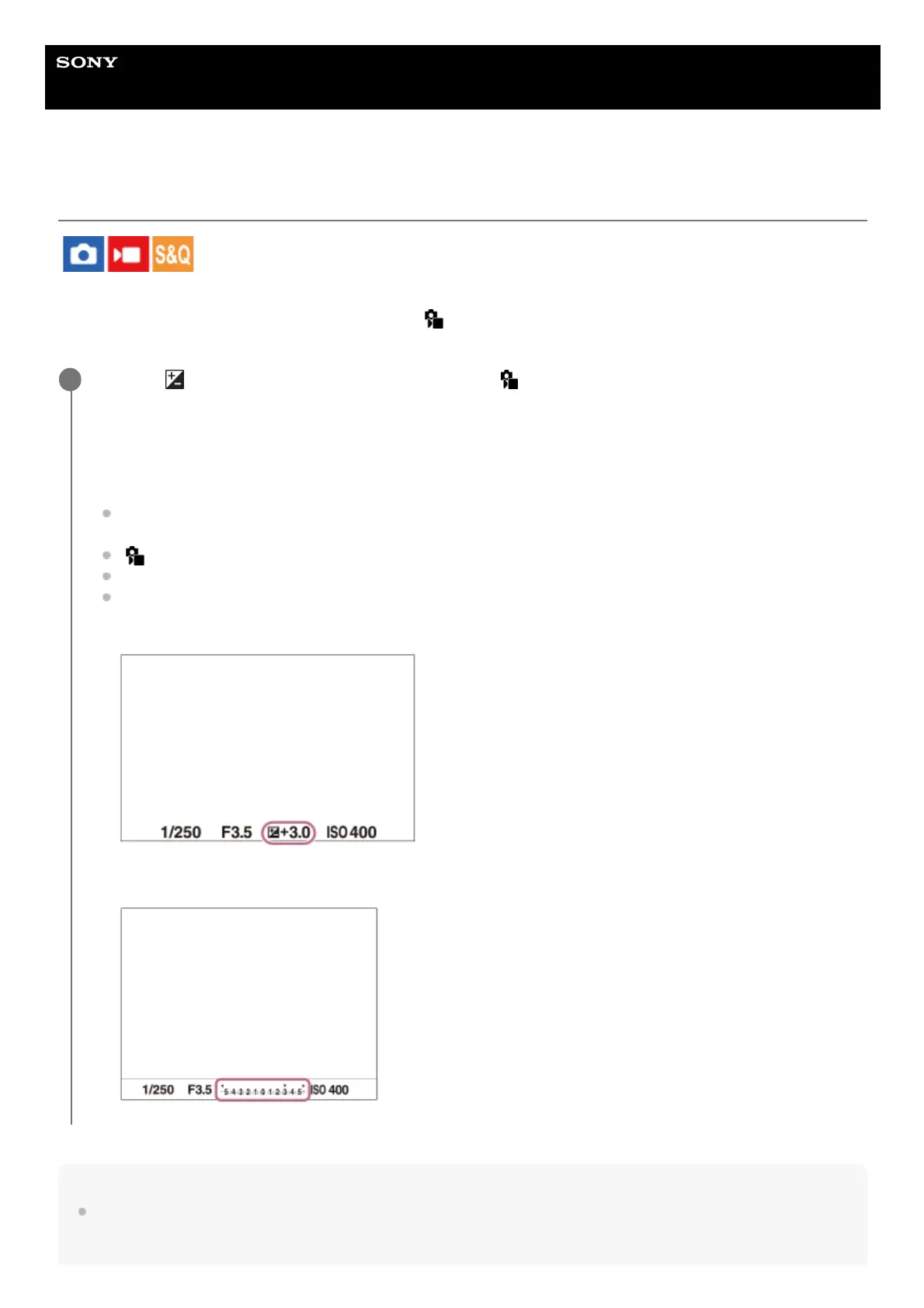
You can confirm the exposure compensation value that you set on the shooting screen.
Monitor
Viewfinder
1



 To Next Page
 Loading...








