Help Guide
Interchangeable Lens Digital Camera
ILCE-7CM2 α7CII
FEL lock
The flash level is automatically adjusted so that the subject gets the optimum exposure during normal flash shooting. You
can also set the flash level in advance.
FEL: Flash Exposure Level
Hint
By setting [FEL Lock hold], you can hold the setting while the button is pressed down. Also, by setting [FEL Lock/AEL hold] and
[FEL Lock/AEL tggle.], you can shoot images with the AE locked in the following situations.
When [Flash Mode] is set to [Flash Off] or [Autoflash].
When the flash cannot go off.
MENU →
(Setup) → [Operation Customize] → [ Custom Key/Dial Set.] → desired button, then assign
the [FEL Lock toggle] function to the button.
1
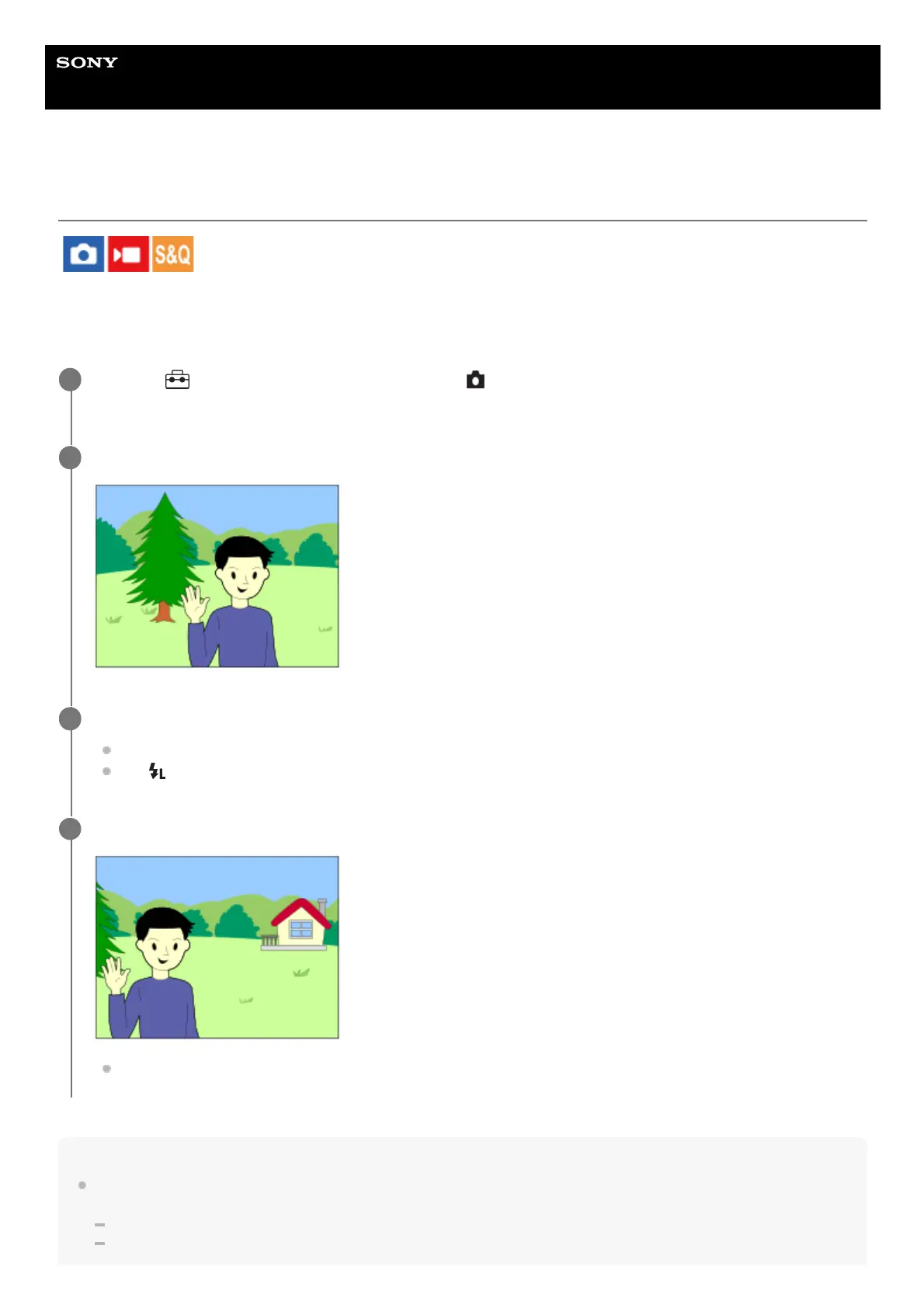
Center the subject on which FEL is to be locked, and adjust the focus.
2
Press the button to which [FEL Lock toggle] is registered, and set the flash amount.
A pre-flash flashes.
The
(FEL lock) lights up.
3
Adjust the composition and shoot the image.
When you want to release the FEL lock, press the button to which the [FEL Lock toggle] is registered again.
4



 To Next Page
 Loading...








