Help Guide
Interchangeable Lens Digital Camera
ILCE-7CM2 α7CII
Different Set for Still/Mv
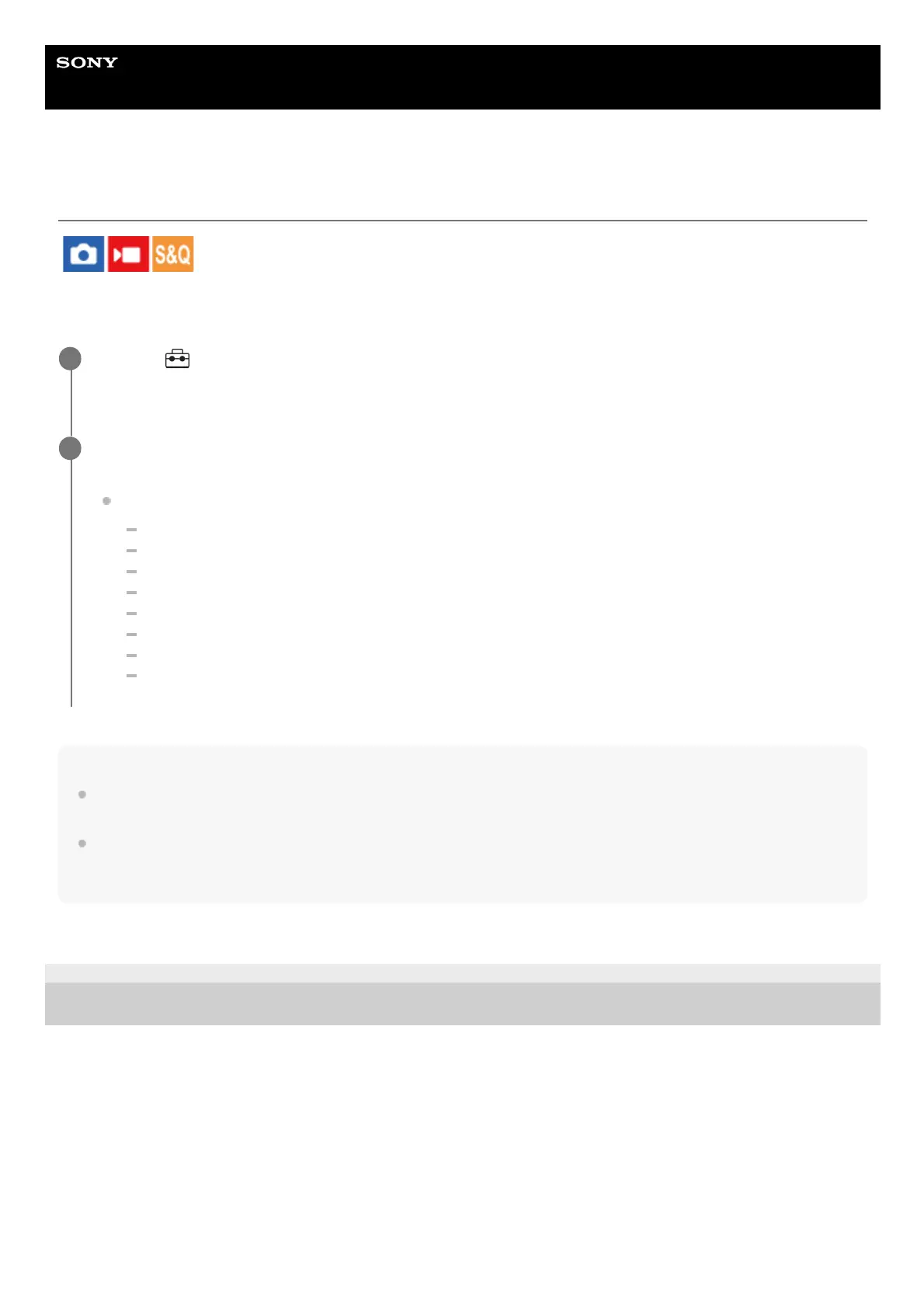
For each item in still image shooting and movie recording, you can select whether to use a common setting or separate
settings.
Hint
When you switch from a common setting to separate settings with [Different Set for Still/Mv], the current settings are applied to
both still image shooting and movie recording. However, the custom white balance setting is only applied to still image shooting.
When you switch from separate settings to a common setting with [Different Set for Still/Mv], the setting values of items return to
their initial values. As an exception, the setting values for still image shooting are applied to the aperture value, shutter speed,
and custom white balance settings.
TP1001167560
5-054-865-11(1) Copyright 2023 Sony Corporation
MENU →
(Setup) → [Operation Customize] → Select [Different Set for Still/Mv].
The operation guide screen will appear. Select [OK] to display the setting screen.
1
Add check marks to the items that you want to set separately for still image shooting and movie recording,
and then select [OK].
You can set the following items separately for still image shooting and movie recording.
Aperture
Shutter Speed
ISO
Exposure Comp.
Metering Mode
White Balance
Picture Profile
Focus Mode
2


 To Next Page
 Loading...









