Initial settings
21
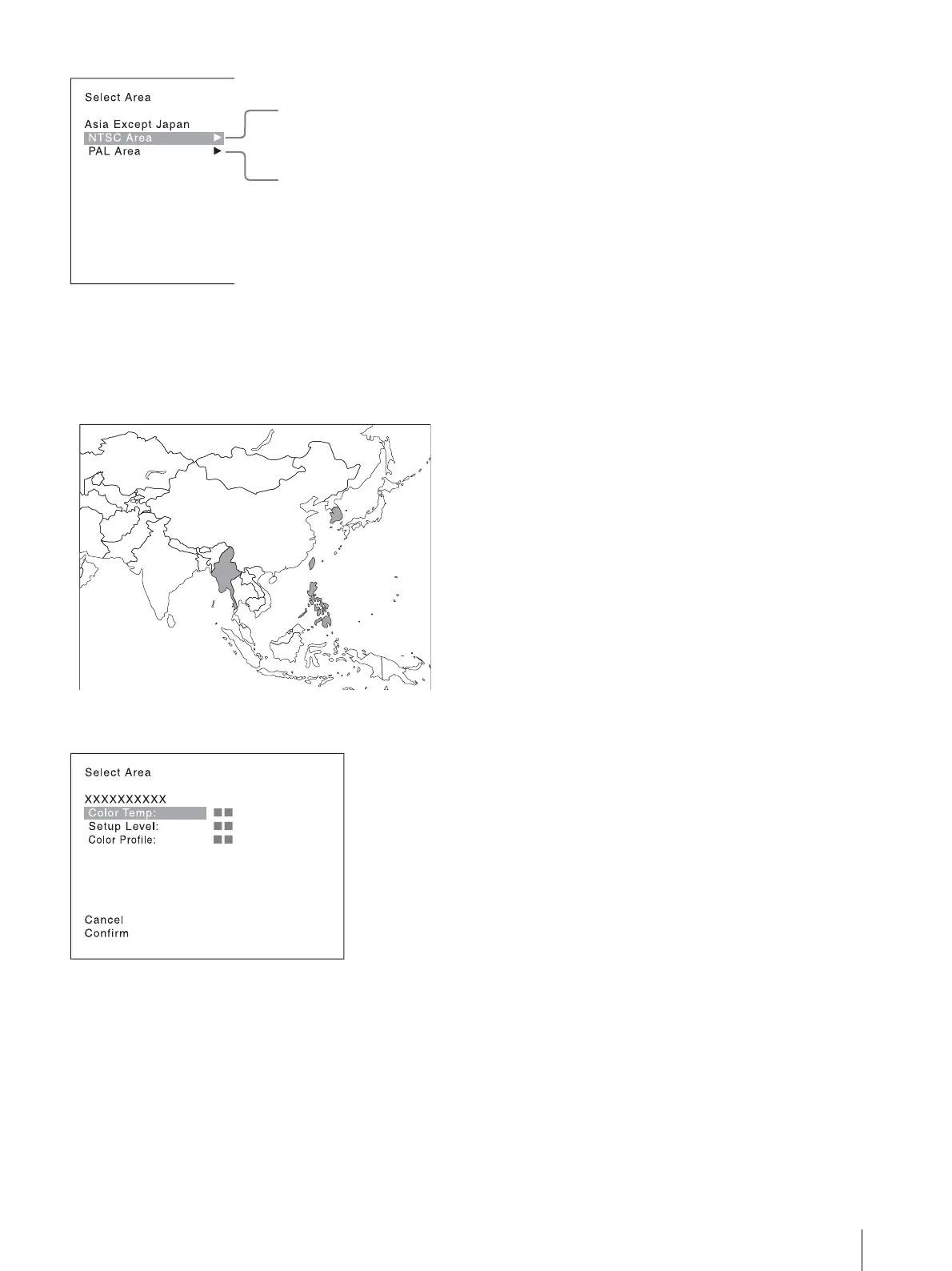
Customers who will use this monitor in the shaded
areas shown in the map below should select [NTSC
Area].
Other customers should select [PAL Area].
Then press the ENTER (Ent) button.
3
Confirm the settings.
[Cancel]: Select to cancel the setting and return to
the Select Area screen.
[Confirm]: Select to save the setting and end
selecting the area.
See “Default value for each area” on page 20 on the
setting value.
After saving and reflecting the setting, you can change
the setting with the menu.
[Color Temp] (color temperature) (page 36)
[Setup Level] ([NTSC Setup Level]: page 37)
[Color Profile] (page 39)






 To Next Page