Setting for the LAN to Connect Multiple Units
22
Setting for the LAN to
Connect Multiple Units
You can control the multiple monitors using the
controller (BKM-17R, sold separately) connected via
each LAN (10/100) connector. You can also control a
specific monitor or monitor group.
Set an IP address to the monitors and controller and a
monitor ID number and group ID number to each
monitor.
1
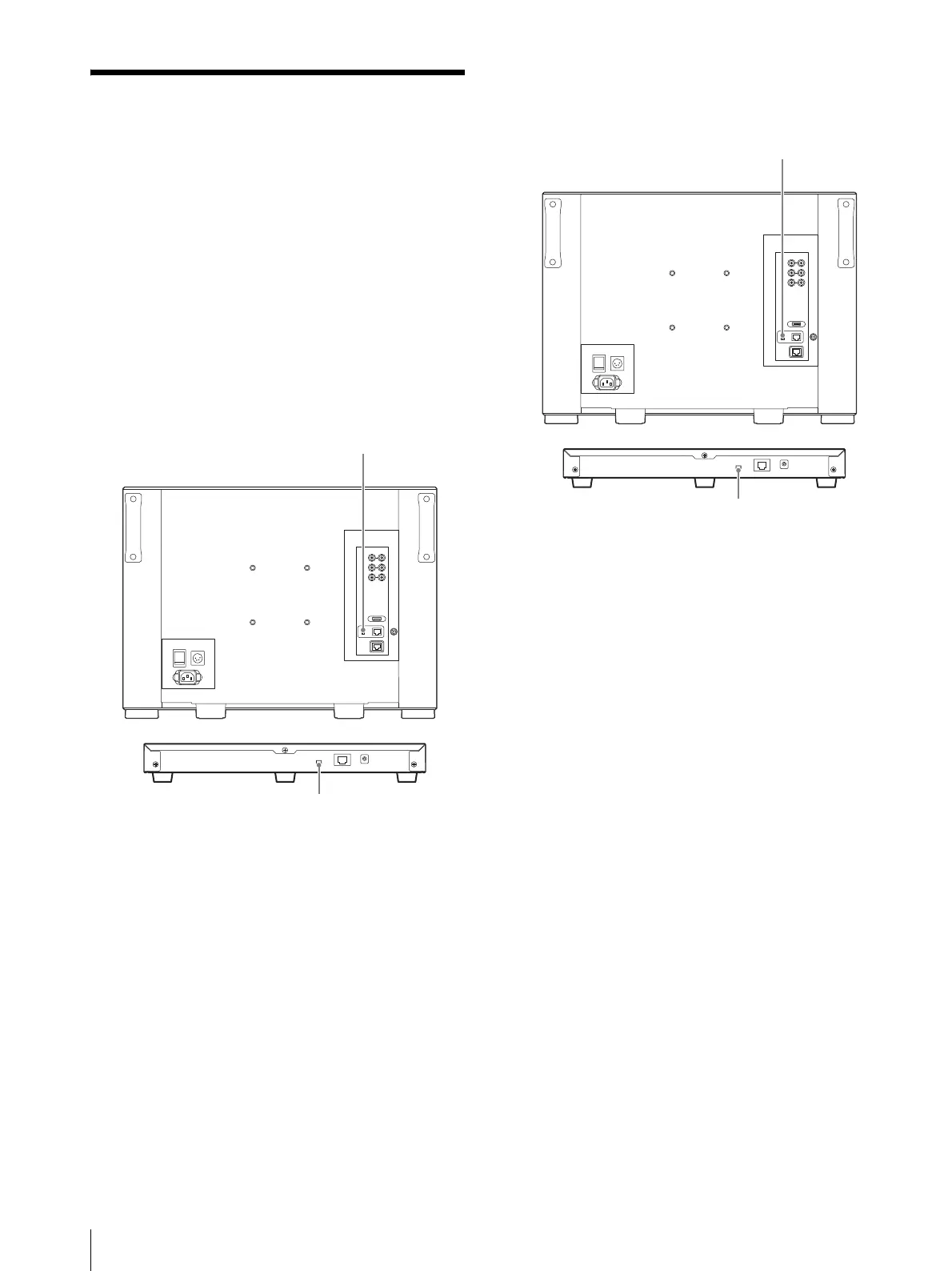
Set the NETWORK switches of each monitor and
the controller to PEER TO PEER.
2
Set the different IP address to each monitor and the
controller.
Monitor: Set the IP address in the [Network
Setting] menu (page 60) of the [System
Configuration] menu.
Controller: Set the IP address in the [Network
Setting] menu (page 70) of the [Controller] menu.
3
Set [Monitor ID] and [Group ID] in the [Network
Setting] menu (page 60) of the [System
Configuration] menu.
Set the different monitor ID number to each
monitor and if necessary, group ID number.
You can use the numbers 1 to 99 as a monitor ID
number or group ID number.
4
Set the NETWORK switches of the monitor and the
controller to LAN.
NETWORK switch:
Set to PEER TO PEER.
NETWORK switch:
Set to PEER TO PEER.
BKM-17R
NETWORK switch:
Set to LAN.
NETWORK switch:
Set to LAN.
BKM-17R






 To Next Page