An
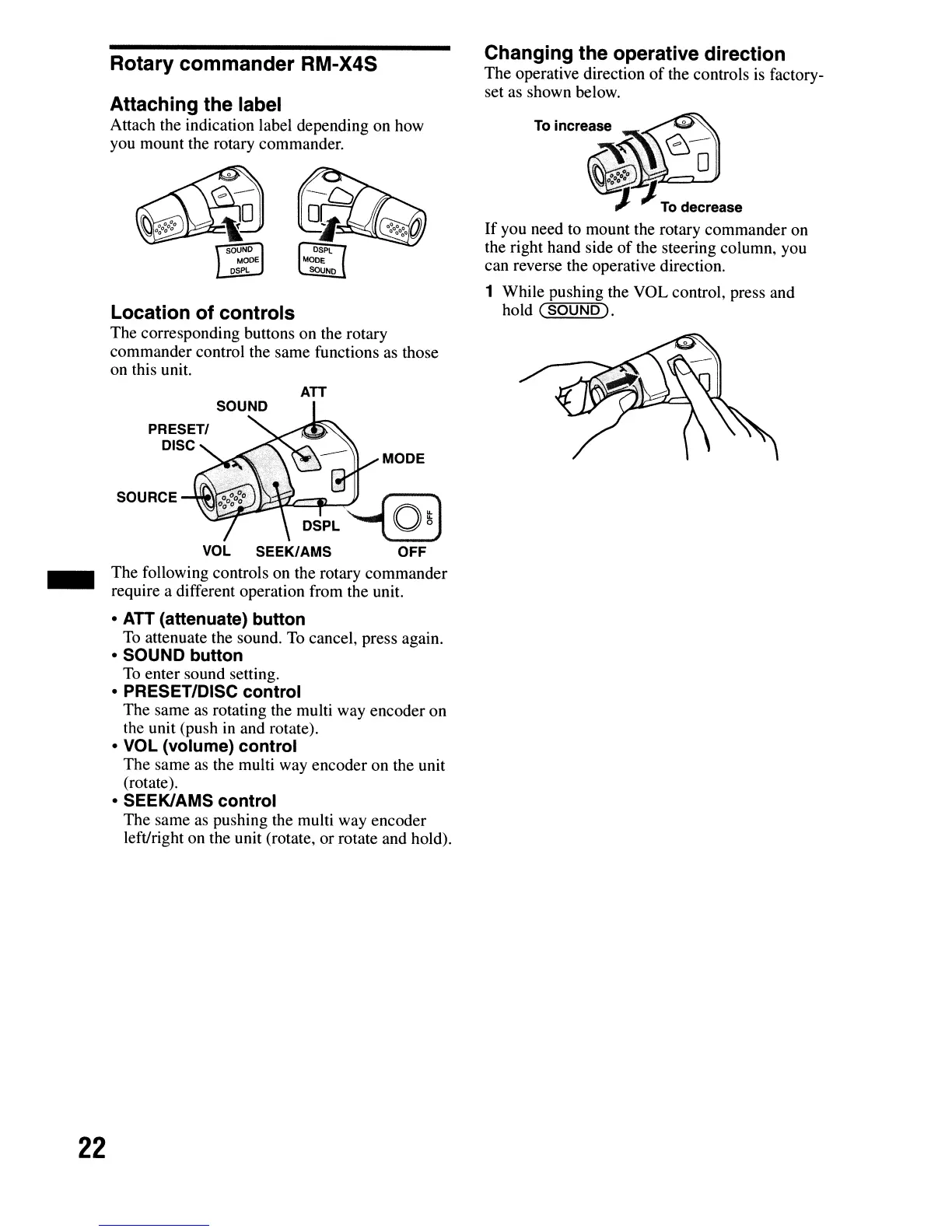
Changing the operative direction
The operative direction
of
the controls is factory-
set as shown below.
MODE
SOURCE
SOUND
PRESETI
DISC
DSPL
~-(
O~)
VOL
SEEK/AMS OFF
The following controls on the rotary commander
require a different operation from the unit.
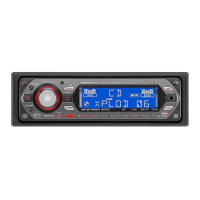
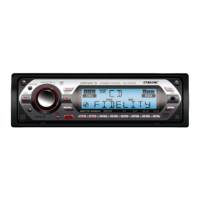
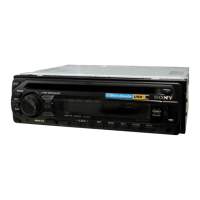
Location of controls
The corresponding buttons on the rotary
commander control the same functions as those
on this unit.
Rotary
commander
RM-X4S
Attaching the label
Attach the indication label depending on how
you mount the rotary commander.
-
• ATT (attenuate) button
To
attenuate the sound.
To
cancel, press again.
• SOUND button
To
enter sound setting.
• PRESET/DISC control
The same as rotating the multi way encoder on
the unit (push
in
and rotate).
• VOL (volume) control
The same as the multi way encoder on the unit
(rotate).
• SEEKIAMS control
The same
as
pushing the multi way encoder
left/right on the unit (rotate,
or
rotate and hold).
22


 To Next Page