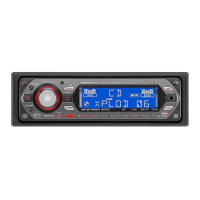
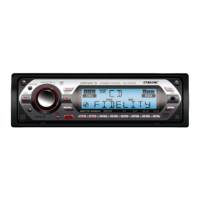
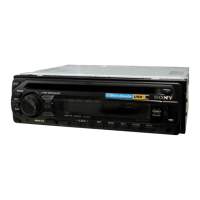
[l]
Disc slot page 14
To insert the disc.
rnJ
Display window
[ID
Receptor for the card remote
commander
l1m
~
(front panel release) button page 6
[j] MODE button page
13,17,18
Press to: Select the radio band (FM/AM)*1/
select the play mode
of
iPod.
Press and hold to: Enter/cancel the passenger
control.
[jg]
SHUF (shuffle) button page 15, 16, 18,
21
[3]
DSPL (display)/SCRL (scroll) button
page
14,16,17
To change display items (press); scroll the
display item (press and hold).
lHl
RESET button page 6
11§1
~
(eject)/ANGLE button page 7
To eject the disc/slide down the front panel
(press); angle the front panel in 3 positions
(press and hold).
*I
In
the case
of
a CO changer. HO Radio tuner
or
SAT tuner being connected; when
(SOURCE)
is
pressed, the connecteddevice ("HO," "XM"
or
"SR'?
will appear in the display, depending on which
device is connected. Furthermore,
if
(MODE)
is
pressed, you can switch the changer, HO Radio
tuner
band
or
SAT tuner band.
*2 When the SAT tuner is connected.
*3
When an MP3IWMAlAAC is played.

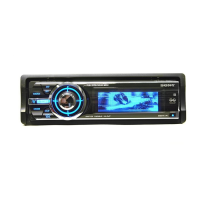

 To Next Page