Dubbing/Editing
Dubbing/Editing
101
Memory capacity for still images after
resizing
b Notes
• You may not be able to resize images recorded on
other devices.
• You cannot resize movies.
Marking recorded
images with specific
information – Image
protection/Print mark
Make sure the write-protect tab on the
“Memory Stick” is not set to the write-protect
position.
Preventing accidental erasure –
Image protection
You can select and mark images to prevent
accidental erasure.
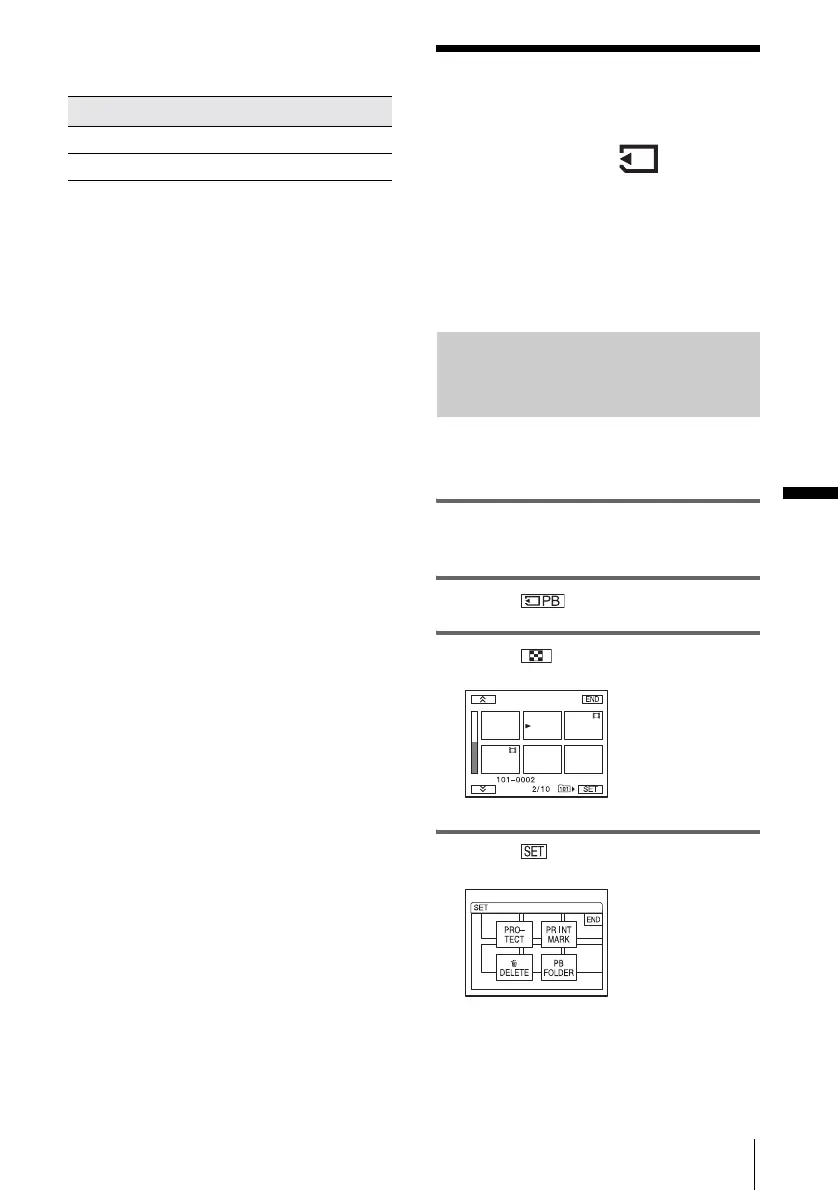
1 Slide the POWER switch to select the
PLAY/EDIT mode.
2 Touch .
3 Touch .
4 Touch .
Image size Memory capacity
640 × 480 About 150 KB
320 × 240 About 16 KB
,continued















 To Next Page