Playback
50
To return to the single display mode, touch the
picture that you want to display.
To view pictures in other folders in the
index screen
1
Touch .
2 Touch .
3 Touch [PB FOLDER].
4 Select a folder with / , then touch
.
Various playback
functions
You can magnify a small subject in a
recording and display it on the screen. You
can also display the recorded date and the
name of the folder in which the picture is
recorded.
Magnifying pictures – Tape
playback zoom/Memory playback
zoom
You can magnify movies recorded on a tape
or still images stored on a “Memory Stick.”
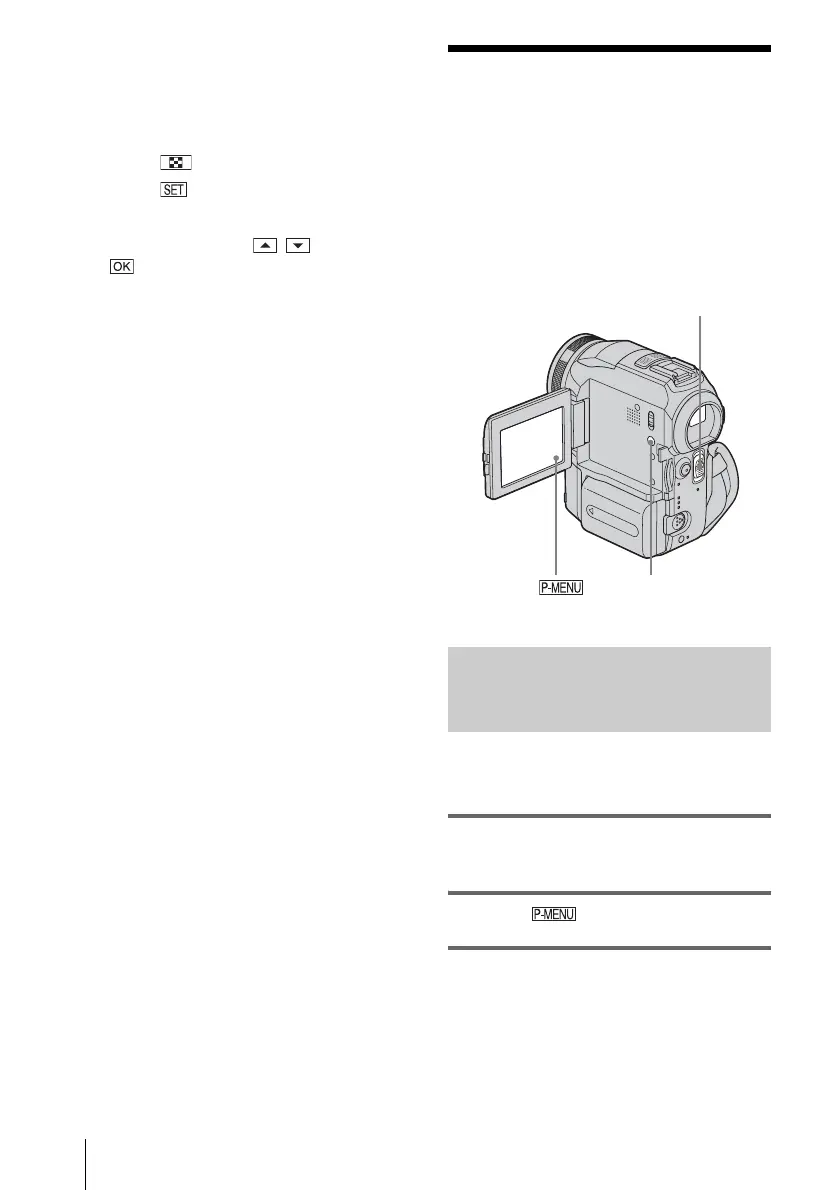
1 Slide the POWER switch repeatedly to
select the PLAY/EDIT mode.
2 Touch .
3 Touch [MENU].
DISPLAY/BATT INFO
POWER switch















 To Next Page