Getting started
22
Step 7: Setting the
screen language
You can select the language to be used on the
LCD screen.
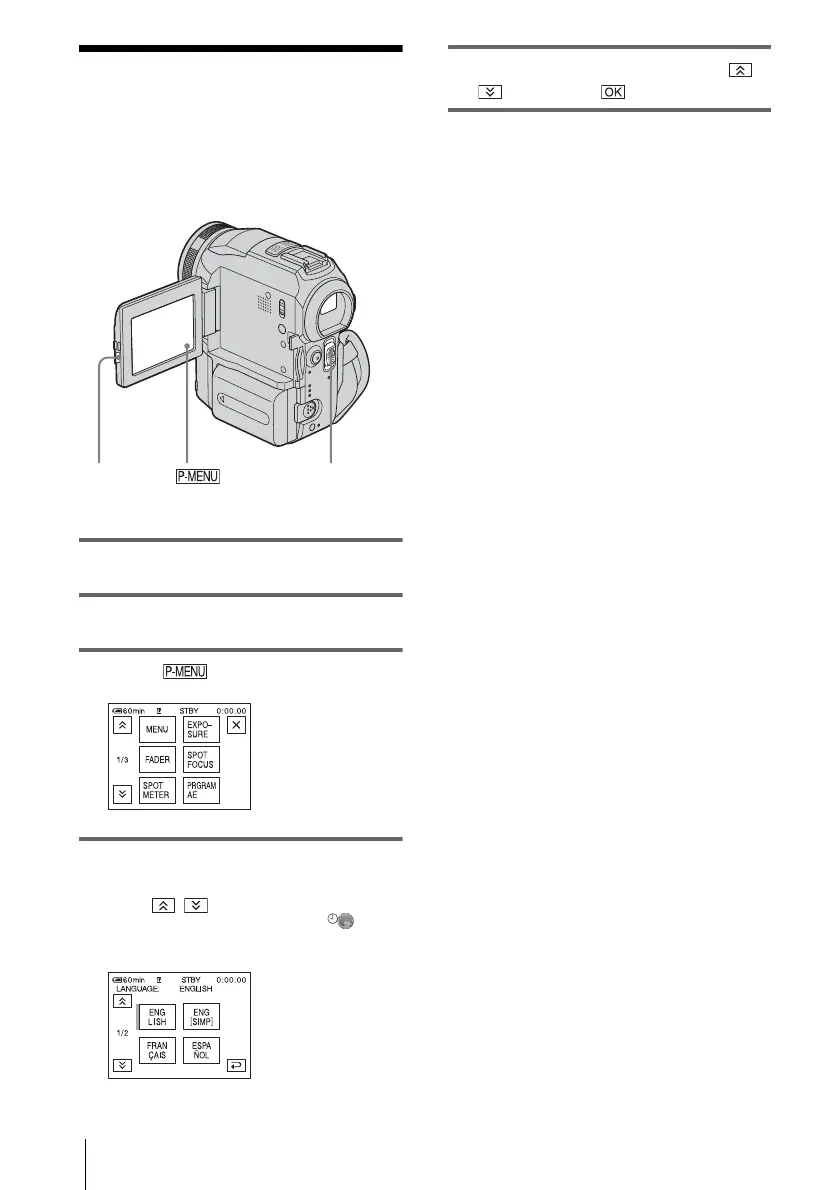
1 Turn on your camcorder.
2 Press OPEN to open the LCD panel.
3 Touch .
4 Touch [LANGUAGE].
If the item is not displayed on the screen,
touch / . If you cannot find it, touch
[MENU], and select it from the
(TIME/LANGU.) menu (p. 82).
5 Select the desired language with /
, then touch .
z Tip
• Your camcorder offers [ENG [SIMP]] (simplified
English) for when you cannot find your native
tongue among the options.
POWER switch
OPEN















 To Next Page