Playback
Playback
47
Viewing recordings with added
effects – Digital effect
You can apply [STILL], [FLASH], [LUMI.
KEY], and [TRAIL] effects when viewing
recorded pictures. For details on each effect,
see page 40.
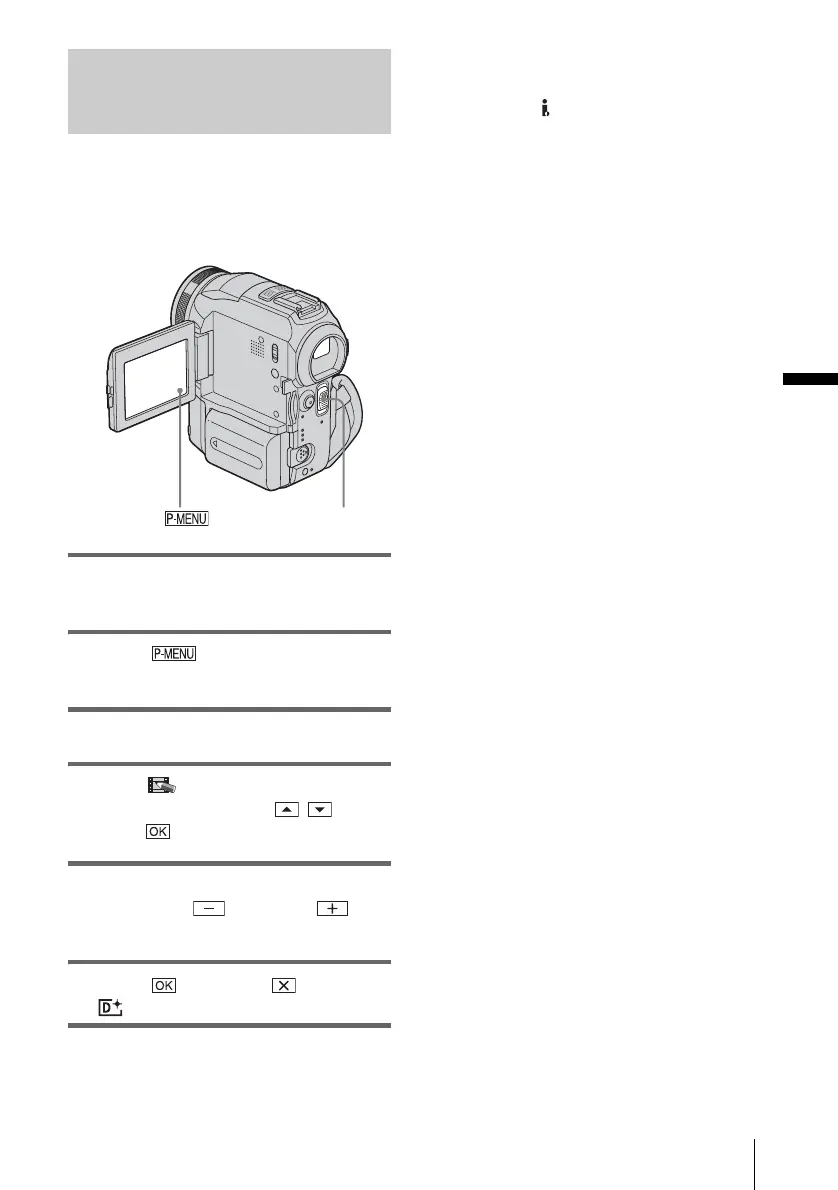
1 Slide the POWER switch repeatedly to
select the PLAY/EDIT mode.
2 Touch while the picture you
want to add the effect to is displayed.
3 Touch [MENU].
4 Select (PICT. APPLI.), then [D.
EFFECT] by touching / and
touch .
5 Select an effect, then adjust the effect
by touching (decrease)/
(increase).
6 Touch twice, then .
appears.
To cancel Digital effect
Follow steps 2 to 4, then select [OFF] in step 5.
b Note
• You cannot add effects to externally input pictures.
Also, you cannot output pictures edited with digital
effects via the DV Interface.
z Tip
• You cannot record the pictures edited using special
effects on the tape in your camcorder, but you can
copy them to a “Memory Stick” (p. 89) or another
tape (p. 87).
POWER switch















 To Next Page