Getting started
Getting started
19
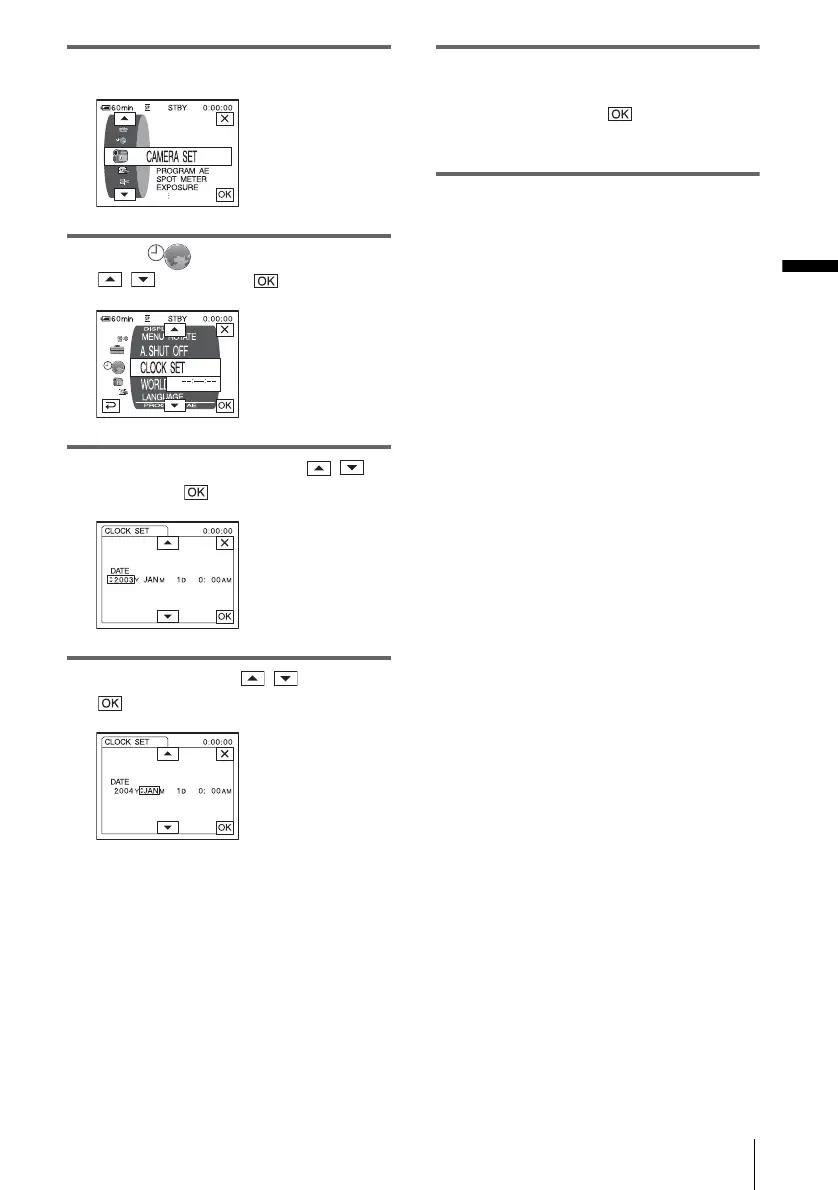
4 Touch [MENU].
5 Select (TIME/LANGU.) with
/ , then touch .
6 Select [CLOCK SET] with / ,
then touch .
7 Set [Y] (year) with / , then touch
.
You can set any year up to the year 2079.
8 Set [M] (month), [D] (day), hour and
minute in the same way as was done in
step 7, then couch .
For midnight, set it to 12:00AM.
For midday, set it to 12:00PM.















 To Next Page