Before performing advanced
operations
This section describes the basic control methods that are frequently used for
“Advanced operations.”
How to use the mode dial
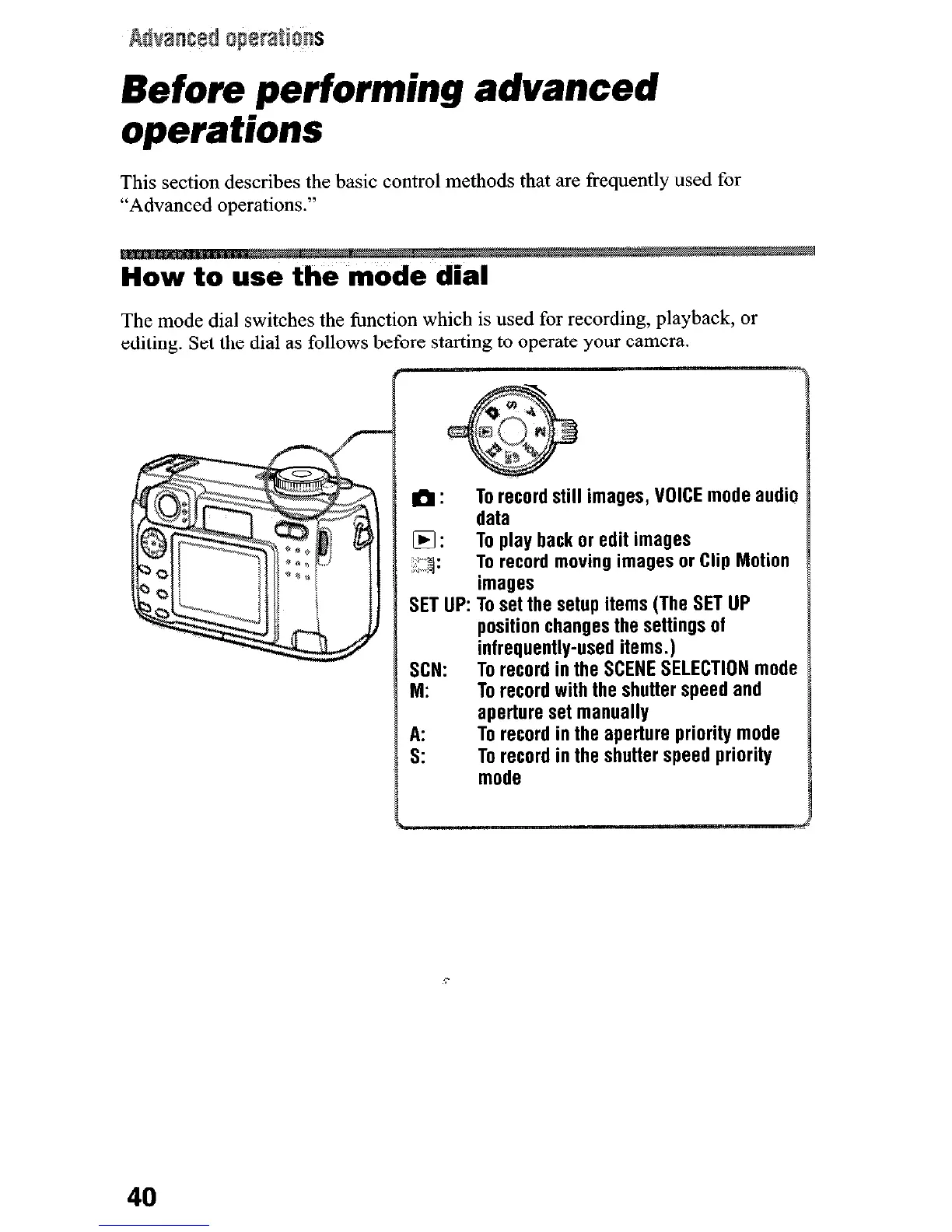
The mode dial switches the function which is used for recording, playback, or
editing. Set the dial as follows before starting to operate your camera.
th:
To record still images, VOICE mode audio
data
q :
To play back or edit images
‘1:
&”
To record moving images or Clip Motion
images
SET UP: To set the setup items (The SET UP
position changes the settings of
infrequently-used items.)
SCN:
To record in the SCENE SELECTION mode
M:
To record with the shutter speed and
aperture set manually
A:
To record in the aperture priority mode
s:
To record in the shutter speed priority
mode
40











 To Next Page