Recording the date
and time on the still
image (DATE/TIME)
Mode dial: LL ISIAIMISCN
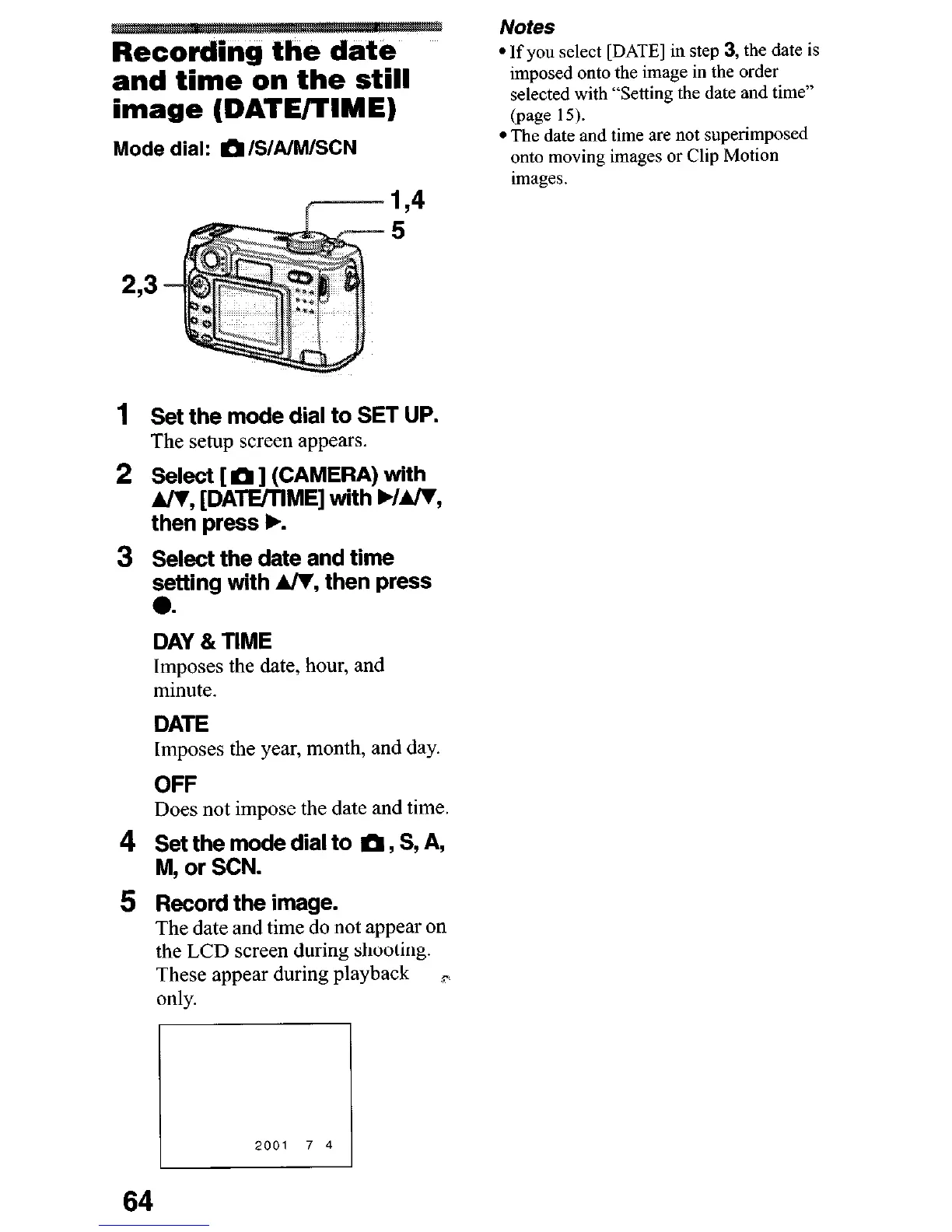
5
2,3
1
Set the mode dial to SET UP.
The setup screen appears.
2 Select [ m ] (CAMERA) with
A/V, [DATE/TlME] with b/m,
then press b.
3 Select the date and time
setting with A/V, then press
0.
DAY 81 TIME
Imposes the date, hour, and
minute.
DATE
Imposes the year, month, and day.
OFF
Does not impose the date and time.
4 rJ;;p;de dial to m, S, A,
5 Rkcord the image.
The date and time do not appear on
the LCD screen during shooting.
These appear during playback
P
only.
Notes
l If you select [DATE] in step 3, the date is
imposed onto the image in the order
selected with “Setting the date and time”
(page 15).
l The date and time are not superimposed
onto moving images or Clip Motion
images.
64











 To Next Page