Changing the
recorded still image
size (RESIZE)
Mode dial: m
You can change the image size of the
recorded image.
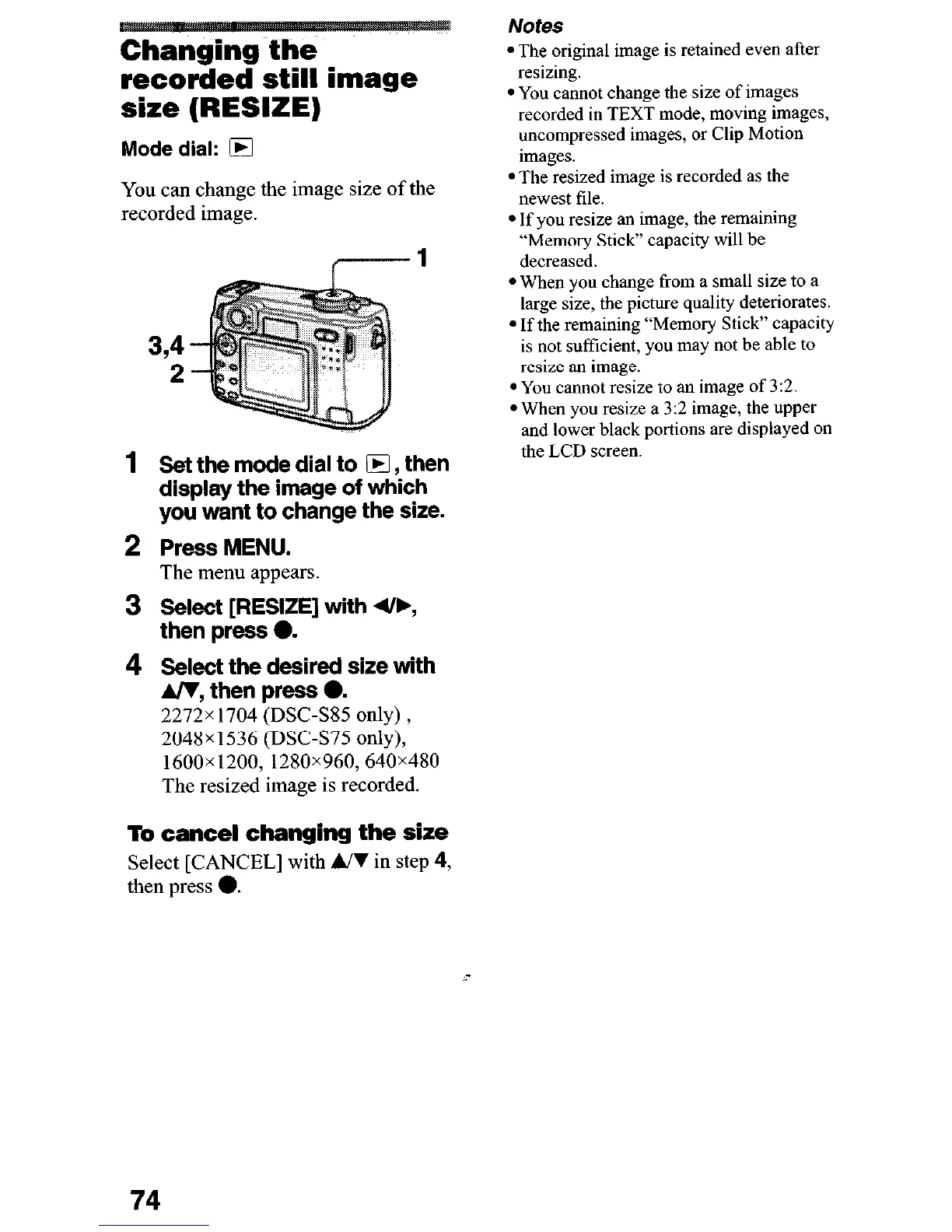
1
Set the mode dial to 0, then
display the image of which
you want to change the size.
2 Press MENU.
The menu appears.
3 Select [RESIZE] with 4/b,
then press 0.
4 Select the desired size with
A/V, then press 6
2272x 1704 (DSC-SS5 only) ,
2048x1536 (DSC-S75 only),
1600~1200,1280~960,640~480
The resized image is recorded.
To cancel changing the size
Select [CANCEL] with MI in step 4,
then press 0.
Notes
l The original image is retained even after
resizing.
l You cannot change the size of images
recorded in TEXT mode, moving images,
uncompressed images, or Clip Motion
images.
l The resized image is recorded as the
newest file.
l If you resize an image, the remaining
“Memory Stick” capacity will be
decreased.
l When you change from a small size to a
large size, the picture quality deteriorates.
l If the remaining “Memoly Stick” capacity
is not sufficient, you may not be able to
resize an image.
l You cannot resize to an image of 3:2.
l When you resize a 3:2 image, the upper
and lower black portions are displayed on
the LCD screen.
74











 To Next Page