Deleting images
(DELETE)
Mode dial:
q
You can delete unwanted files,
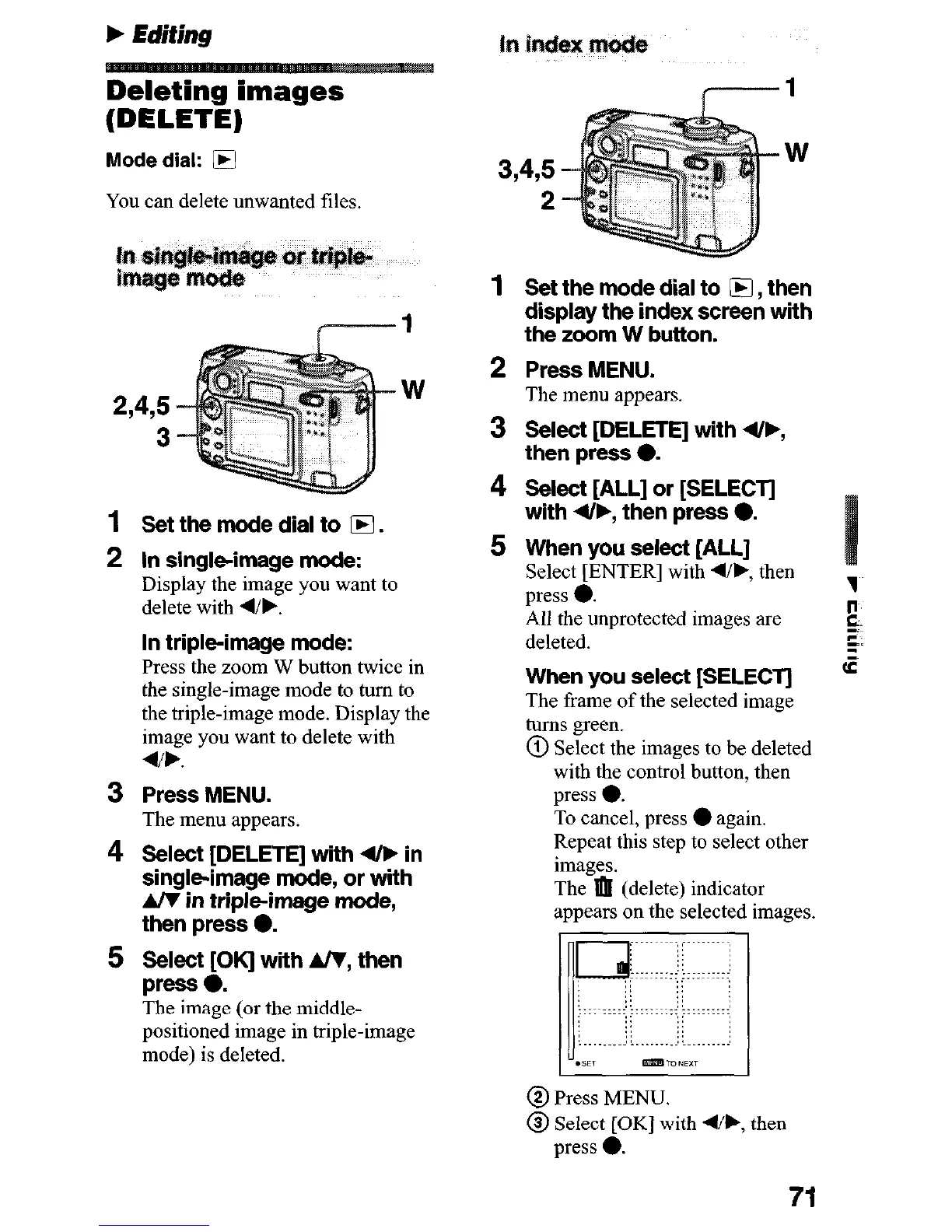
2,4,5
W
3
Set the mode dial to IF.
In single-image mode:
Display the image you want to
delete with 4/b.
In triple-image mode:
Press the zoom W button twice in
the single-image mode to turn to
the triple-image mode. Display the
image you want to delete with
4/b.
Press MENU.
The menu appears.
Select [DELETE] with 4/k in
single-image mode, or with
A/T in triple-image mode,
then press 0.
Select [OK] with A/Y, then
press 0.
The image (or the middle-
positioned image in triple-image
mode) is deleted.
Set the mode dial to @I, then
display the index screen with
the zoom W button.
Press MENU.
The menu appears.
Select [DELETE] with 4/F,
then press 0.
Select [ALL] or [SELECT]
with 4/b, then press e.
When you select [ALL]
Select [ENTER] with d/b, then
press 0.
All the unprotected images are
deleted.
When you select [SELECT]
The frame of the selected image
turns green.
@ Select the images to be deleted
with the control button, then
press 0.
To cancel, press
l
again.
Repeat this step to select other
images.
The a (delete) indicator
appears on the selected images.
.BET mmTONEXT
@ Press MENU.
@ Select [OK] with 4/k, then
press 0.
71











 To Next Page